A Cornell page is a note page split into three parts: a wide area for notes, a narrow column beside it for questions, and a strip along the bottom for a summary. It was built for lectures, and it works just as well on a tablet as it does on paper. This guide covers the tablet version: what each part is for, and how to set it up in Goodnotes, Noteful or Noteshelf.
Where the layout comes from
Walter Pauk, an education professor at Cornell University, designed it in the 1950s for students who took plenty of notes and then never looked at them again. His fix was to build the review into the page: you can’t finish a Cornell page without going back over what you wrote.
What each part is for
The note area is the wide column on the right. This is where the lecture goes, while it’s happening. Write fast, abbreviate, skip full sentences. Leave a line between ideas so there’s room to add to them later.
The cue column is the narrow one on the left, and you leave it empty during the lecture. Afterwards, you read your notes back and write a question or a keyword beside each chunk: what causes inflation? next to the paragraph that answers it. Questions work better than headings, because a heading only tells you what the notes are about. A question makes you give the answer.
The summary sits across the bottom. Two or three sentences, in your own words, on what the whole page was about. If you can’t write it, that’s useful to know on a Tuesday and much less useful the night before an exam.
Most Cornell templates also have a short strip across the top for the title, the date and the module.
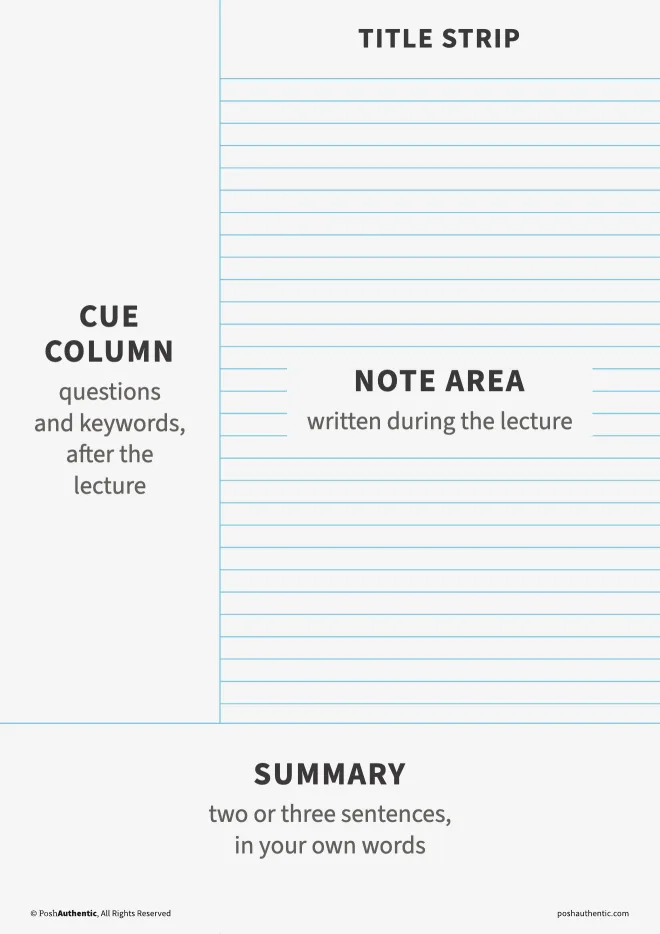
The four parts
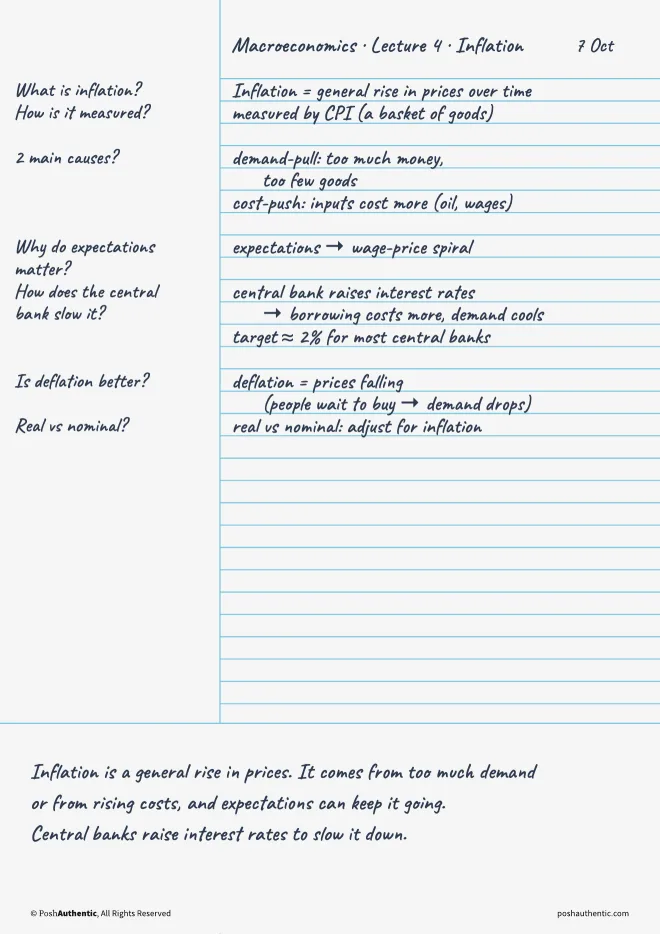
Filled in
Using it for a lecture
- In the lecture: notes only, in the note area. Leave the cue column alone.
- The same day: read the page back, fill in the cue column, and write the summary. Ten minutes while you still remember what the lecturer meant saves an hour later.
- Before an exam: cover the note area, read each question in the cue column, and answer it out loud. Then uncover the notes and check.
On paper you’d fold the page or put your hand over it. On a tablet, draw a filled rectangle over the note area with the app’s shape tool, test yourself, then delete the rectangle. Every one of the three apps has a shape tool.
Choosing a note area
Cornell pages don’t have to be ruled. The note area can take any paper:
- Ruled for lectures that are mostly talking
- Graph for maths, physics, and anything with working out
- Dot grid for a mix of writing and diagrams
- Blank for subjects you’d rather draw than write, like anatomy or design
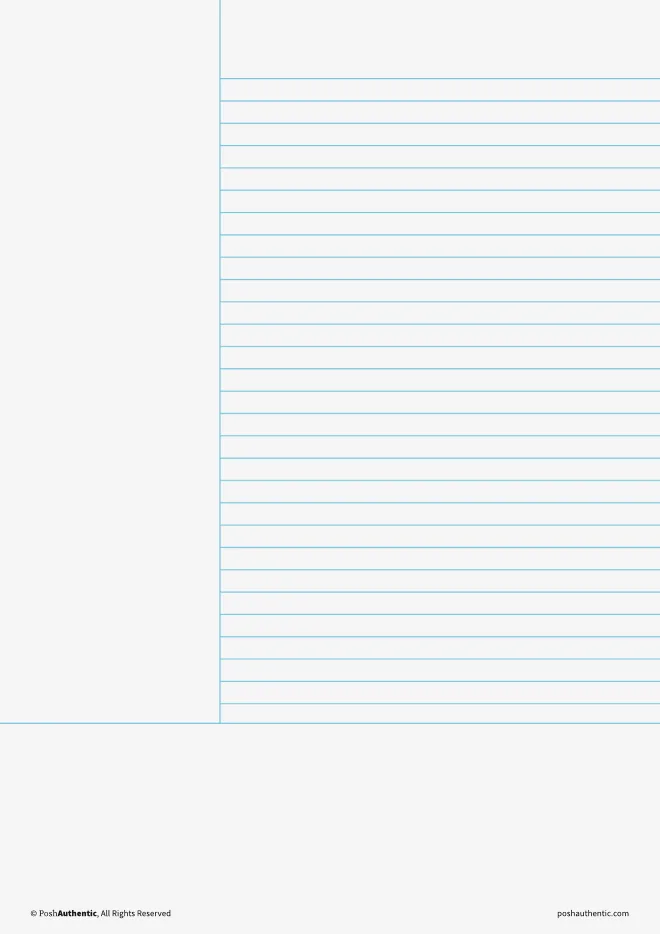
Ruled
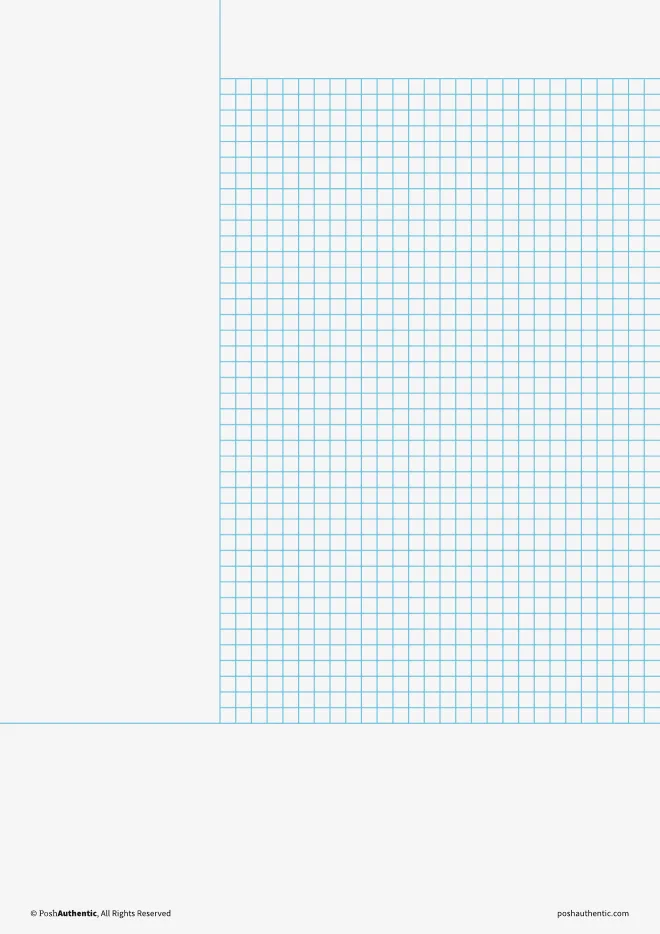
Graph
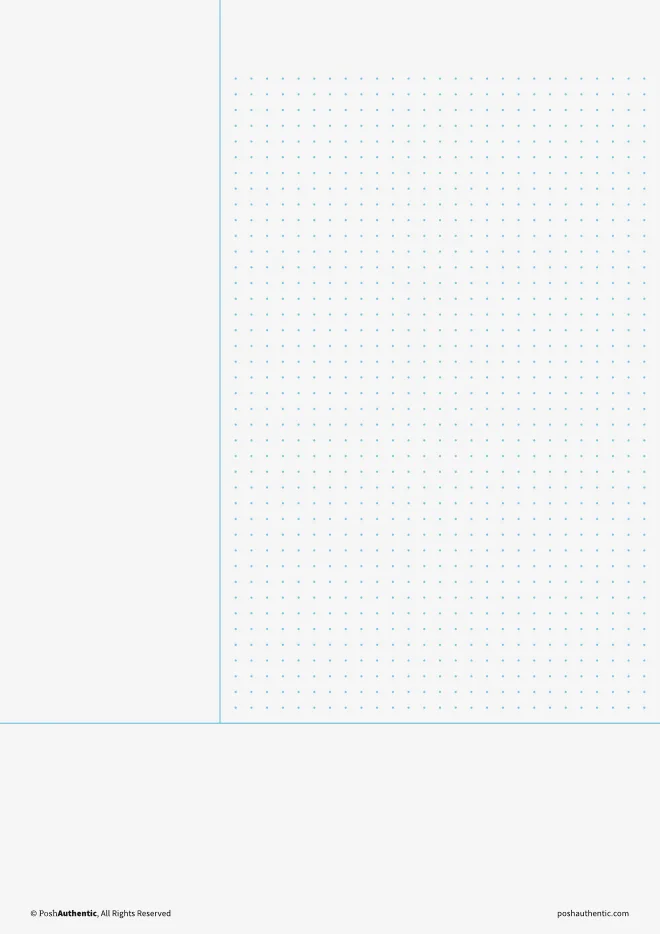
Dot grid
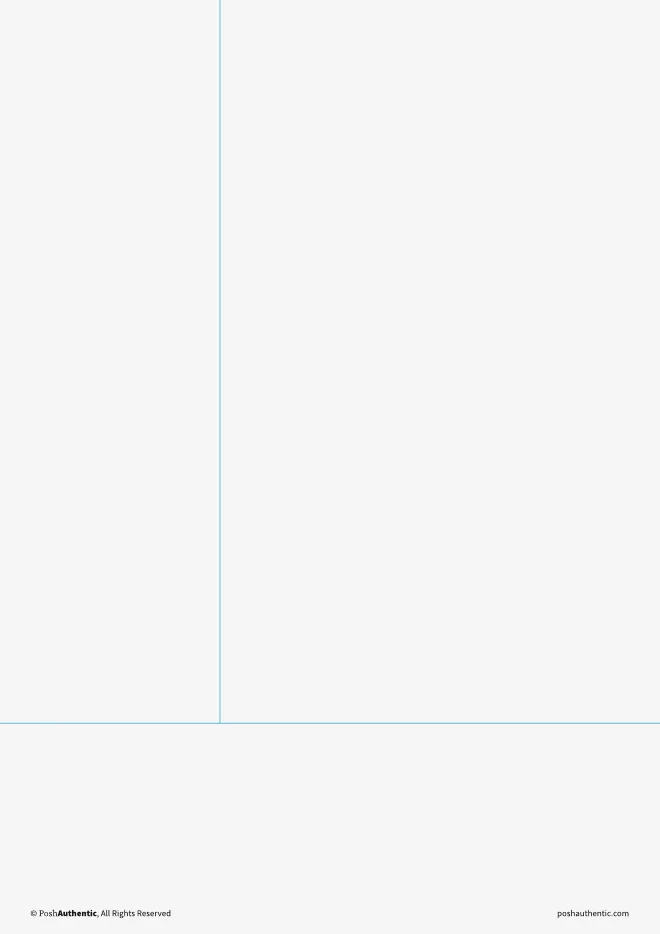
Blank
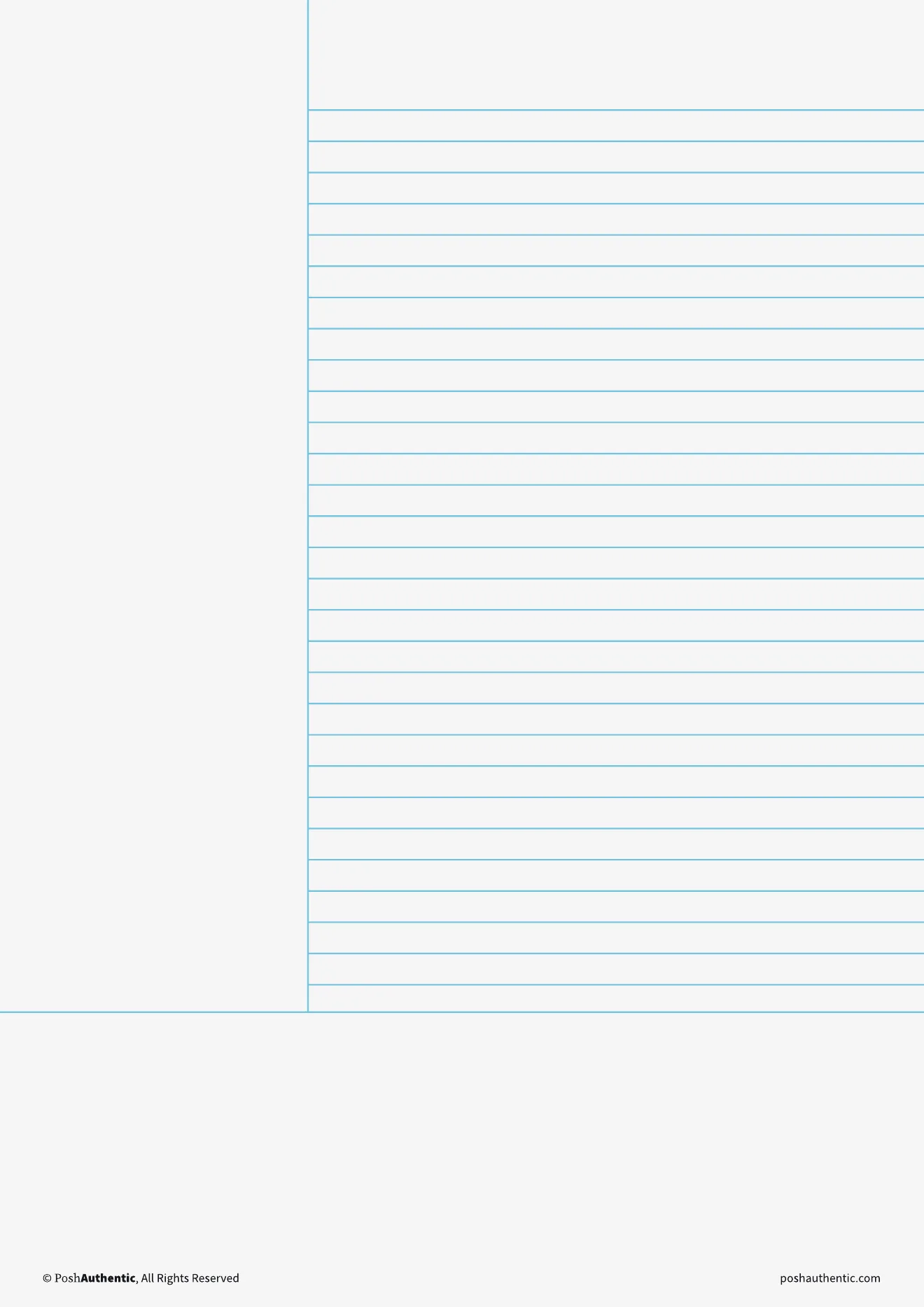
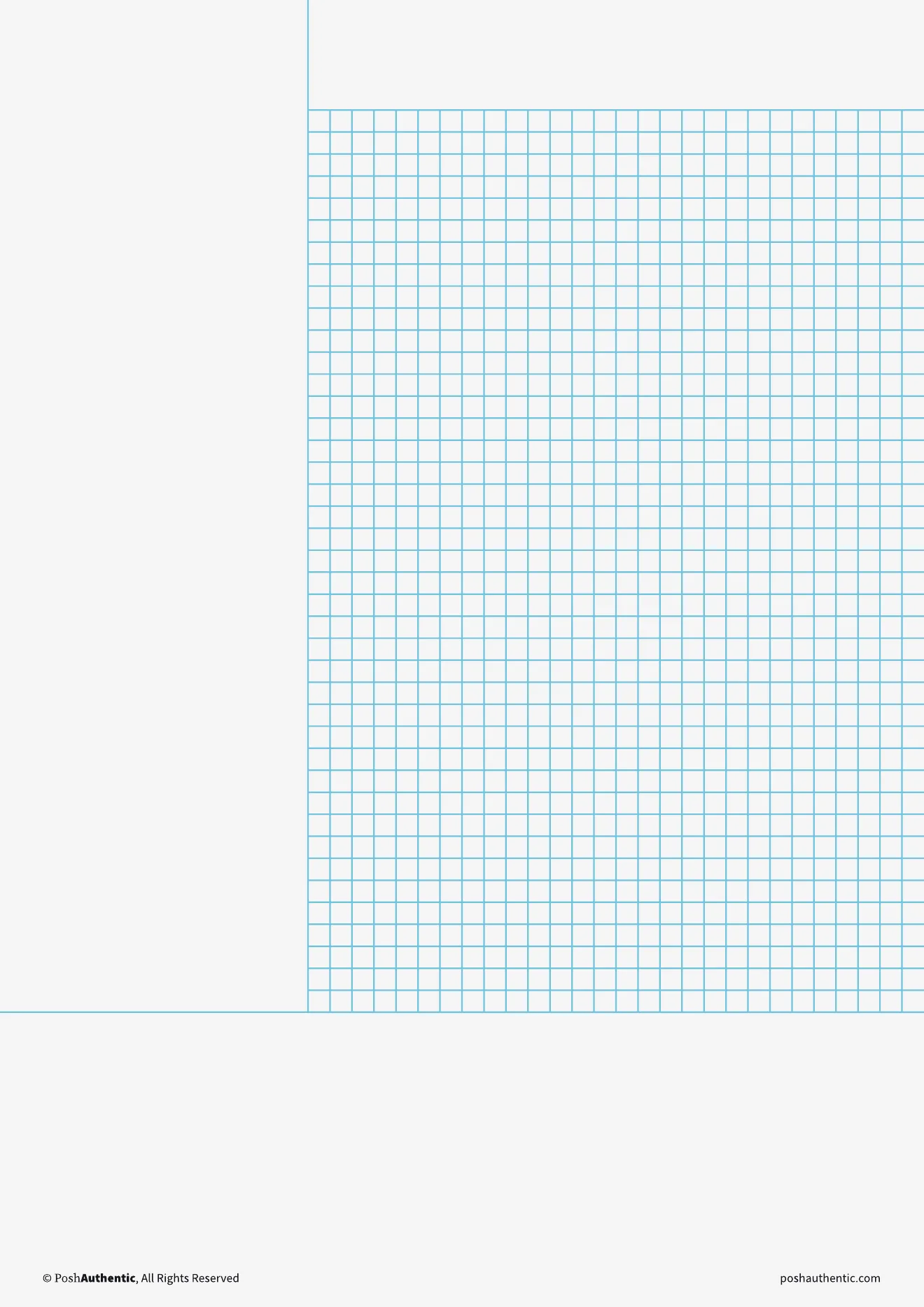
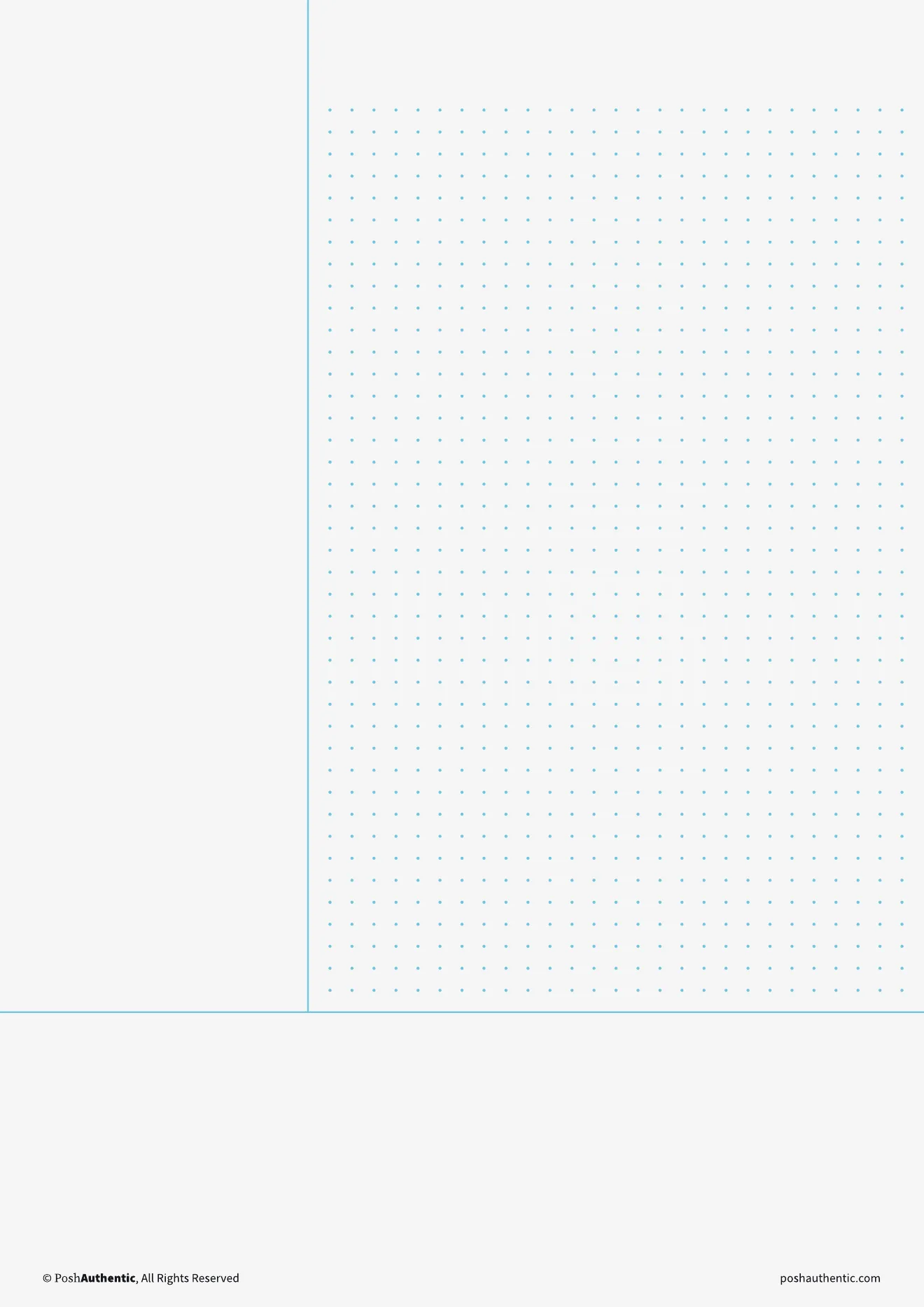
Some templates also leave out the summary strip, which gives the note area more room. If you use one of those, put your summary in the top strip or the last few lines of the note area. The habit matters more than the box.
Does it work in Goodnotes, Noteful and Noteshelf?
Yes, in all three. A Cornell template is a PDF page, and each app imports PDFs and lets you write on them with a stylus. Noteful runs on iPad and Mac only; on an Android tablet, use Noteshelf.
Setting it up is quick. Import the template PDF, and it opens as its own notebook, the same way in all three apps. Before each lecture, duplicate the Cornell page and write on the copy, so the blank original is always there.
Noteshelf lets you go one step further: open the Cornell page and use Save as Template. It then sits in Noteshelf’s paper list, and a new page can come out as a Cornell page, the same as ruled or graph.
Whichever app you use, keep one notebook per module. Revision then means opening one notebook, not searching through six.
What a tablet adds
Goodnotes and Noteshelf can search your handwriting (in Noteshelf, that’s part of Premium). That makes the cue column more useful than it is on paper: the keywords you wrote in it are exactly the words you’ll search for in May. Noteful can’t search handwriting, so there the cue column does the same job it does on paper. In all three apps, you can insert a fresh Cornell page in the middle of a notebook when a lecture runs long, and you can move a diagram with the lasso tool when it ends up in the wrong place.
The one thing paper still does better is the exam itself. Exams are handwritten on paper, so do some of your practice answers on paper too.
If you want the pages ready-made
Our Digital Note Templates include the Cornell layout eight ways: ruled, graph, dot grid and blank note areas, each with and without a summary strip. They come in A4 and Letter, in the same colors as our planners, and they import into Goodnotes, Noteful and Noteshelf.
Where to go next
- Digital planning for students — the planner half of a term: deadlines, and the setup that survives past week three
- A4 or Letter? — which page size suits your tablet
- Noteshelf and Noteful — the two apps side by side
- Digital Note Templates — the Cornell pages and the other layouts