PoshAuthentic
Digital Note Templates
Note pages for everything that isn’t a date, in the theme’s own colors.
01 · On this shelf
6 products
Ruled, dotted, grid and plain, each in every color a theme runs — so the page you take notes on matches the planner it sits beside. The deluxe set is those same layouts a second time, on a printed paper texture.
A dated planner handles the half of the year that has a date on it. The other half — meeting notes, a reading list, the page you need the moment someone starts talking — wants a sheet with no date and the right ruling. Keeping those in the theme is what stops a notebook looking like two notebooks.
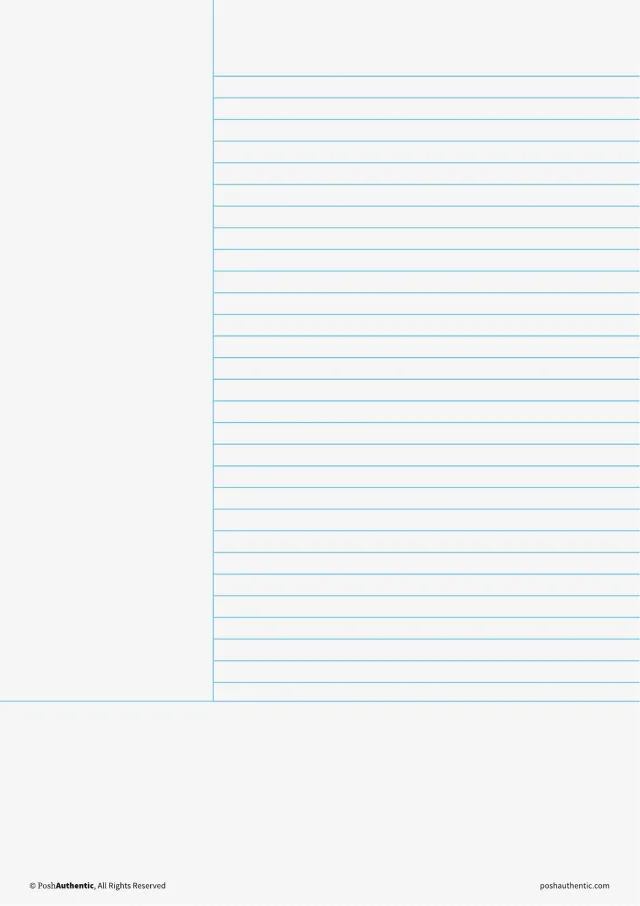
2026-2027 Mid-Year Digital Note TemplatesStandard Theme
Note pages for everything that isn’t a date — ruled, dotted, grid and plain.
A4 · Letter
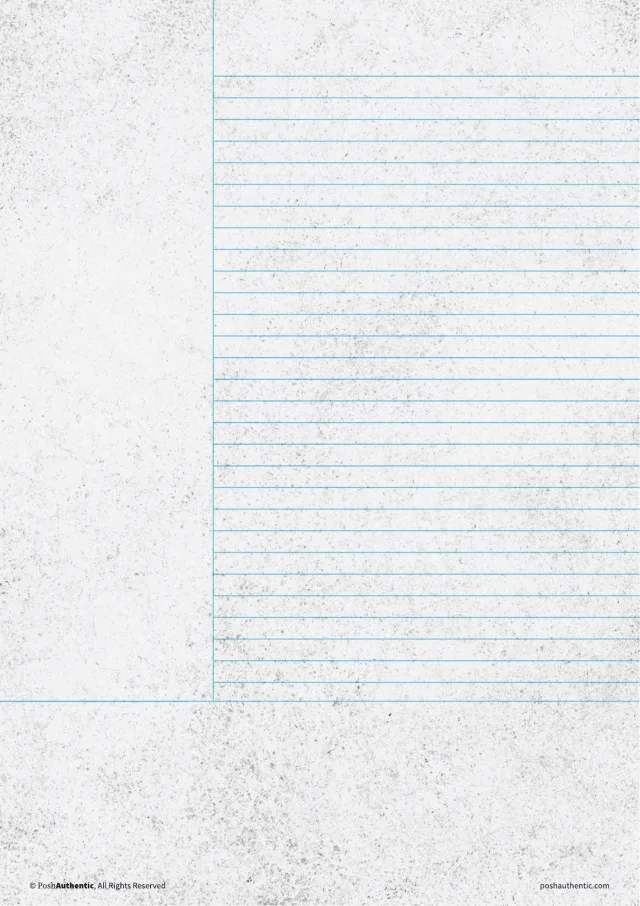
2026-2027 Mid-Year Deluxe Note TemplatesStandard Theme
Two note-template sets in one download — the standard sheets, and the textured ones as well.
A4 · Letter
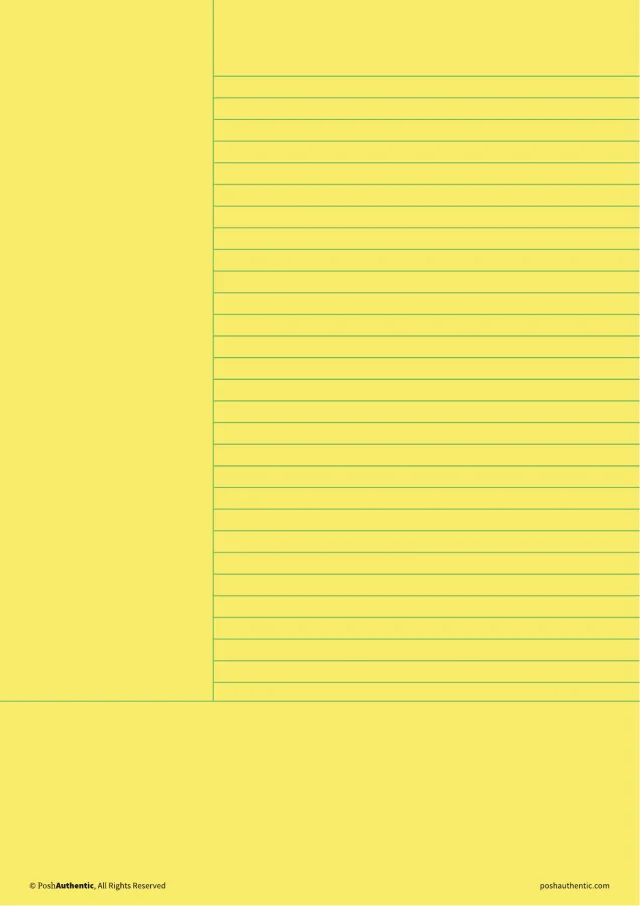
2026-2027 Mid-Year Digital Note TemplatesAbundant Brilliance Theme
Note pages for everything that isn’t a date — ruled, dotted, grid and plain.
A4 · Letter
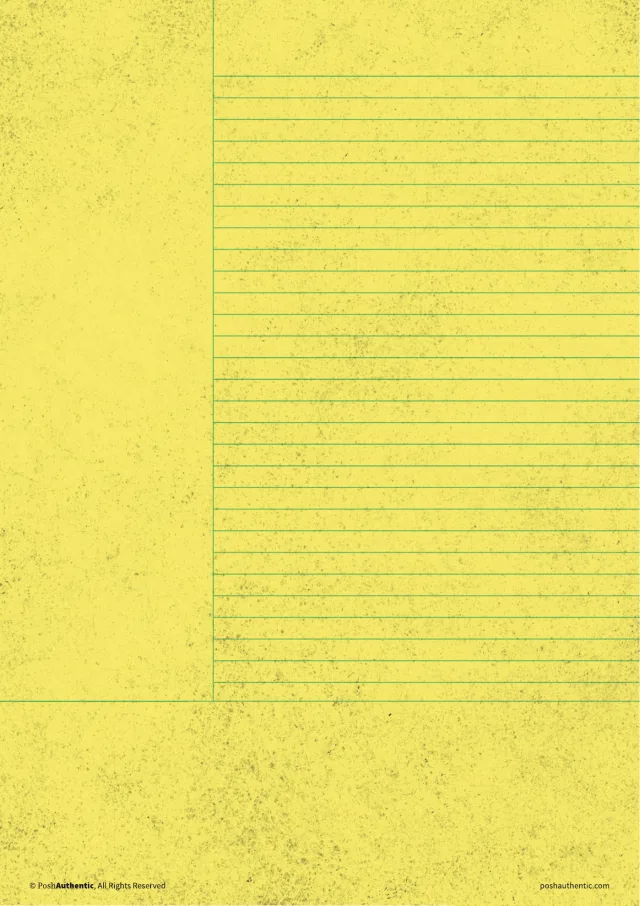
2026-2027 Mid-Year Deluxe Note TemplatesAbundant Brilliance Theme
Two note-template sets in one download — the standard sheets, and the textured ones as well.
A4 · Letter
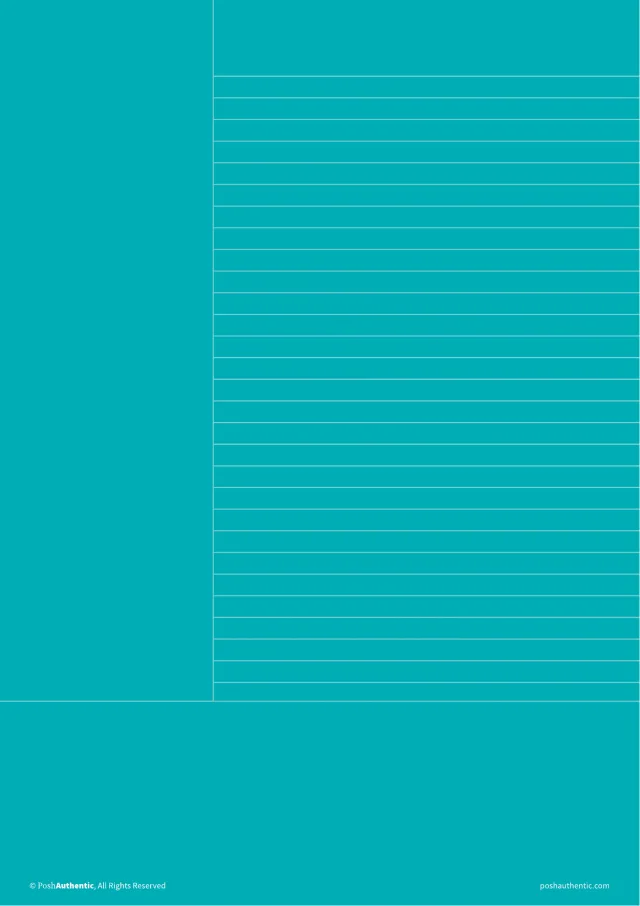
2026-2027 Mid-Year Digital Note TemplatesHeavy Wonder Theme
Note pages for everything that isn’t a date — ruled, dotted, grid and plain.
A4 · Letter
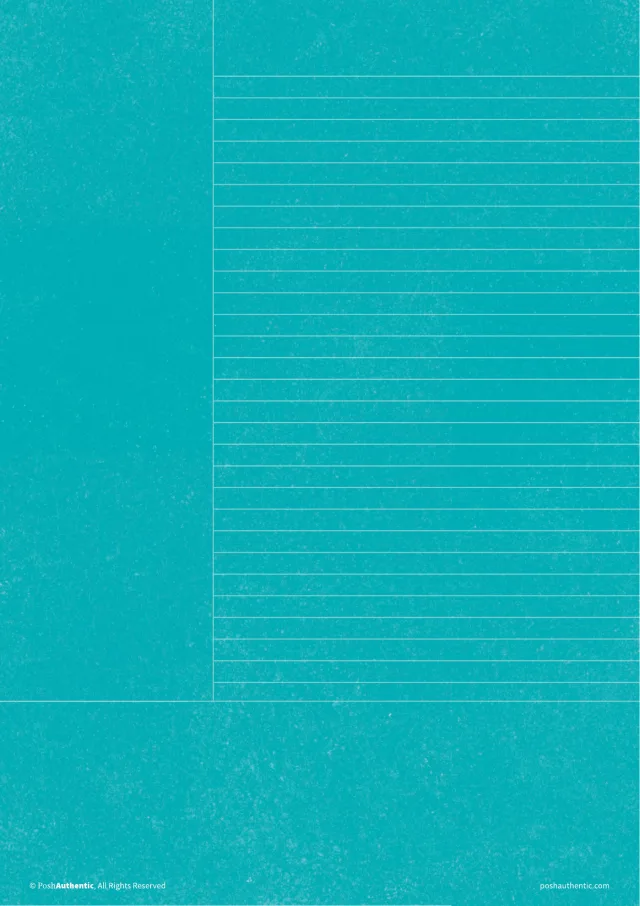
2026-2027 Mid-Year Deluxe Note TemplatesHeavy Wonder Theme
Two note-template sets in one download — the standard sheets, and the textured ones as well.
A4 · Letter
More themes and editions arrive through the year. Each one lands here with the same cuts.
02 · Before you pick one
Questions we get asked
- How do I add one to my notebook?
- They are PDFs. You import them as pages inside GoodNotes, Noteshelf or Noteful and write on them exactly as you would on any other sheet.
- What is the difference between the standard and deluxe sets?
- The layouts and the colors are the same. The deluxe sheets put them on a printed paper texture, which sits closer to writing on a sheet than on a screen, and the standard set comes with it rather than being replaced by it.
- Do they have to match my planner?
- No — they are ordinary note pages and work on their own. Matching is the reason to buy the theme’s set rather than any set, not a condition of using them.
Anything else, send us a note — we usually reply within one to two business days.
Not sure which size or orientation you want? The guides work through both, with screenshots — or message us and we’ll point you at the right one.