Most digital planners are sold in two sizes, and the choice matters less than the listing makes it look. Here’s the short version: pick the one shaped like your screen.
They’re not sizes, they’re shapes
Nothing here gets printed, so the inches are beside the point. A digital planner opens at whatever size your tablet is, and both versions fill it. What actually differs is the proportion of the page.
A4 is 210 by 297 mm, or 8.3 by 11.7 inches. Letter is 8.5 by 11 inches, or 216 by 279 mm. Almost the same area, and that isn’t the useful number. A4 is 1.41 times as long as it is wide; Letter is 1.29. Put them on top of each other and A4 is the long one.
That difference is small on paper and visible on a screen, because a screen has a fixed shape and any page that isn’t that shape gets empty bands down the sides or across the top.
So match it to your tablet
Tablet screens come in two rough shapes, and the two paper sizes line up with them almost exactly.
An 11-inch iPad Pro, an 11-inch iPad Air, or a standard iPad sits at about 1.44, near enough A4’s 1.41. Turned landscape, an A4 page covers around 98% of the screen. Letter on the same screen manages about 90%.
A 12.9-inch or 13-inch iPad is squarer, at 1.33, so Letter is the closer fit at roughly 97%. A4 there covers about 94% and leaves a band above and below. Older 4:3 iPads belong in this group.
An Android tablet is wider again, often near 1.60. A4 is the closer of the two, but this is the widest gap of the three, so expect a band whichever you choose.
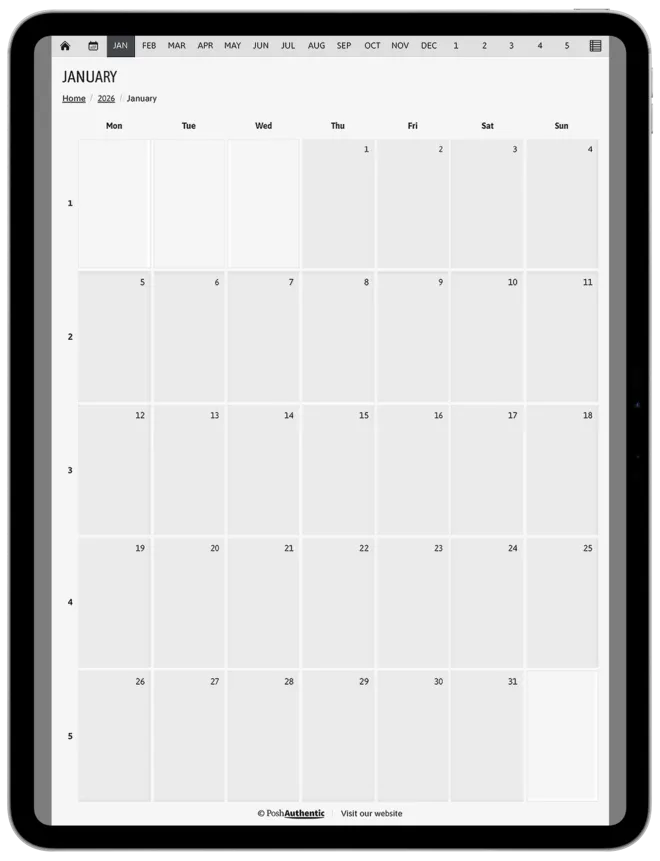
A4
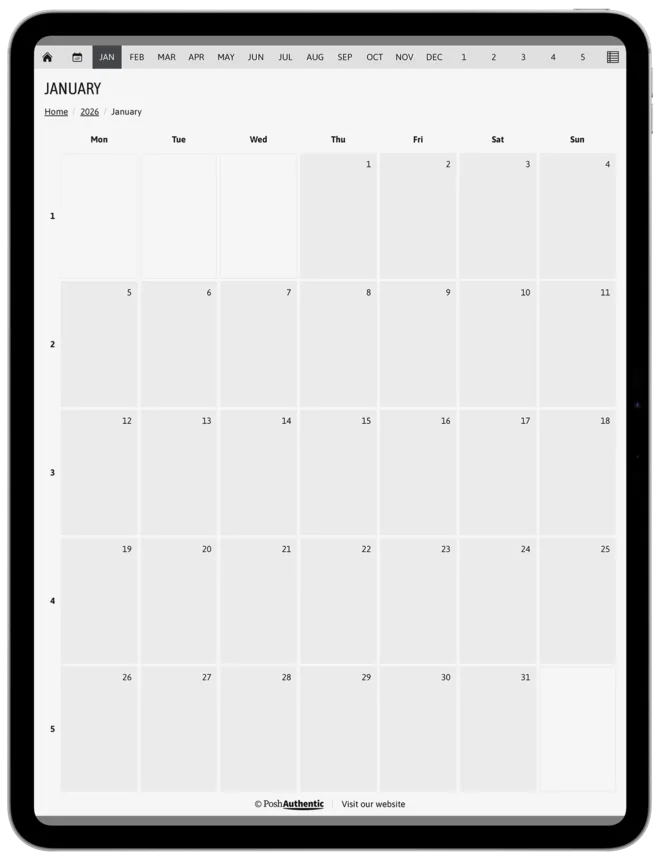
Letter
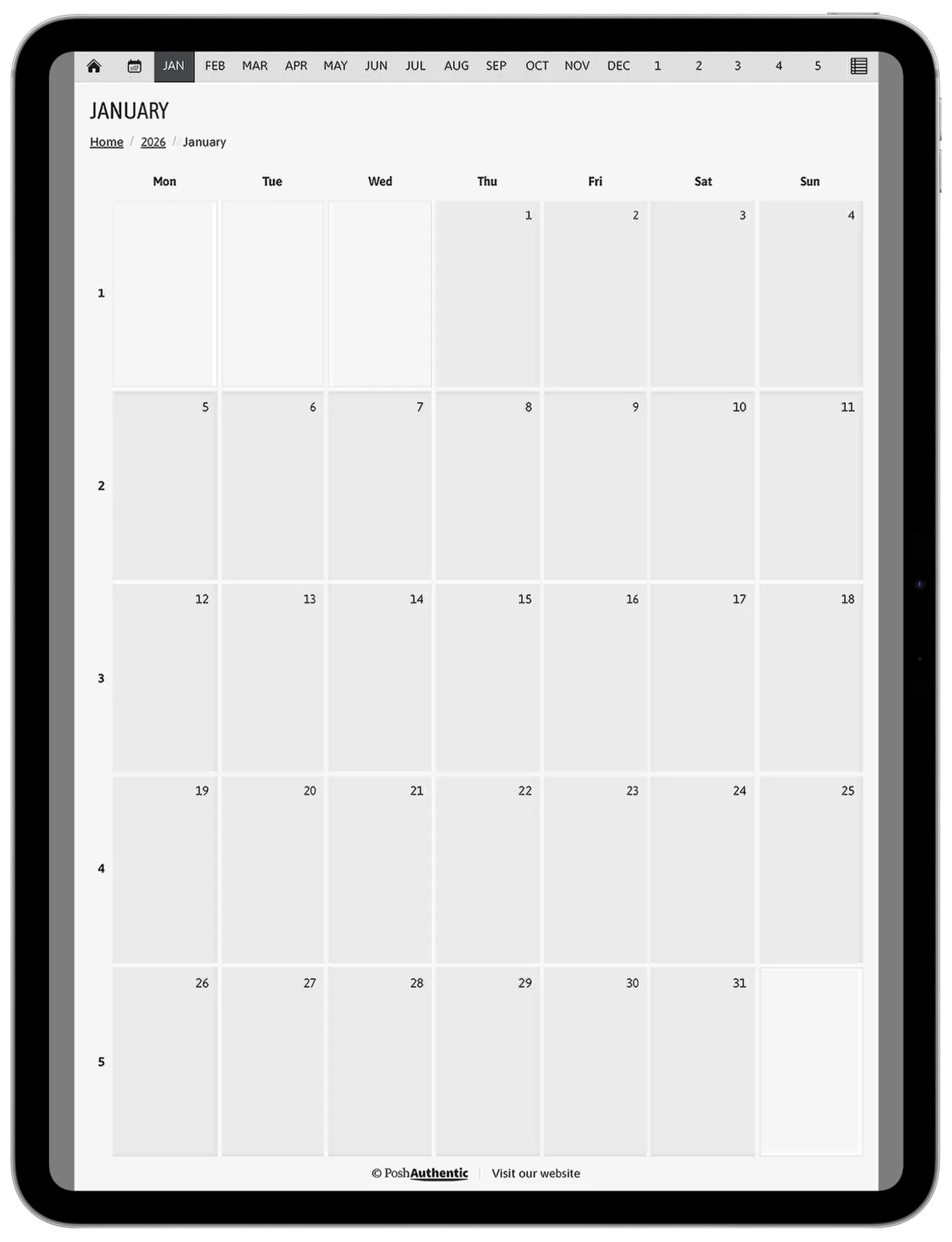
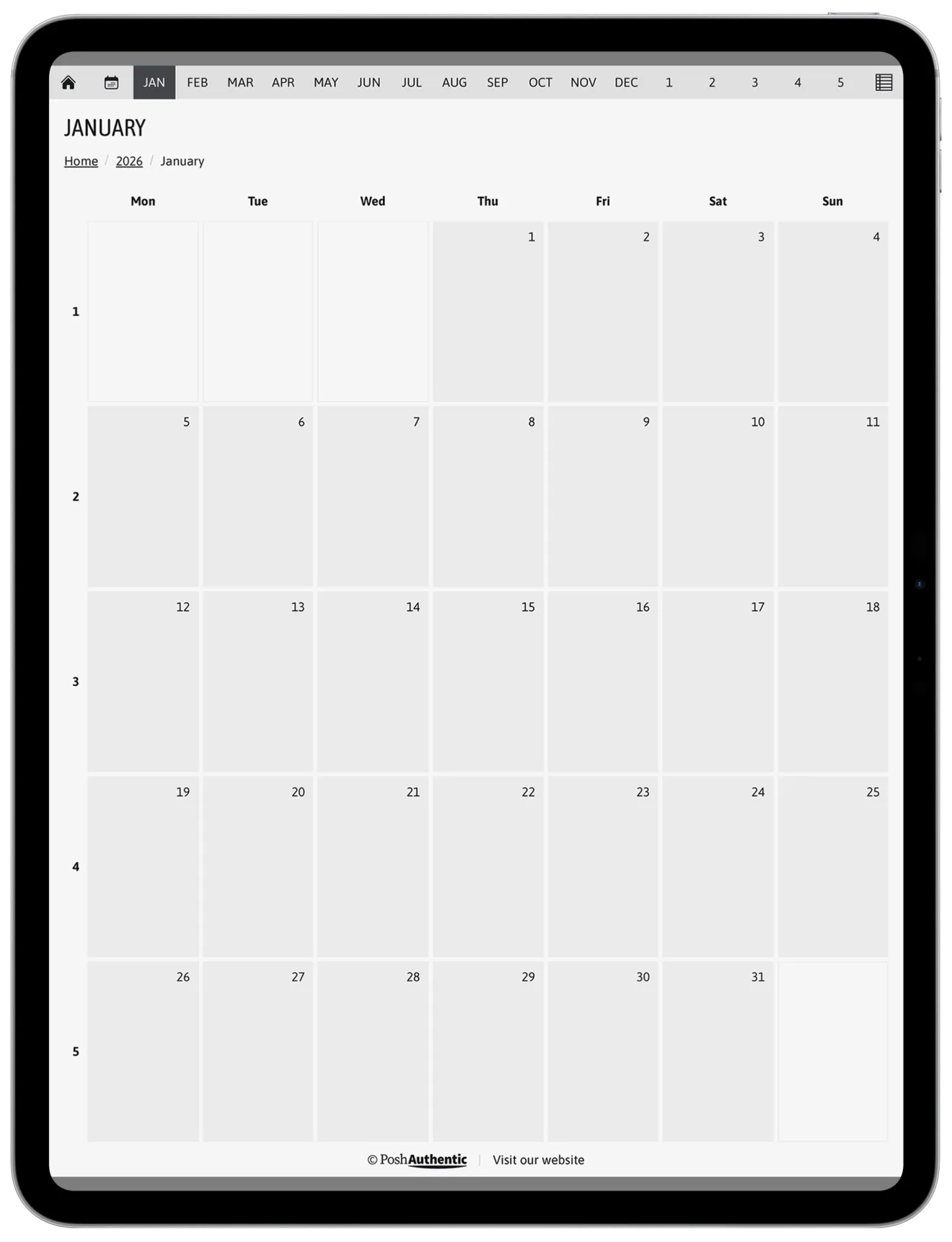
Both are a 13-inch iPad Pro, where Letter is the closer fit; on an 11-inch iPad the two change places. The grey is the part of the screen the page never covers, and it is small either way — you are choosing which edge you would rather not use.
The part everyone gets backwards
Your country doesn’t come into it.
A4 is the standard paper size across most of the world and Letter is the North American one, and that’s a real difference — for printing. For a file you only ever open on a tablet, the fact that A4 is what your printer holds tells you nothing about what looks right on your iPad. Plenty of people in the US are better off with A4 and plenty of people in Europe are better off with Letter.
The exception is if you’re actually going to print — note templates, occasionally, or a printable. Then buy the one your printer takes, and buy it for that reason.
What doesn’t change
Neither size gives you more room to write. Both scale to the screen you’re on, so a weekly spread on Letter and the same spread on A4 hold the same amount of week.
The page count can shift a little between the two, because a taller page fits another row or two, and a planner’s undated sections sometimes come out a few pages apart between shapes. It’s a rounding difference and not worth choosing on.
If you pick the wrong one
A4 and Letter are usually sold as separate files, so switching size means buying again. That is the whole of the risk, and it is worth thirty seconds now rather than a shrug later.
Nothing else breaks. The planner opens, the links work, the writing works. You get a border of dead space that you’ll notice for a week and then stop seeing.
What about A5 or half letter
A5 and half letter are the same two shapes at half the area. An A5 page has A4’s proportions; half letter has Letter’s. So the shape question is the same one, and what changes is how much you zoom, which is about your eyes and your screen rather than the file.
Sellers who offer them are usually offering a smaller sheet for a smaller tablet, not a third proportion to choose between.
Where to go next
- Portrait or landscape? — the other half of this decision, and the one that actually changes how you plan
- Choosing a digital planner — everything else worth checking
- Digital Note Templates — note templates come in both sizes too, and the same rule applies