Bundles

Planner Bundle2026-2027 Mid-Year · Heavy Wonder

The planner with everything cut to match it — stickers, note templates and covers, in one download.
Buy on Etsy

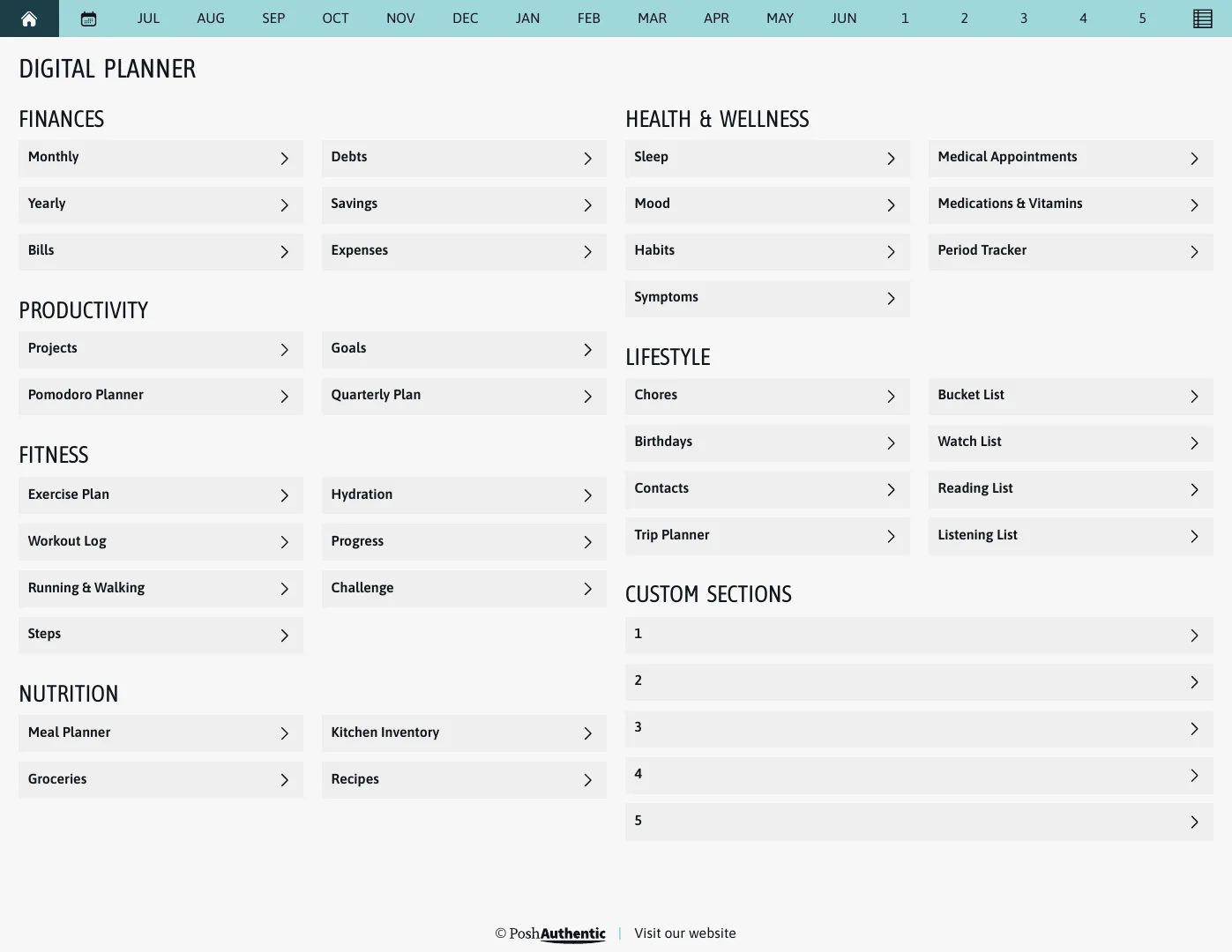
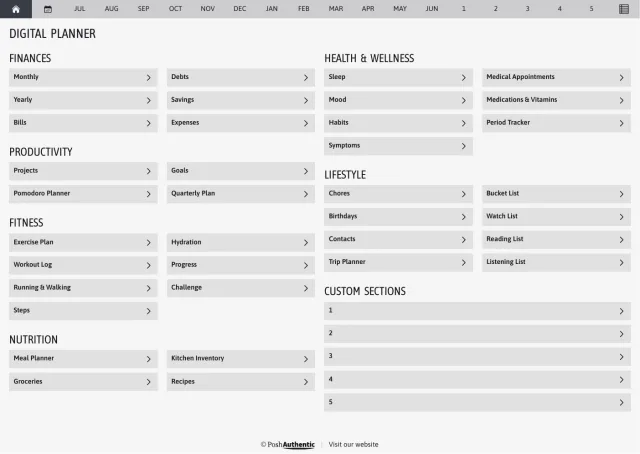
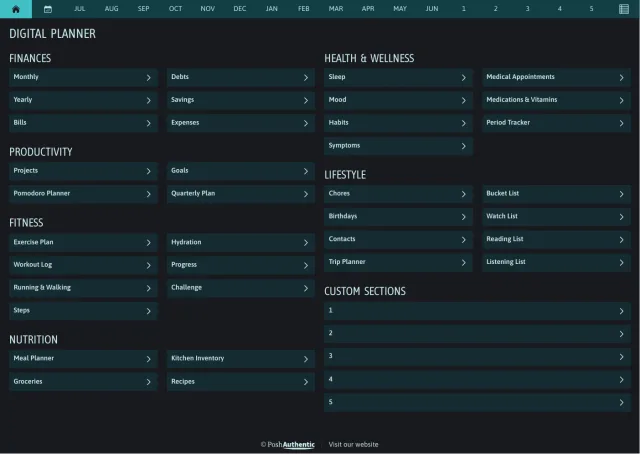
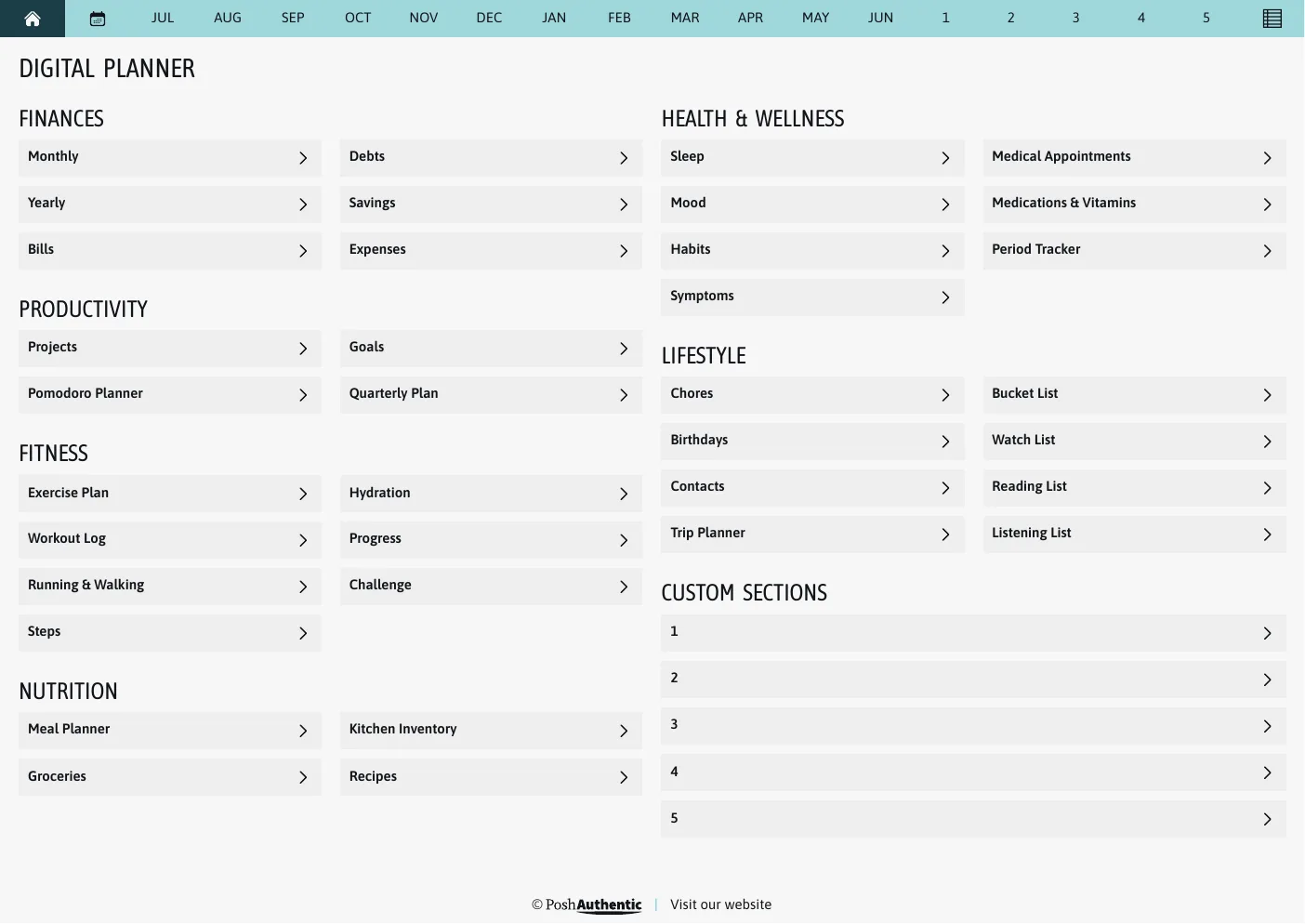
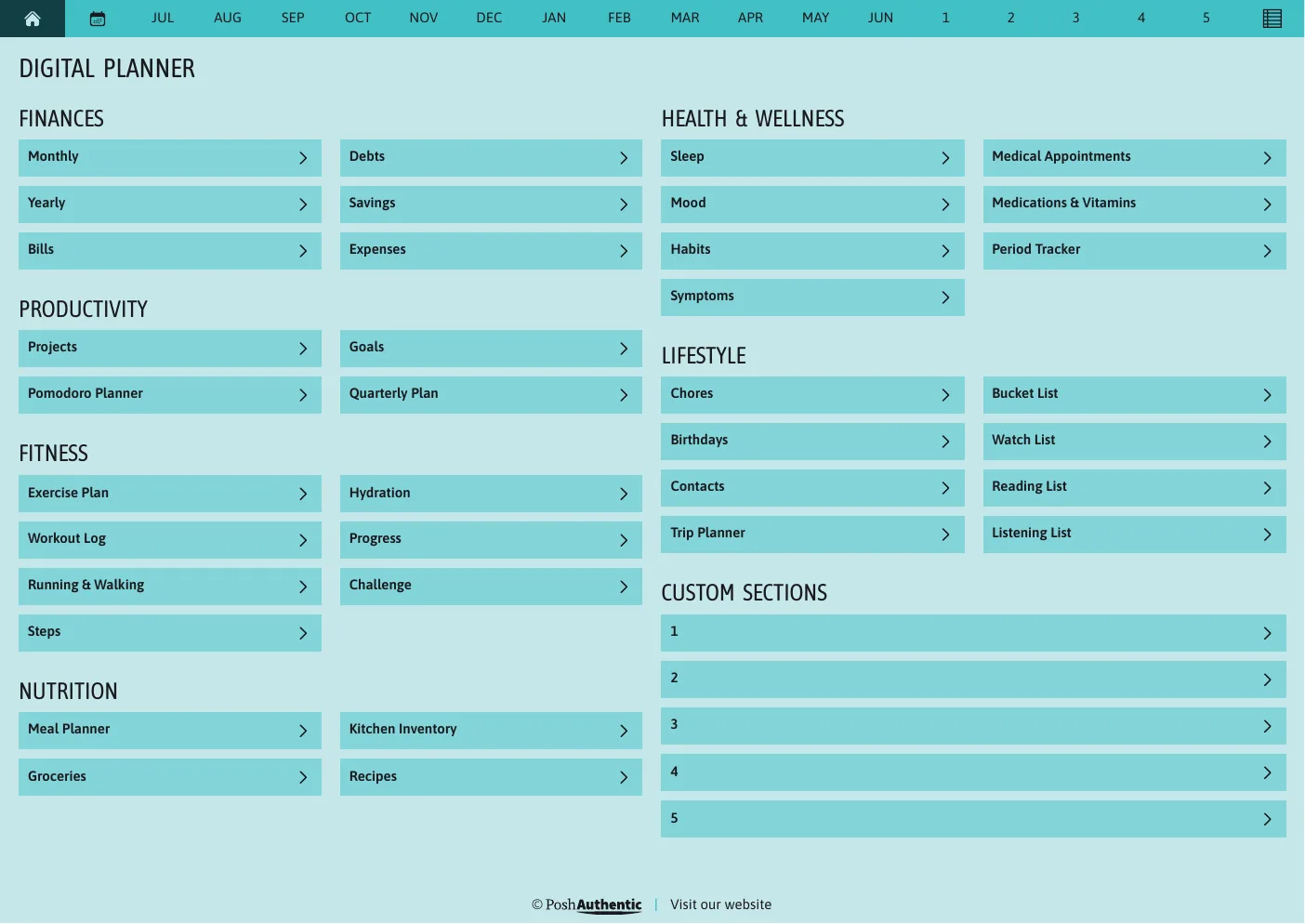
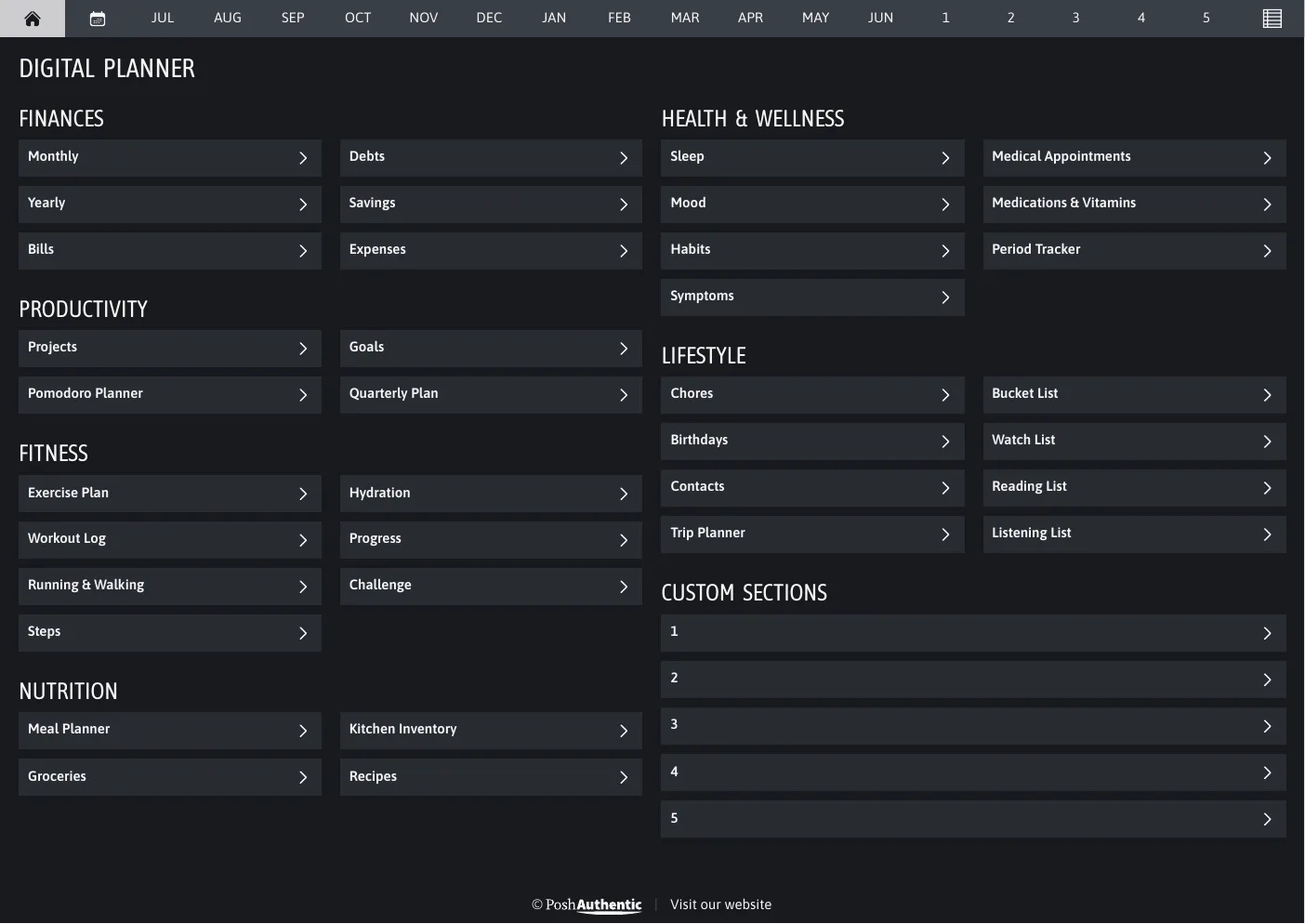
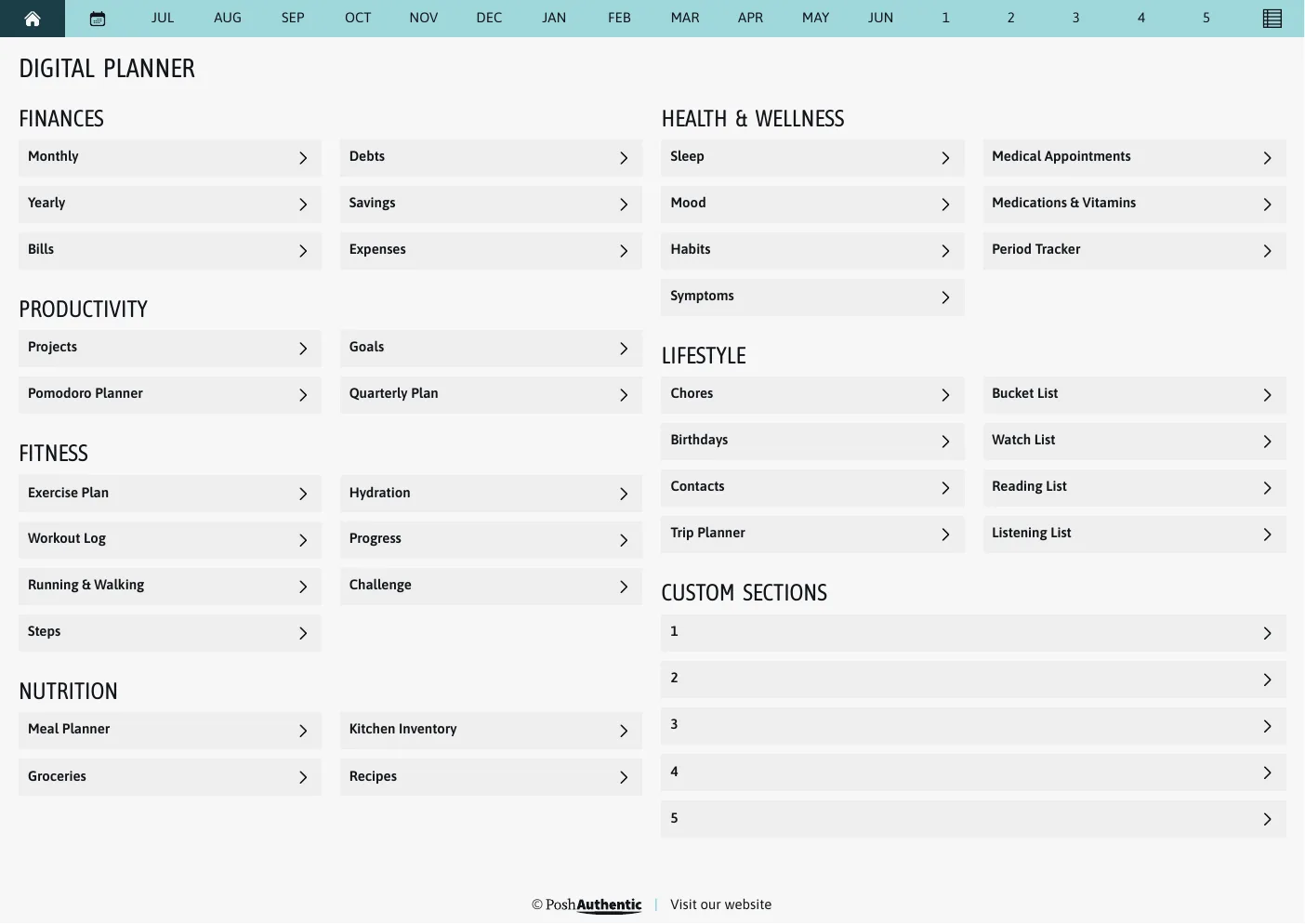
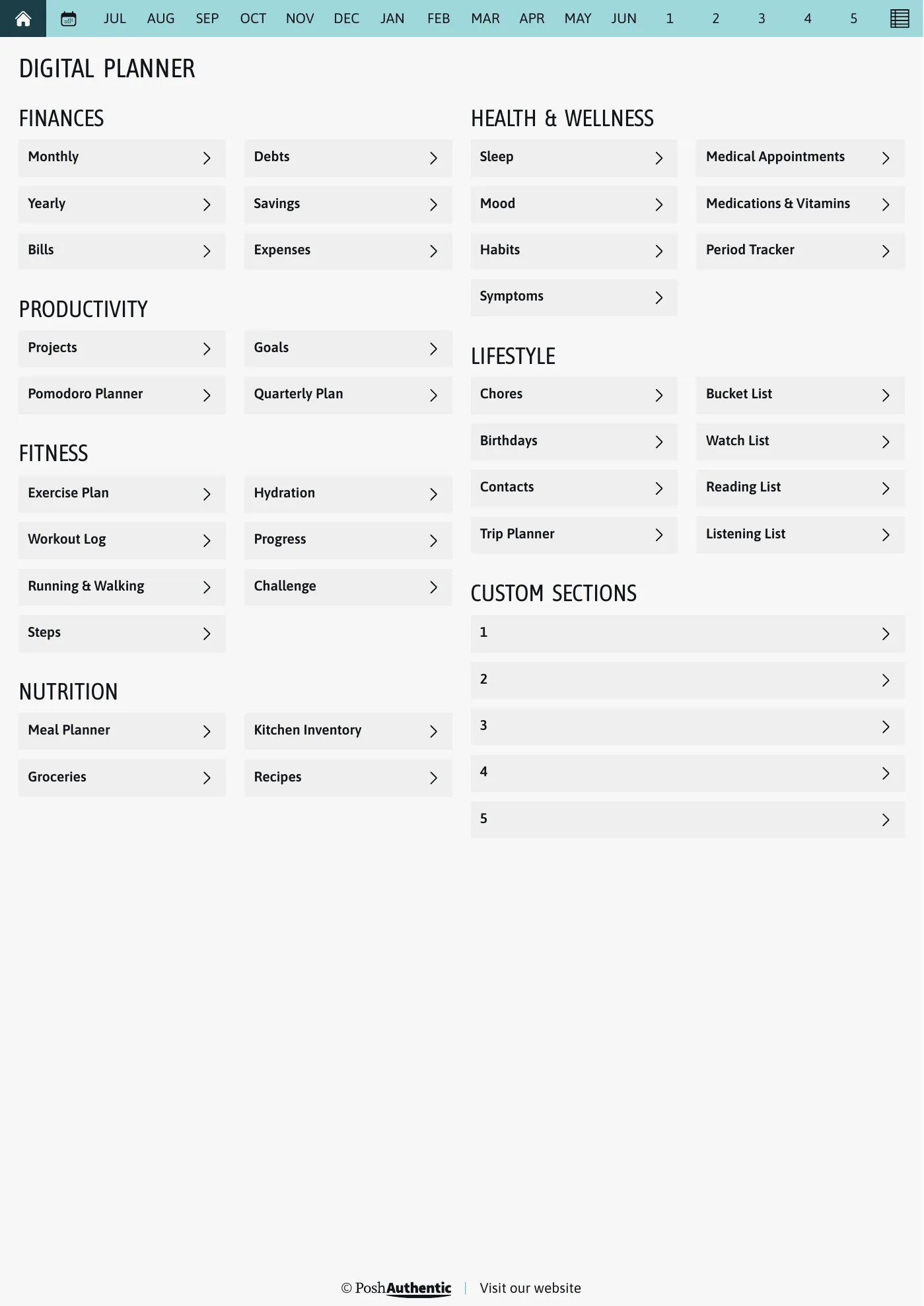
The planner’s dashboard page, the first thing the bundle opens on: tappable rows for Finances, Productivity, Fitness, Nutrition, Health and Wellness and Lifestyle under a month navigation bar, shown in the A4 Landscape cut.
A4 · LandscapeA real page of this cut, rendered from the file you download.

01 · What it is

Planner Bundle, in short

Buying the pieces separately works, and plenty of people do. The bundle is for the case where you already know you want the set: the same theme across the planner, the stickers you’ll decorate it with, the note pages for everything that isn’t a date, and the covers.

Nothing here is a sample or a taster. It is the full standard set of each.

02 · What you get

Everything in the download

The planner
Both week starts, every colorway, light and dark
Digital stickers
Reusable, and no neon in sight
Note templates
Ruled, dotted, grid and plain, in every theme color
Covers
The full standard set
Pages
1,200+ hyperlinked pages
Covers
400+ designs
Stickers
8,700+
Note templates
450+ sheets

03 · Colors

Every colorway is in the download

You don’t pick one. The same planner comes in 5 colorways, and 4 of them ship a dark version as well — change whenever you like, without buying again.
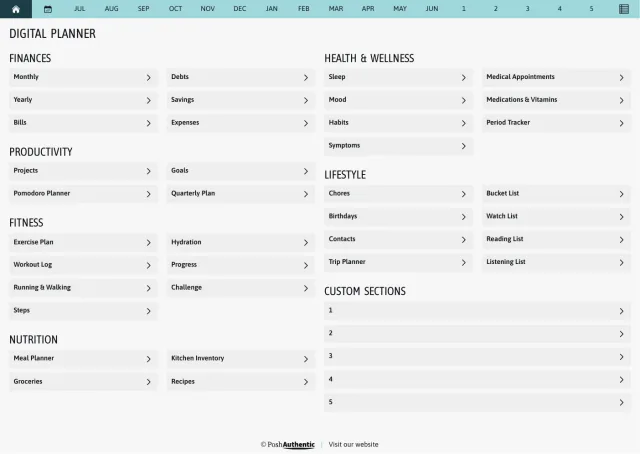
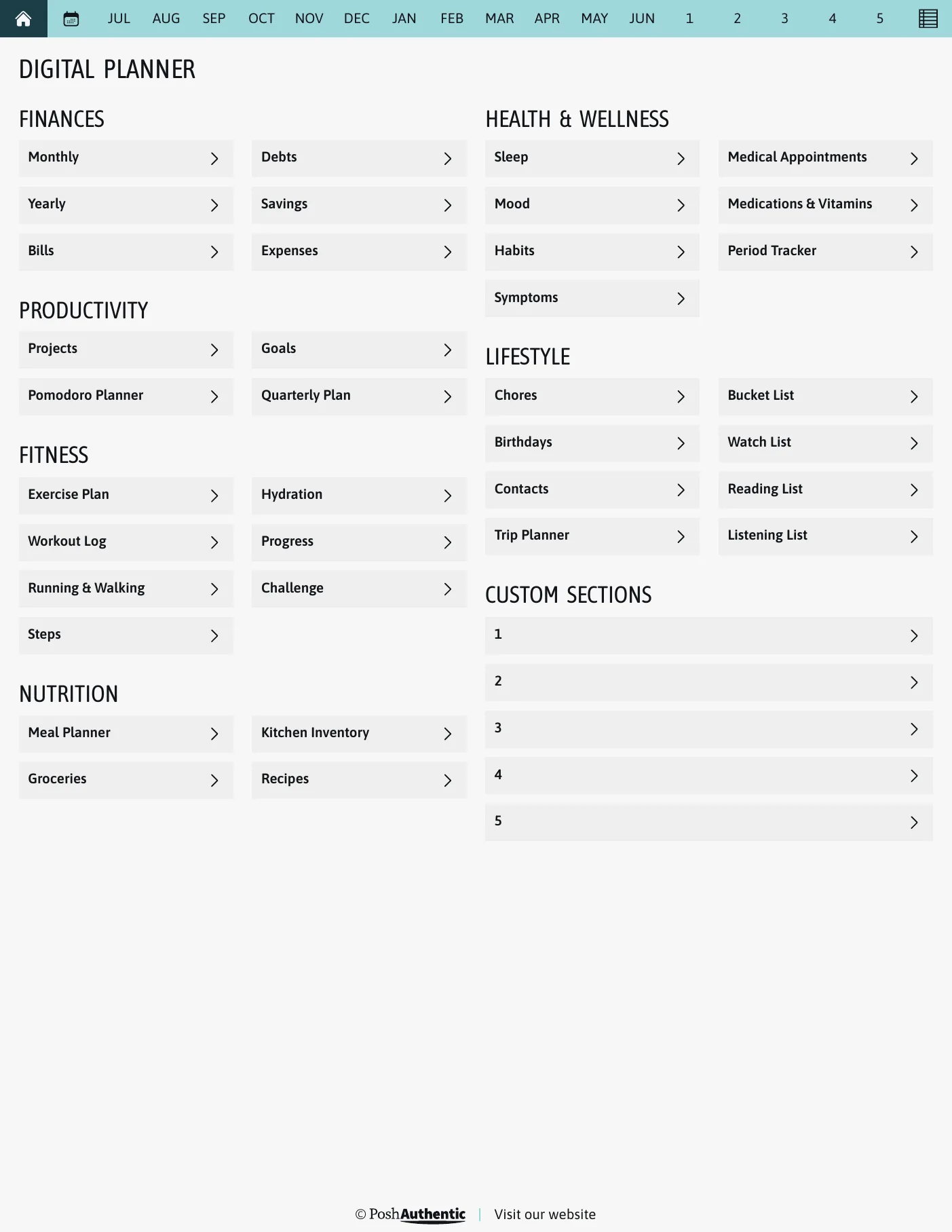
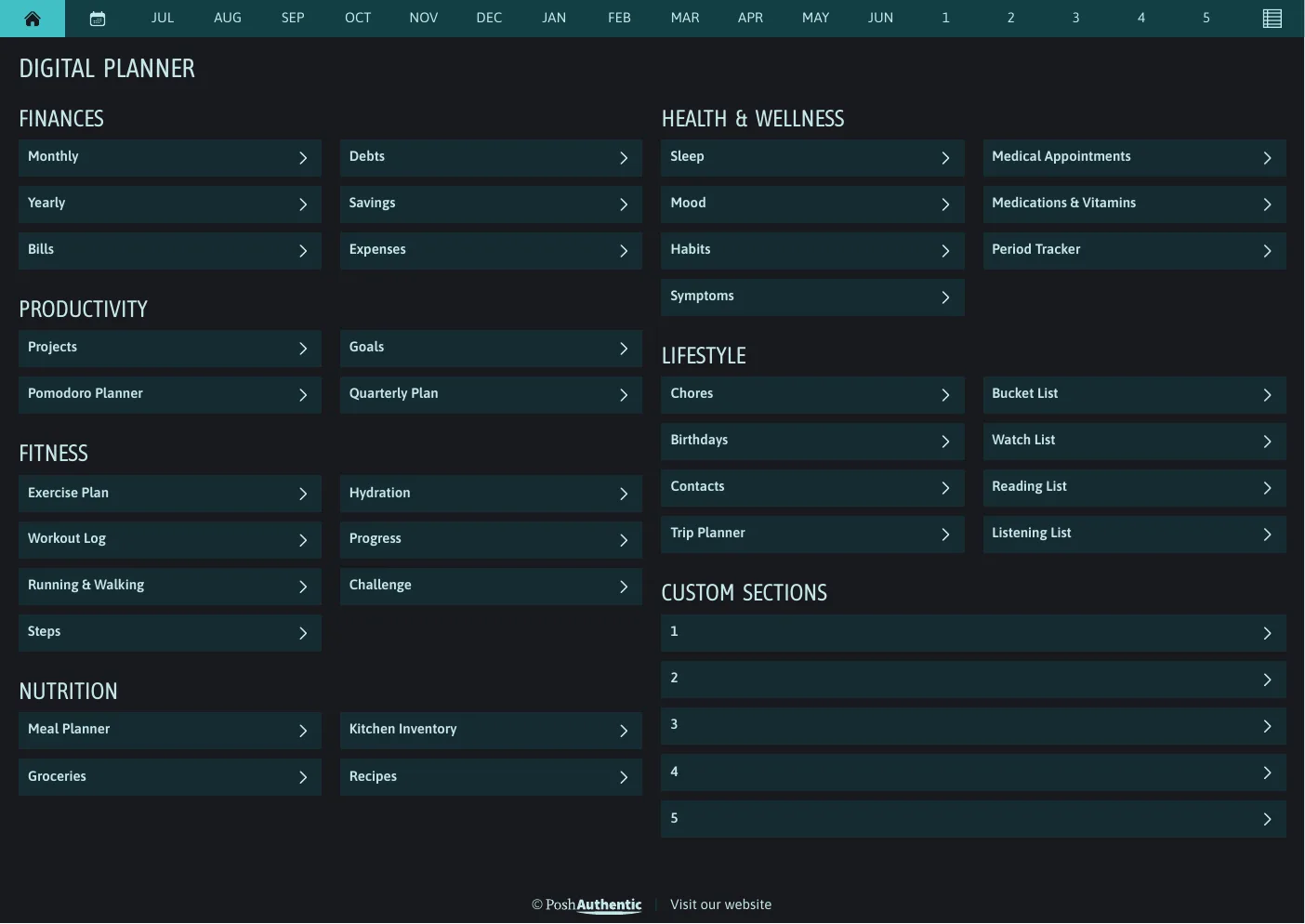
  • The planner’s dashboard page in the Heavy Wonder colorway — tappable section rows under the month navigation bar.

    Heavy WonderTeal and light grey

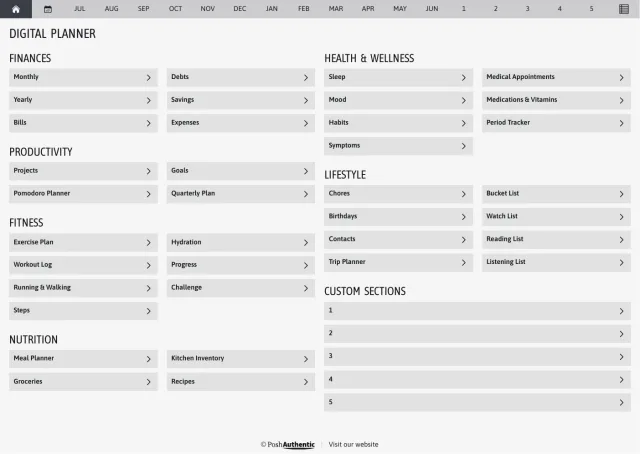
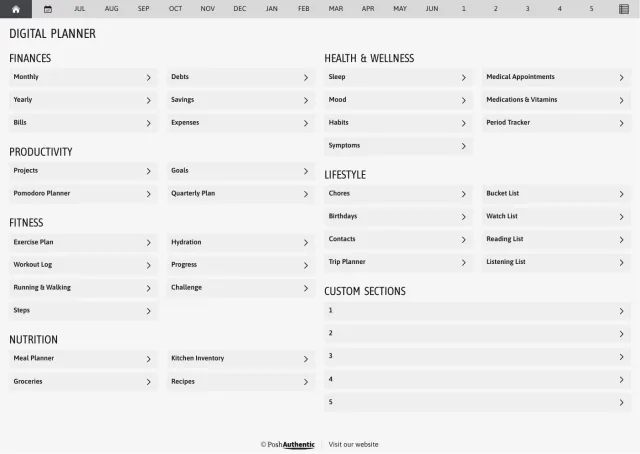
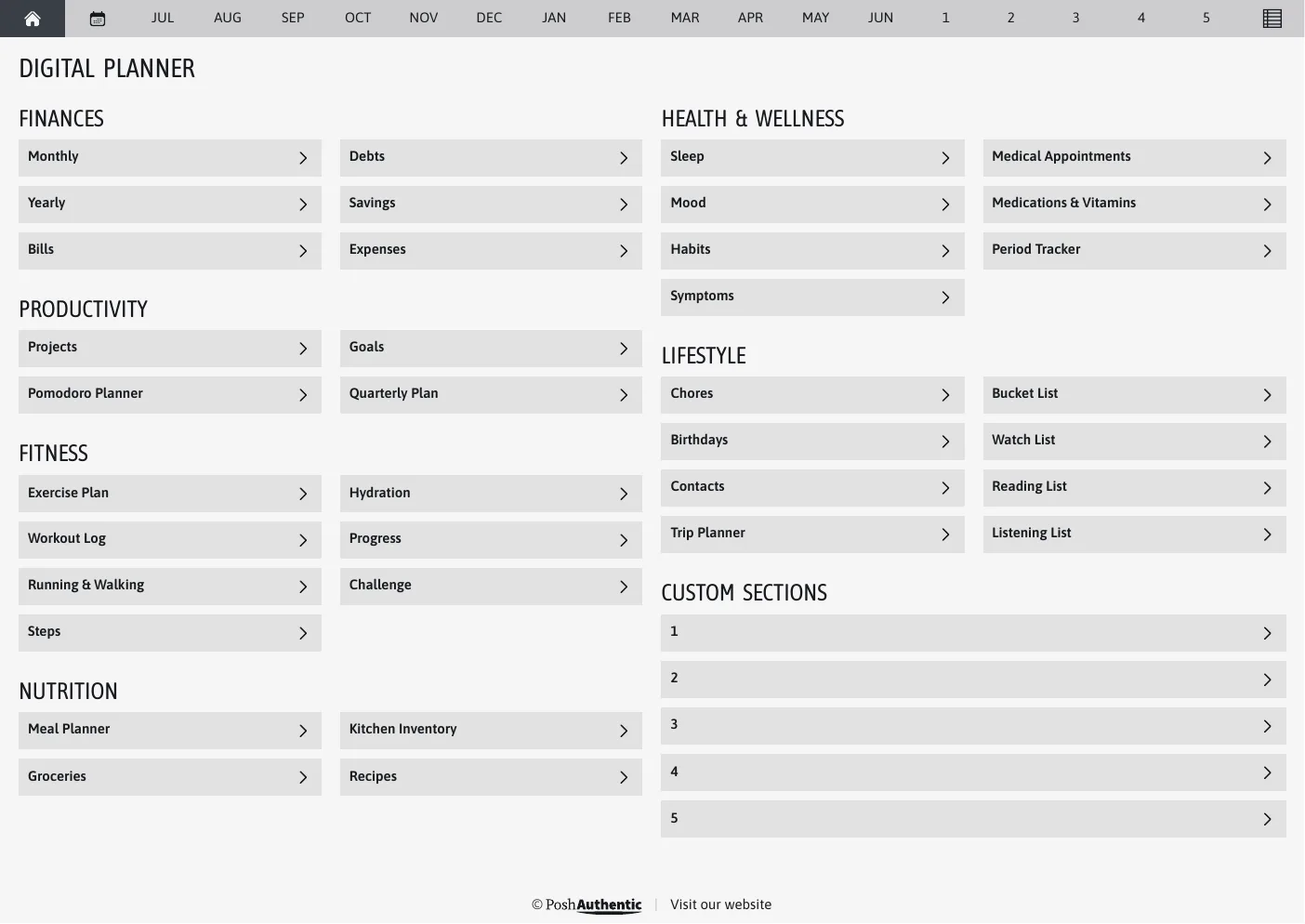
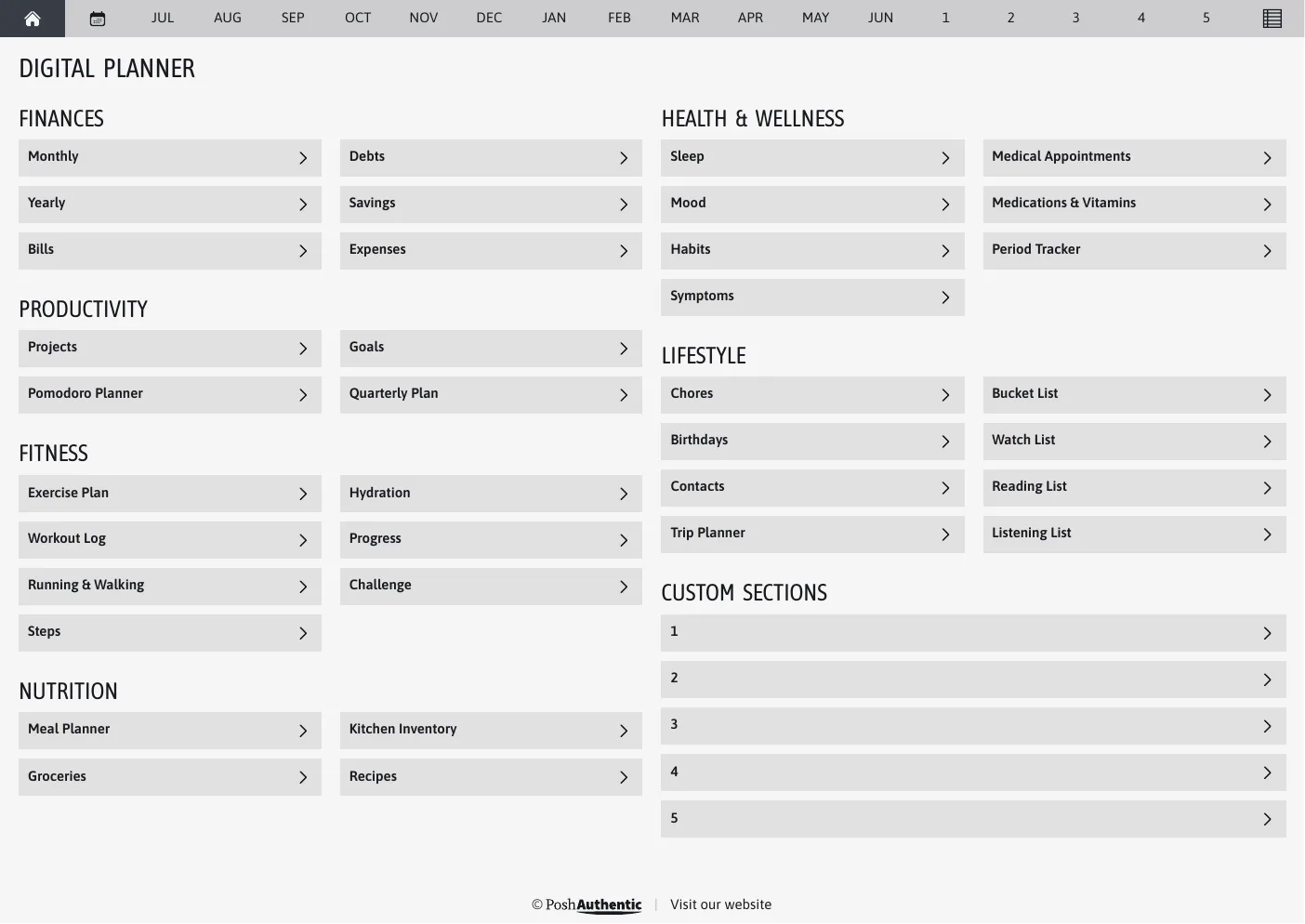
  • The planner’s dashboard page in the Grey colorway — tappable section rows under the month navigation bar.

    Grey

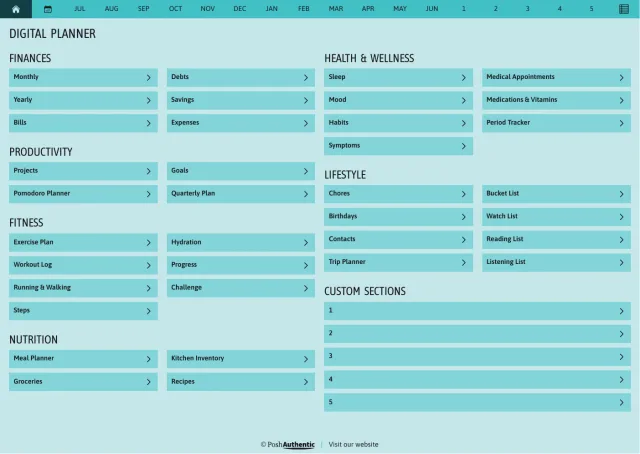
  • The planner’s dashboard page in the Teal colorway — tappable section rows under the month navigation bar.

    Teal

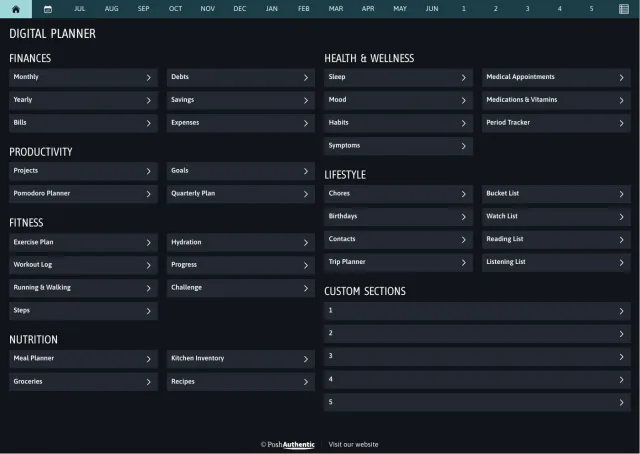
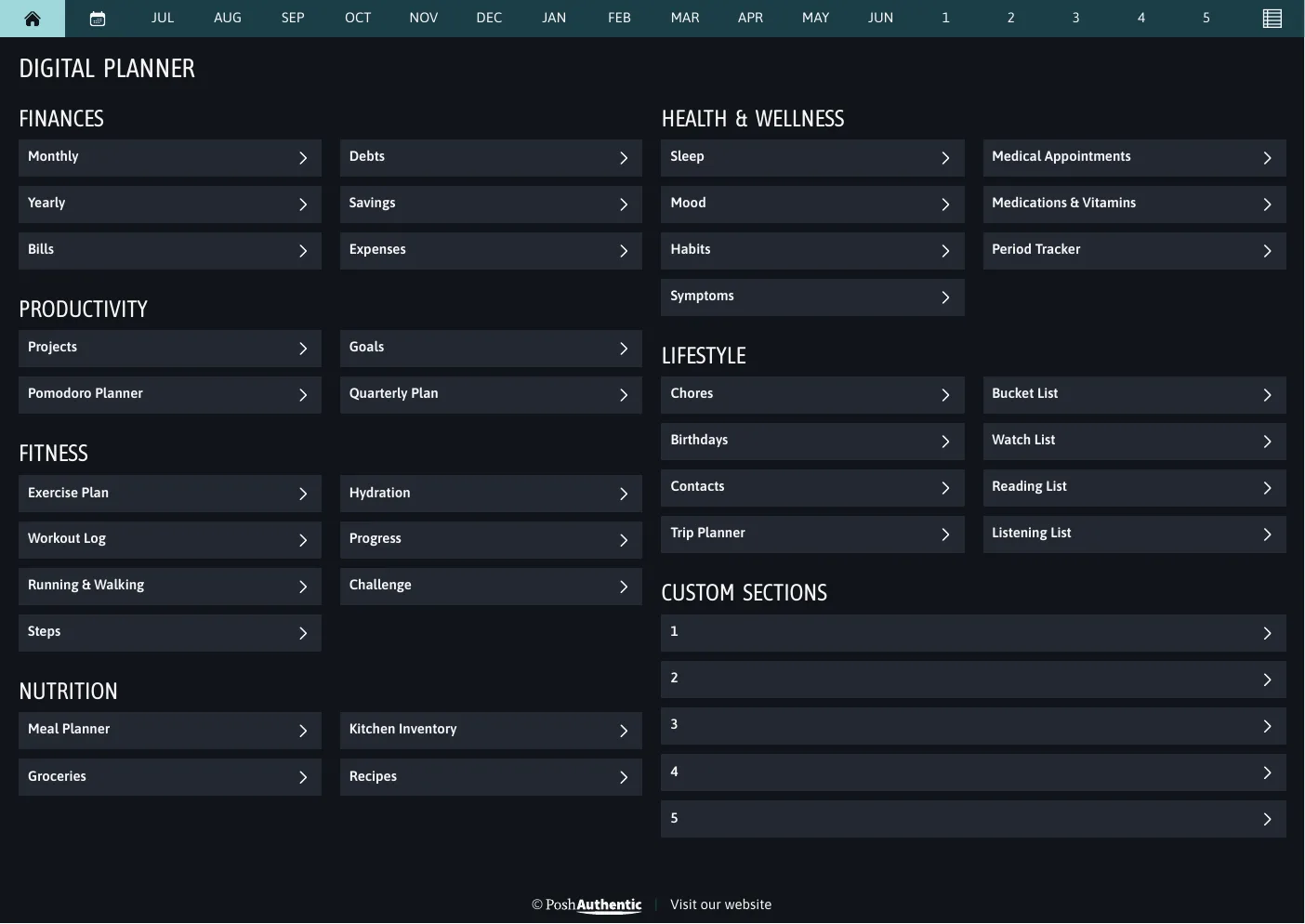
  • The planner’s dashboard page in the Midnight colorway — tappable section rows under the month navigation bar.

    Midnight

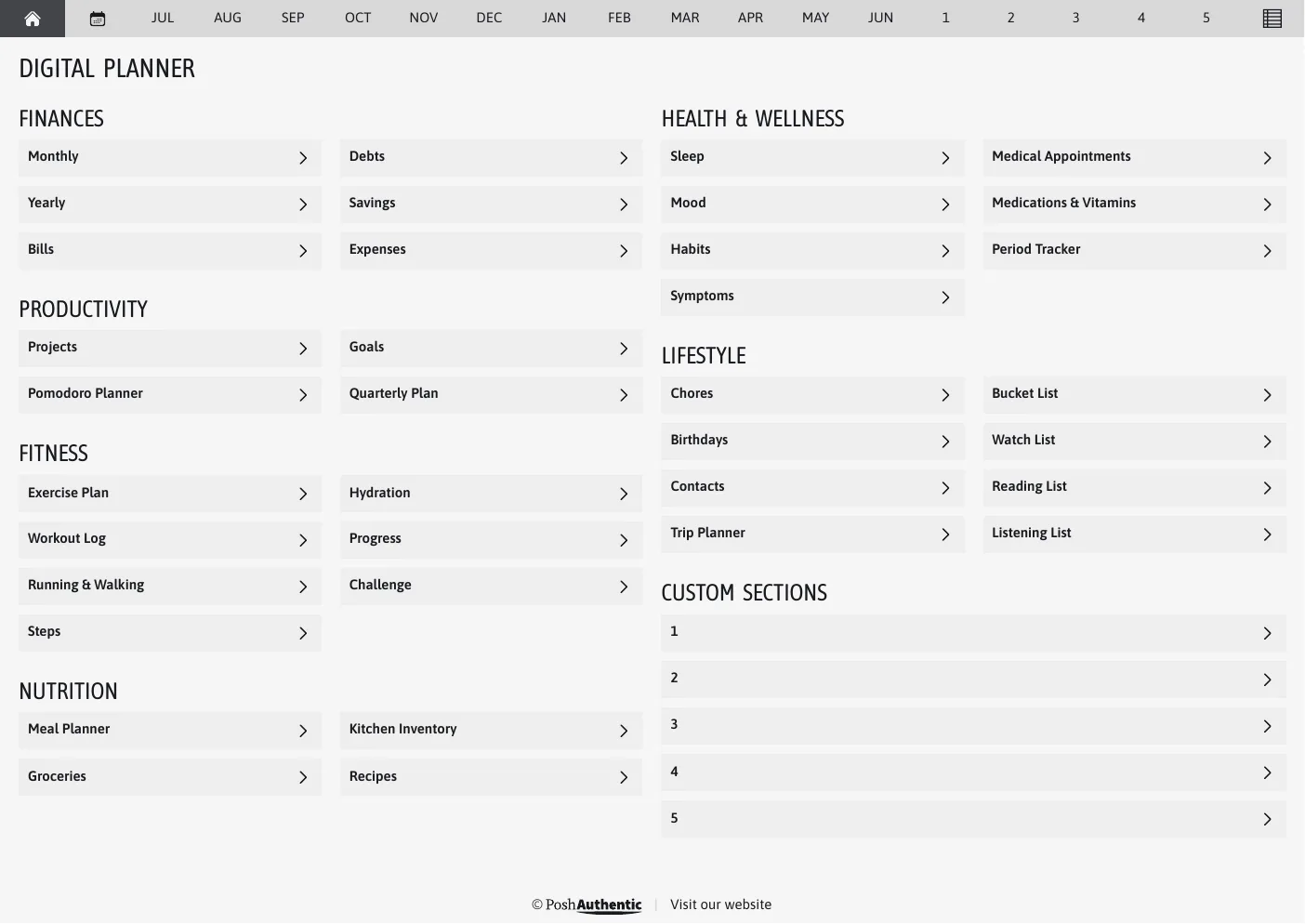
  • The planner’s dashboard page in the Light Grey colorway — tappable section rows under the month navigation bar.

    Light Grey

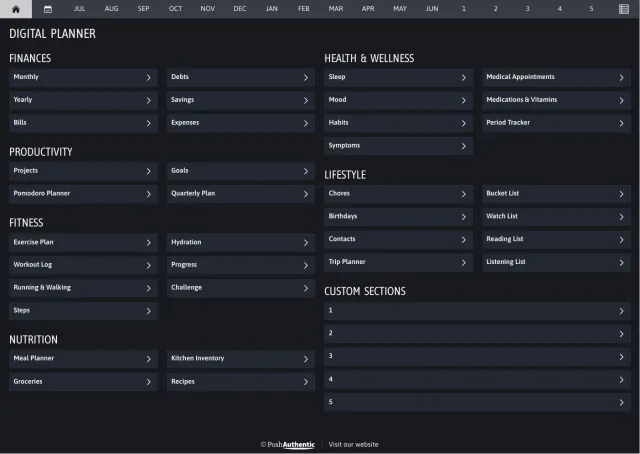
  • The planner’s dashboard page in the Heavy Wonder dark mode colorway — tappable section rows under the month navigation bar.

    Heavy WonderDark mode

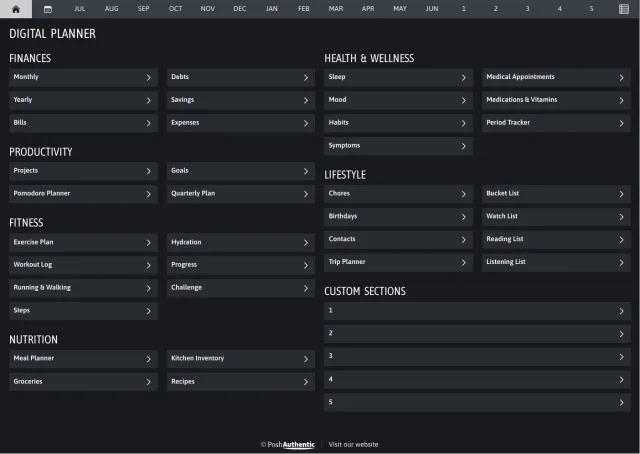
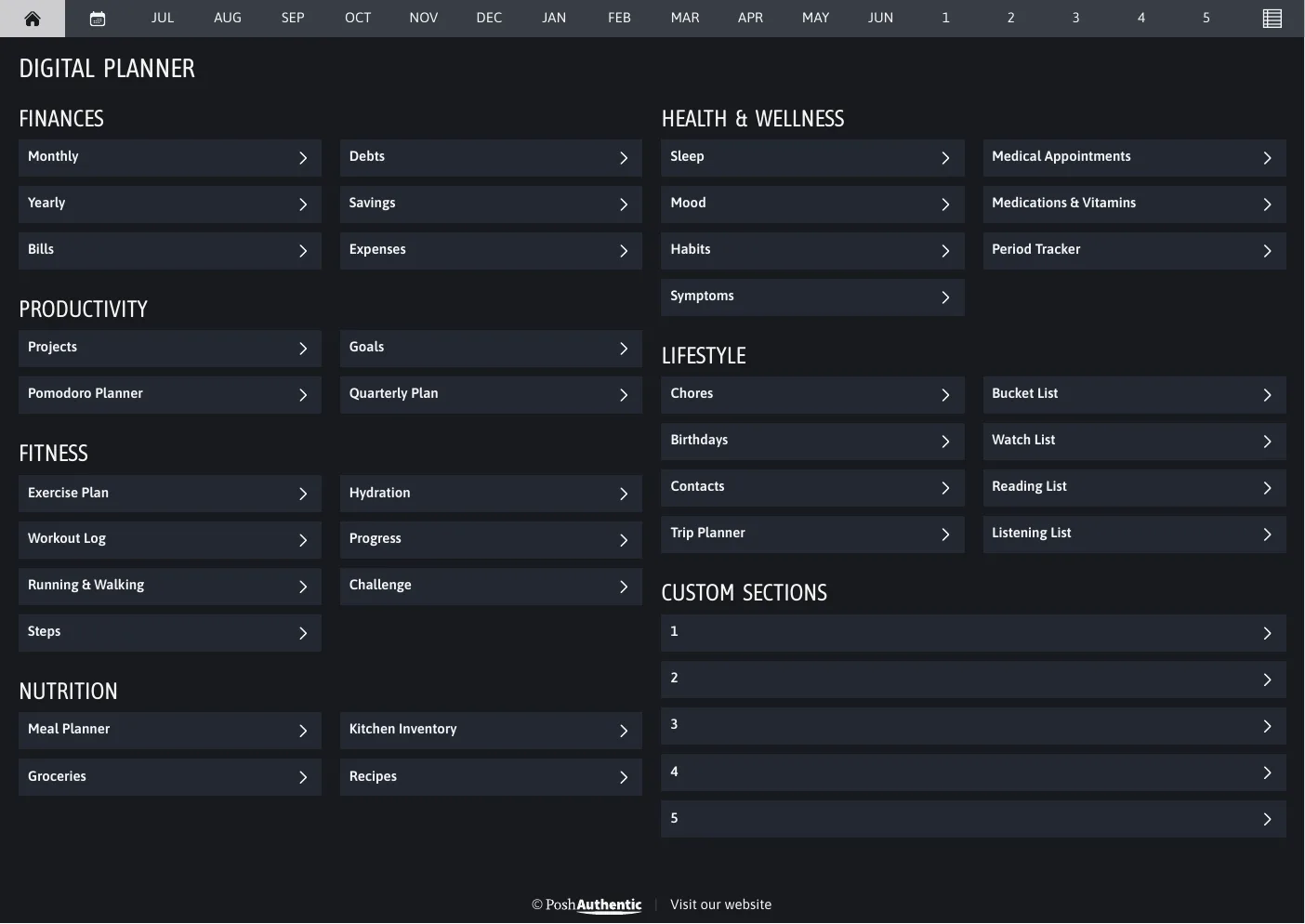
  • The planner’s dashboard page in the Grey dark mode colorway — tappable section rows under the month navigation bar.

    GreyDark mode

  • The planner’s dashboard page in the Teal dark mode colorway — tappable section rows under the month navigation bar.

    TealDark mode

  • The planner’s dashboard page in the Midnight dark mode colorway — tappable section rows under the month navigation bar.

    MidnightDark mode

Shown landscape A4. Every cut ships the same colorways.

04 · Covers

Covers are in the download

The planner doesn’t arrive with a cover on it. You add the one you want as its first page — and there are 400+ to choose from, plain and dated through to botanical and geometric, each in every colorway.
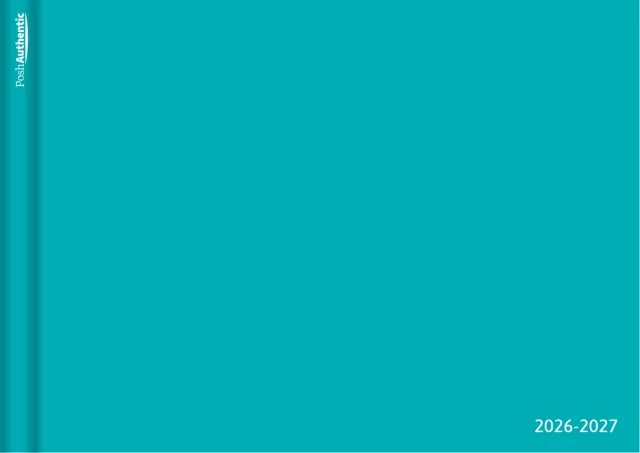
  • The Minimal planner cover in teal.

    Minimalteal

  • The Stripe planner cover in light-grey.

    Stripelight-grey

  • The Composition planner cover in midnight.

    Compositionmidnight

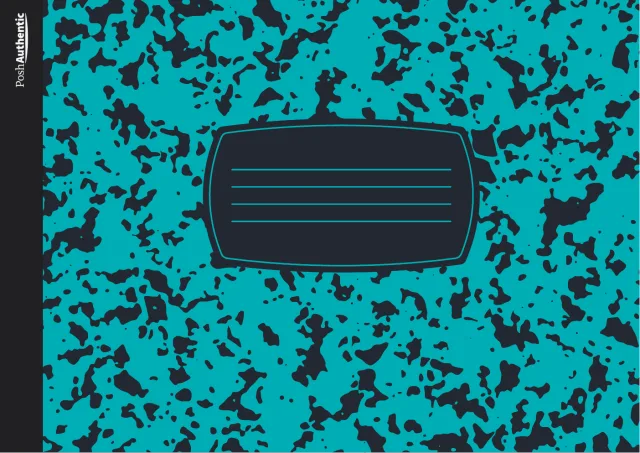
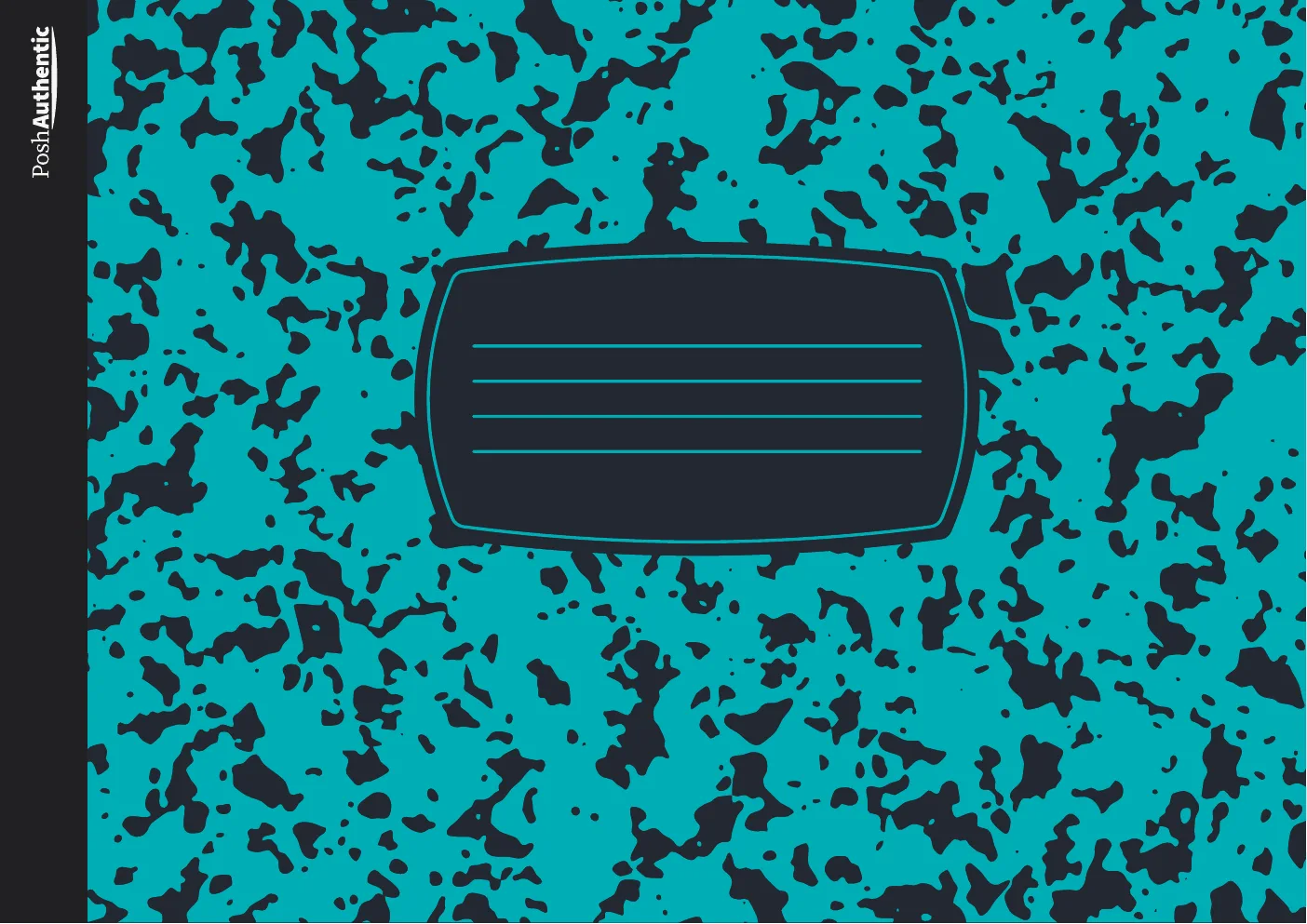
  • The Notebook planner cover in grey.

    Notebookgrey

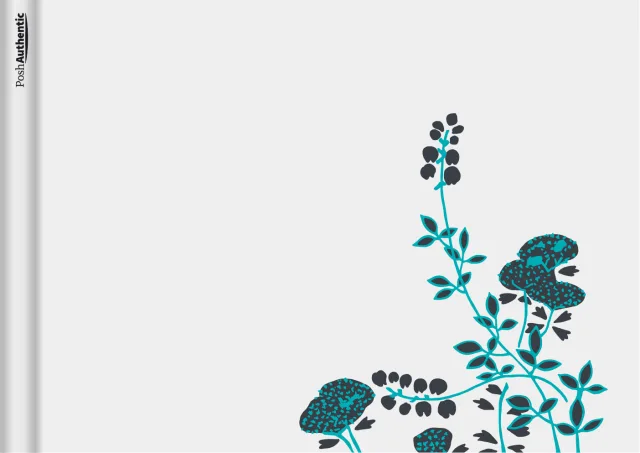
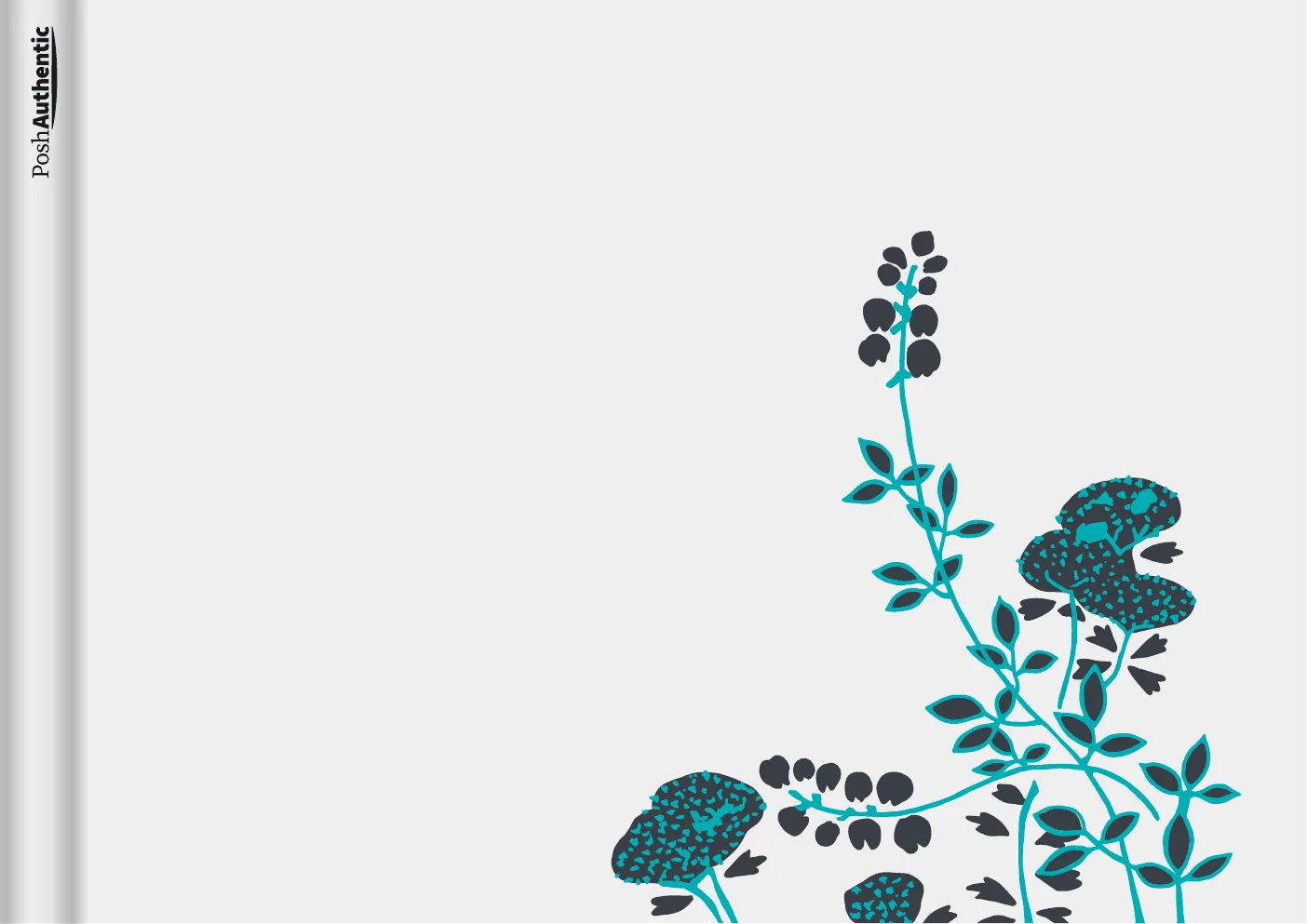
  • The Plants planner cover in light-grey.

    Plantslight-grey

  • The Leaves planner cover in teal.

    Leavesteal

  • The Lines planner cover in grey.

    Linesgrey

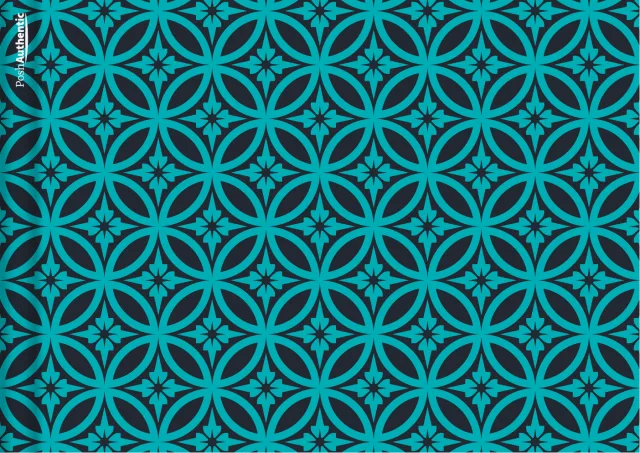
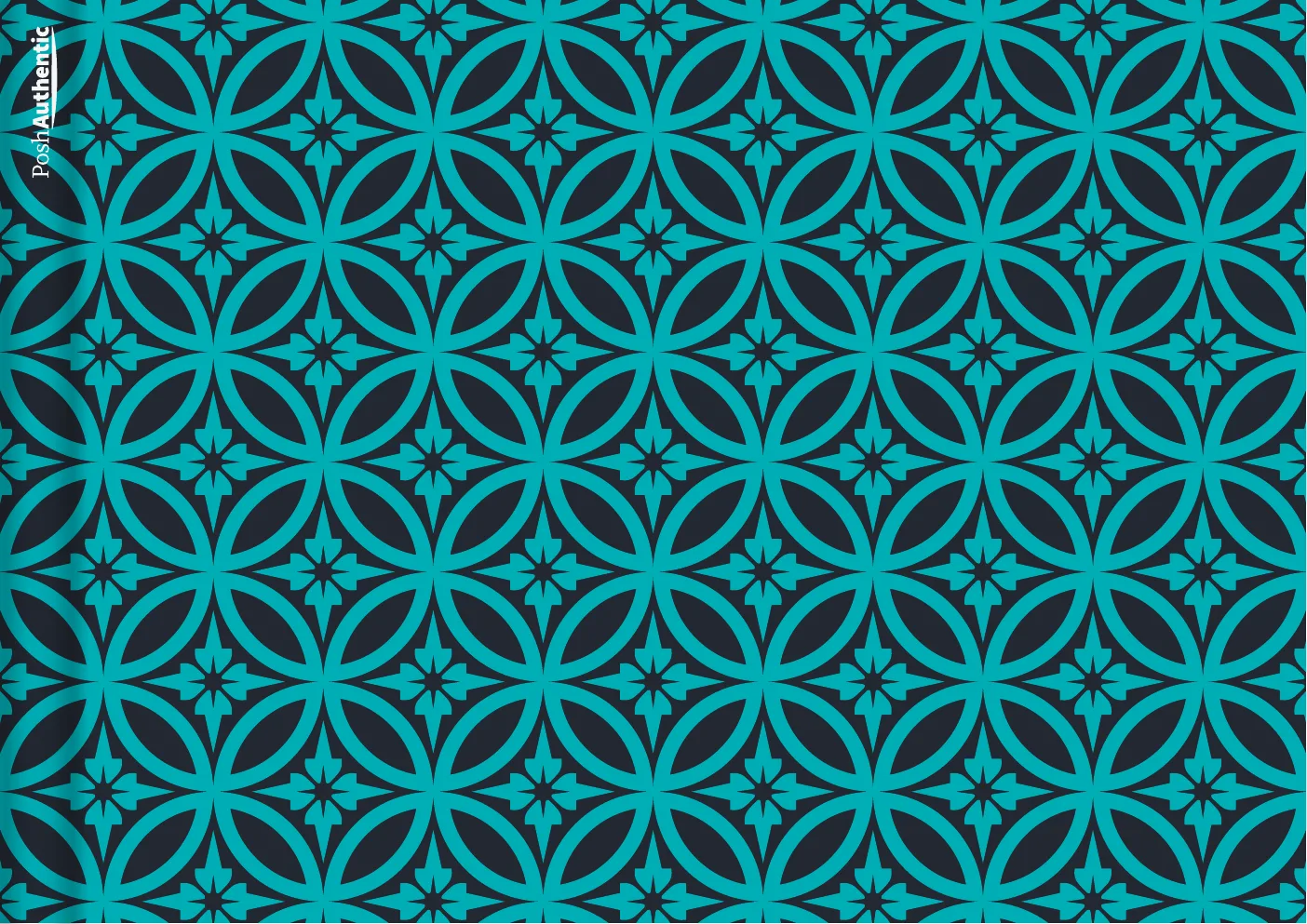
  • The Shippo planner cover in midnight.

    Shippomidnight

Eight of 400+, shown landscape A4 — enough to show the range, not the whole set.

05 · Stickers

Every sticker line, in every color

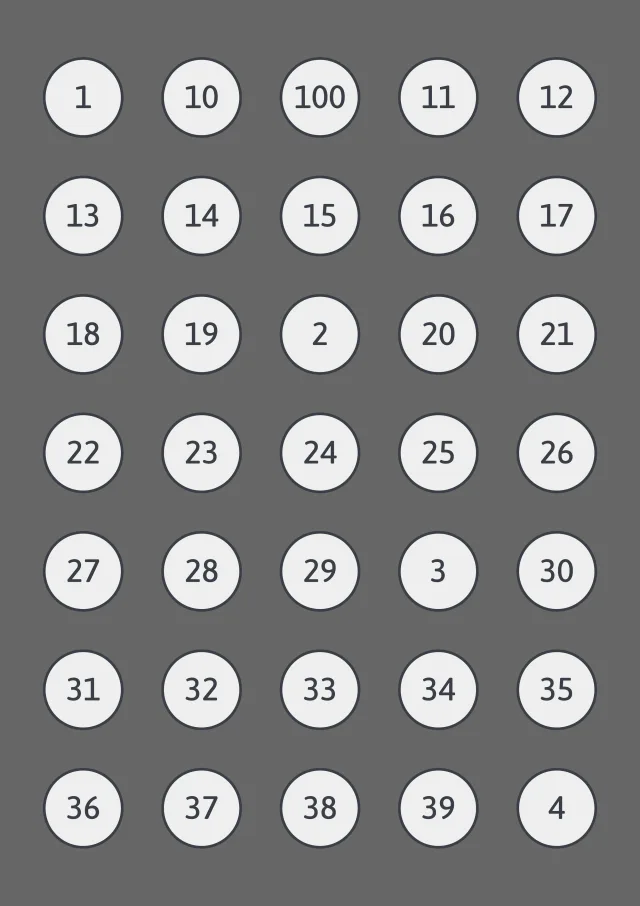
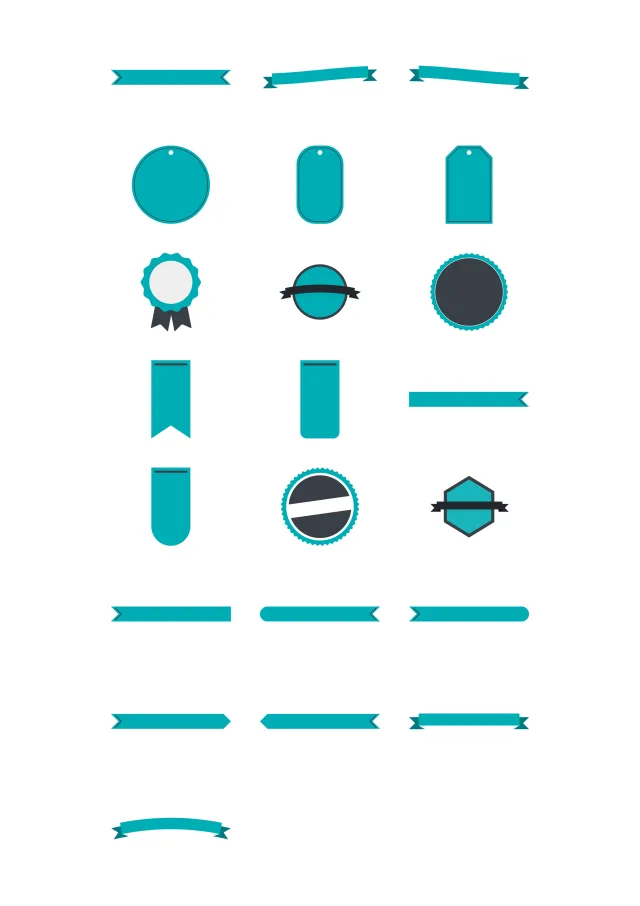
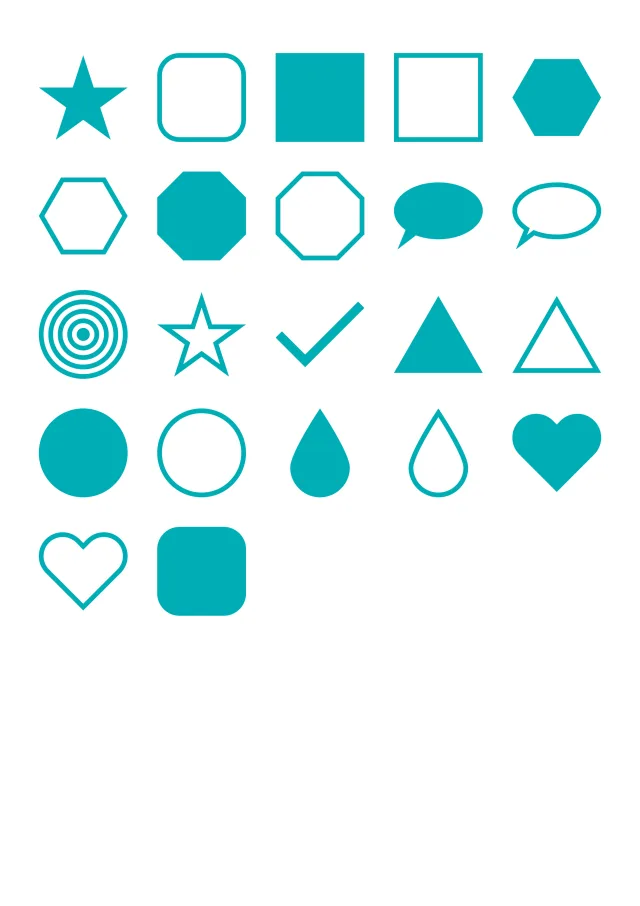
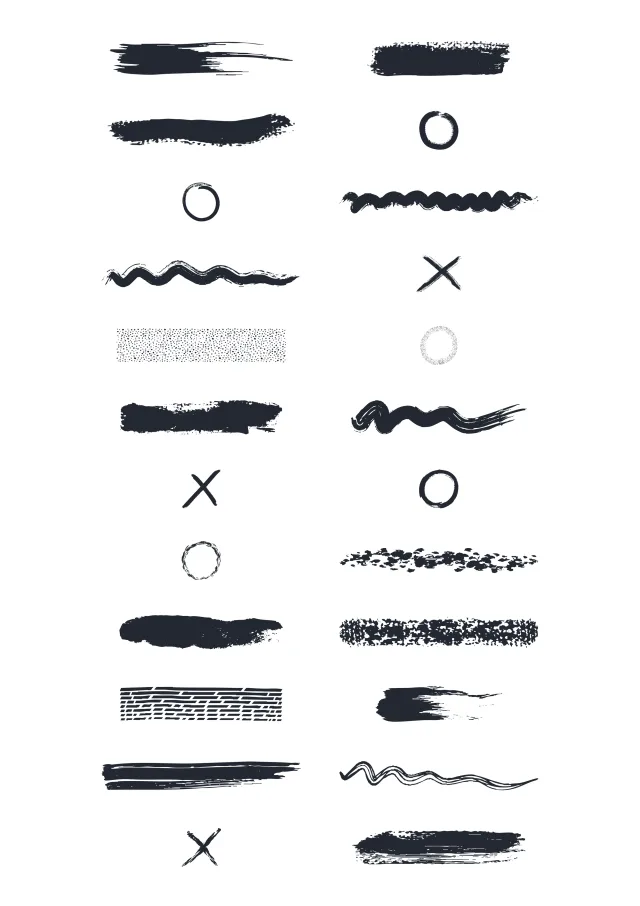
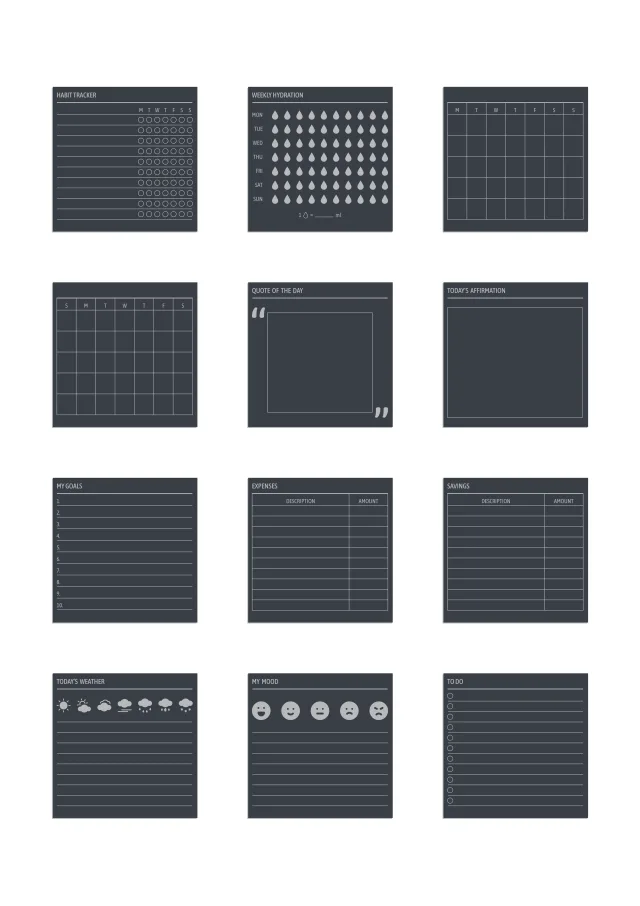
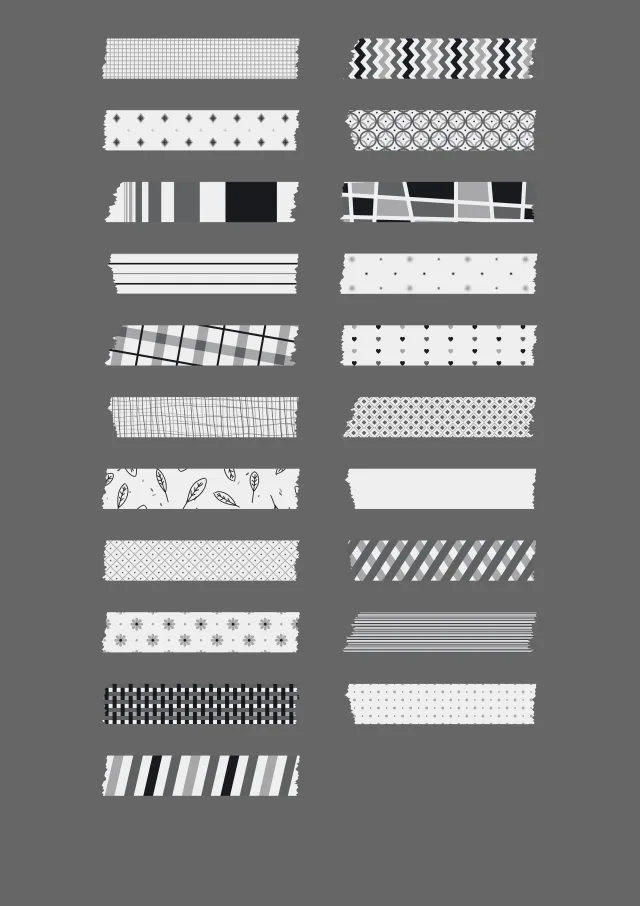
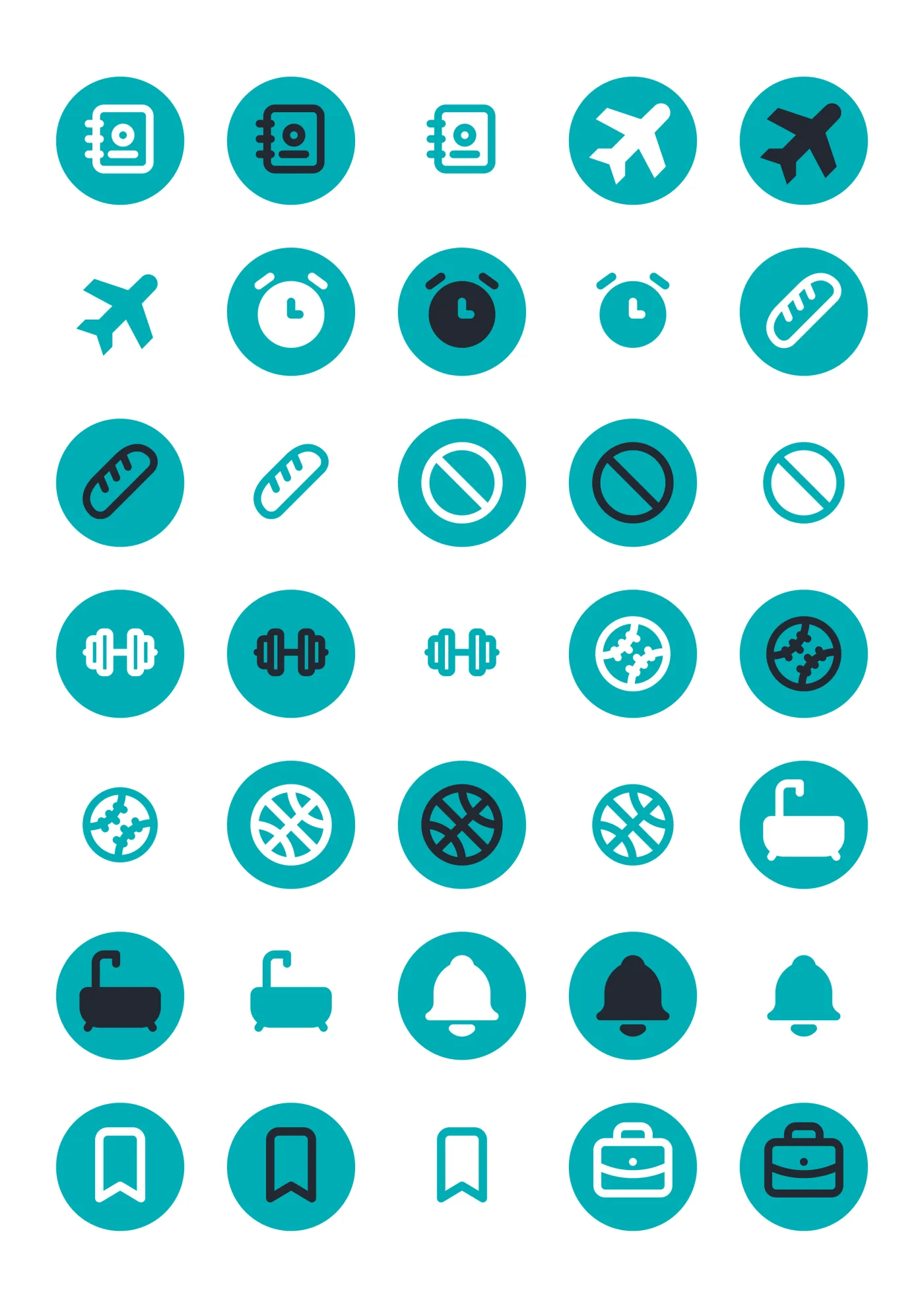
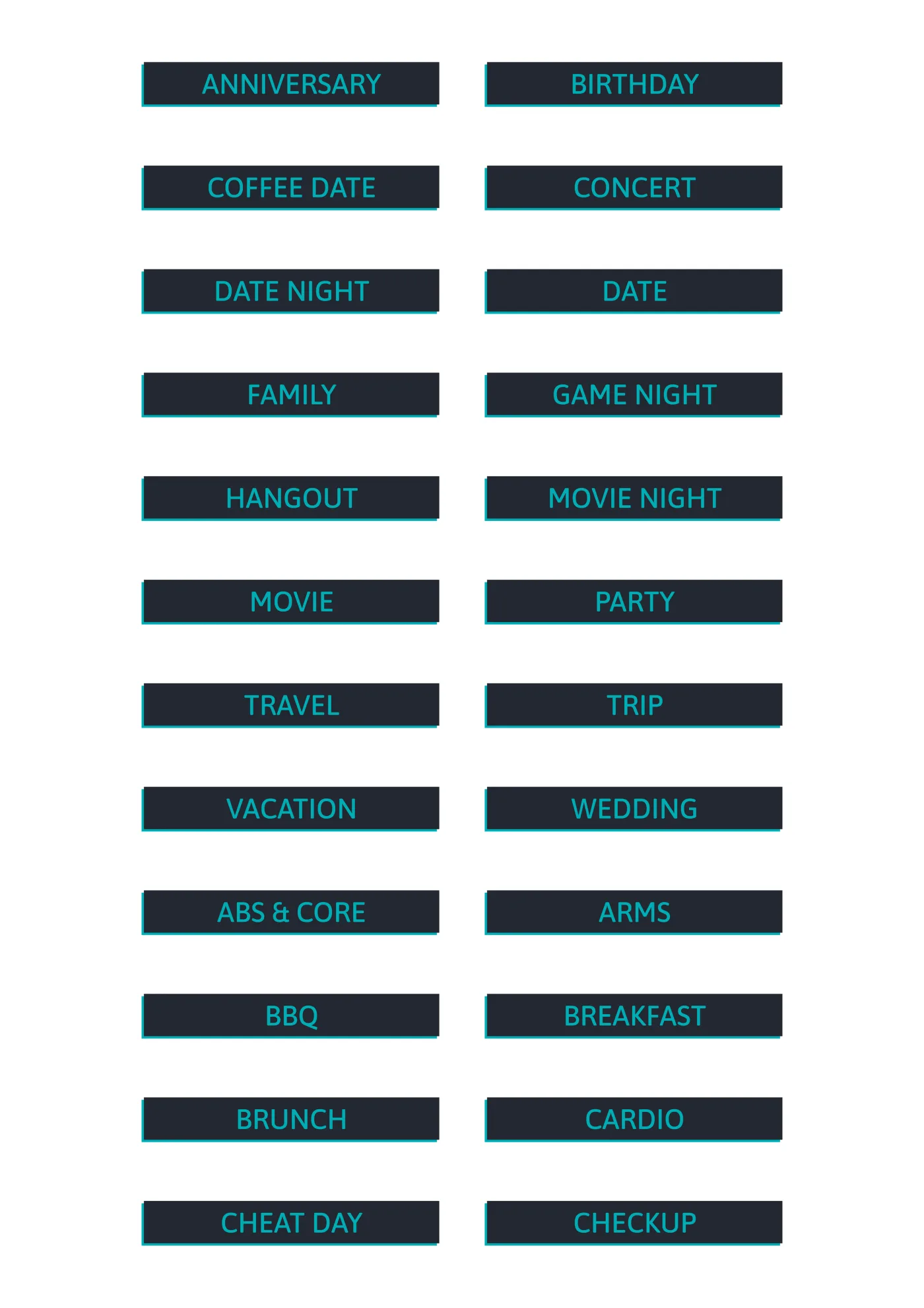
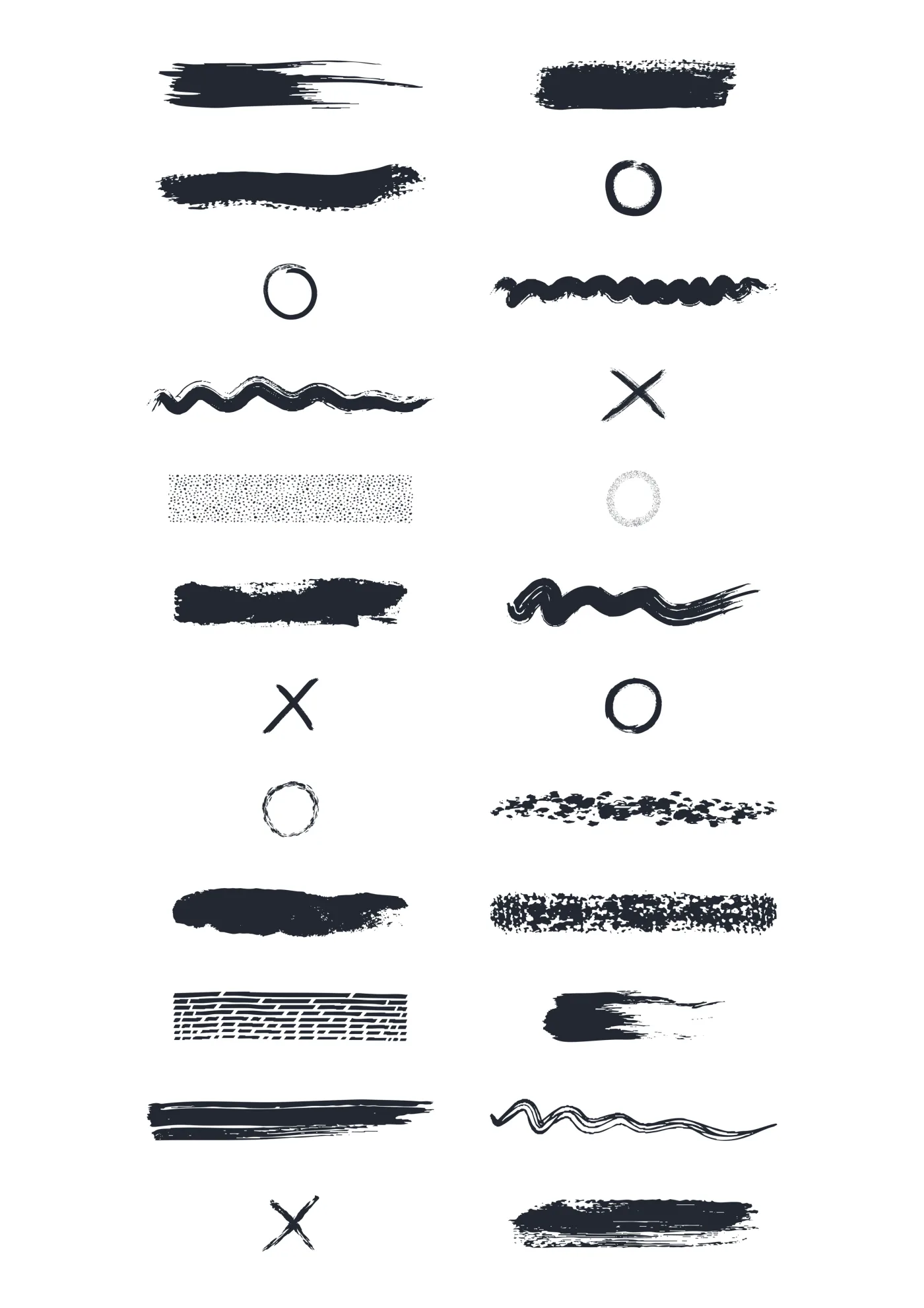
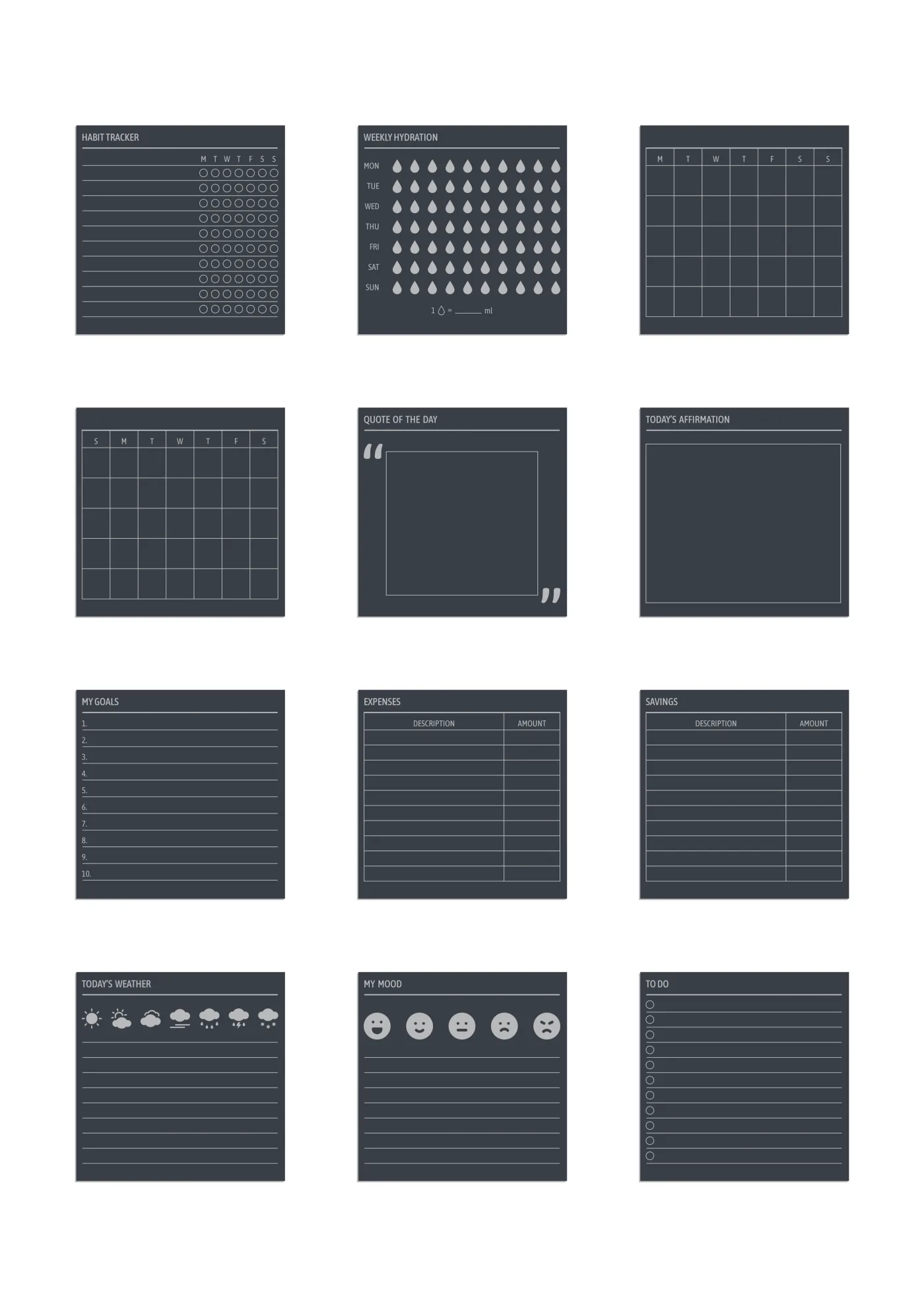
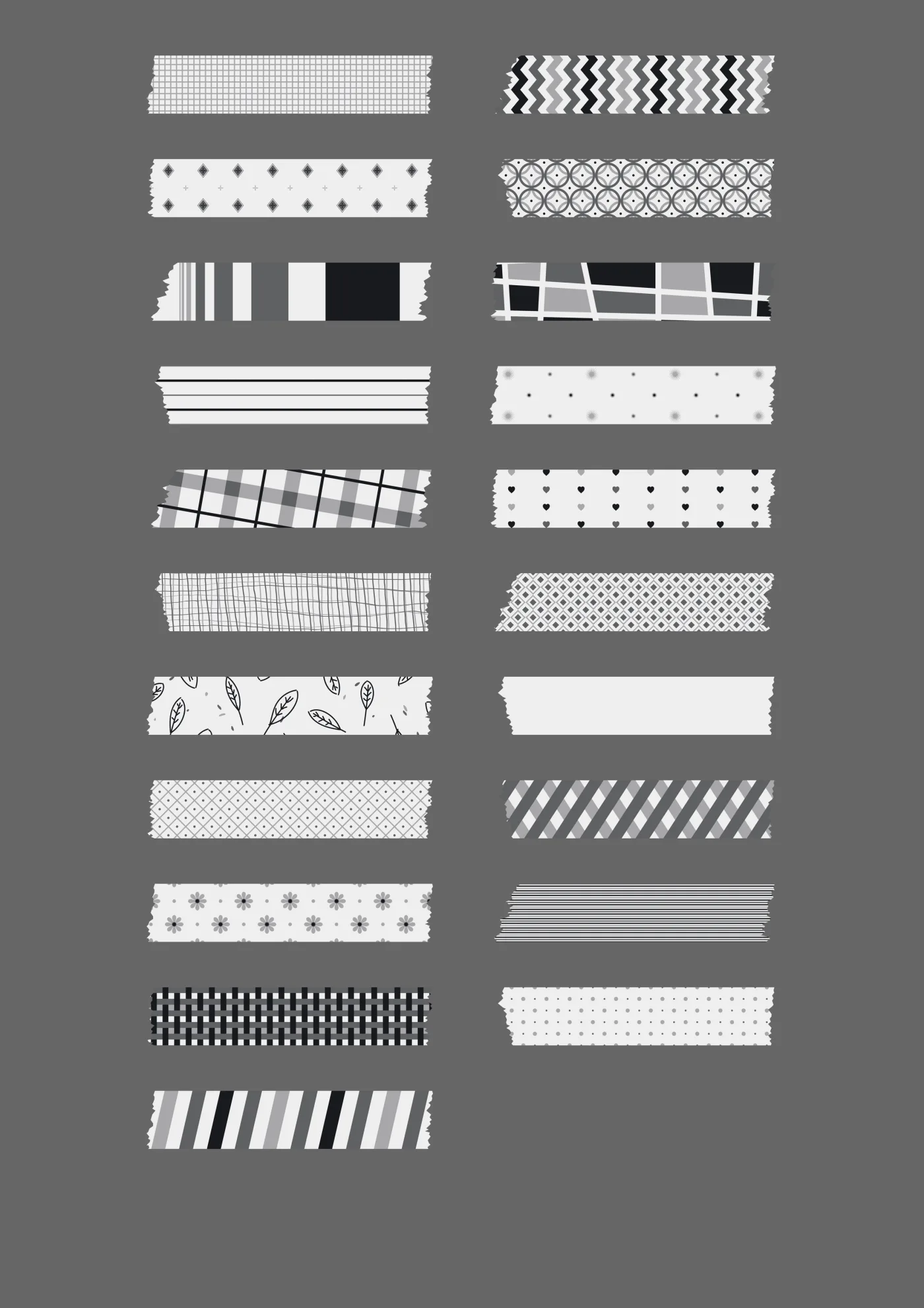
Icons and words, numbers and washi, labels, shapes, brushes and widgets — 8,700+ stickers in all, and each line runs in every color the theme does. They’re drawn at the size they get used at, so they hold their edges when you scale them.
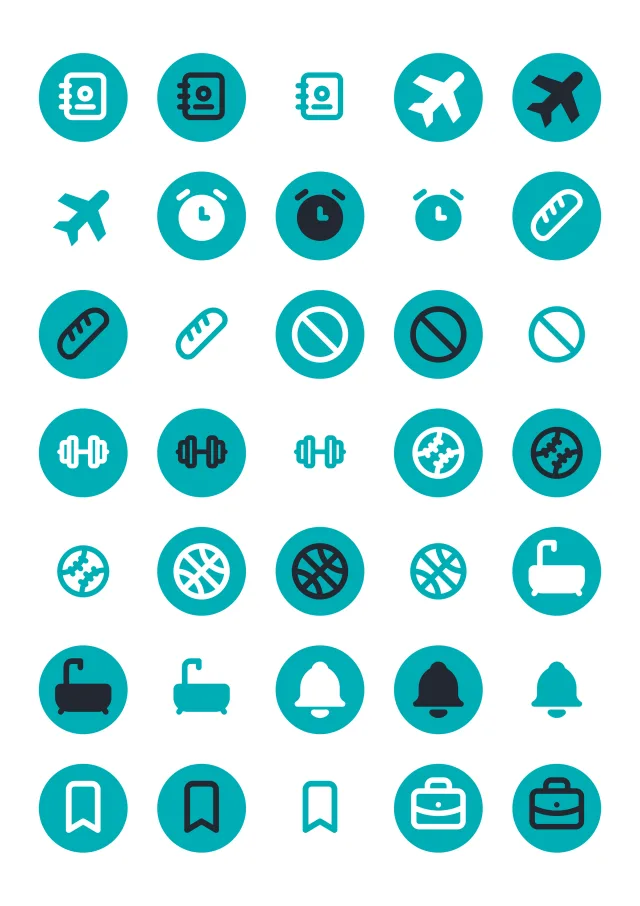
  • A sheet of the icons sticker line in teal, laid out in a grid so the drawing and the range are both visible.

    IconsTeal

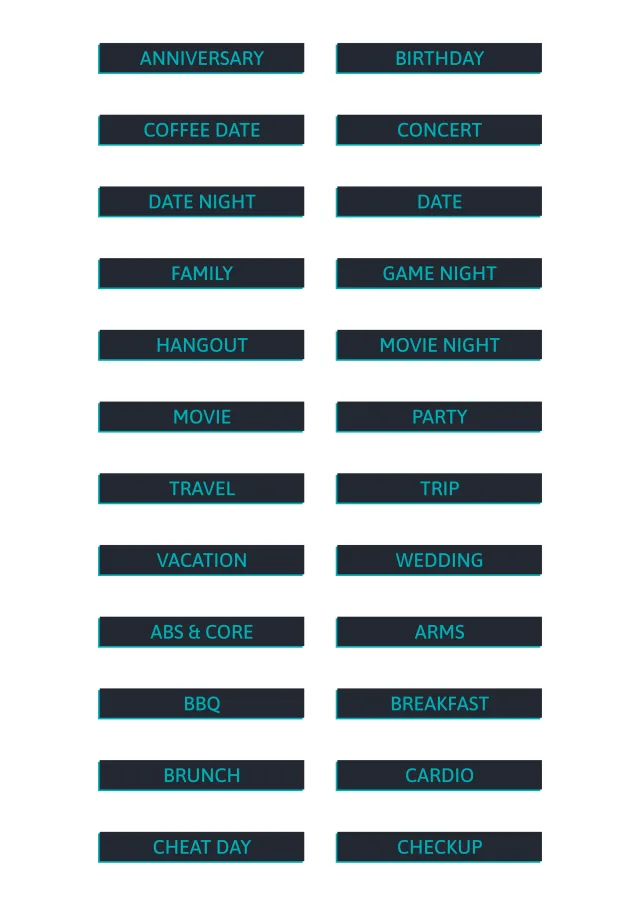
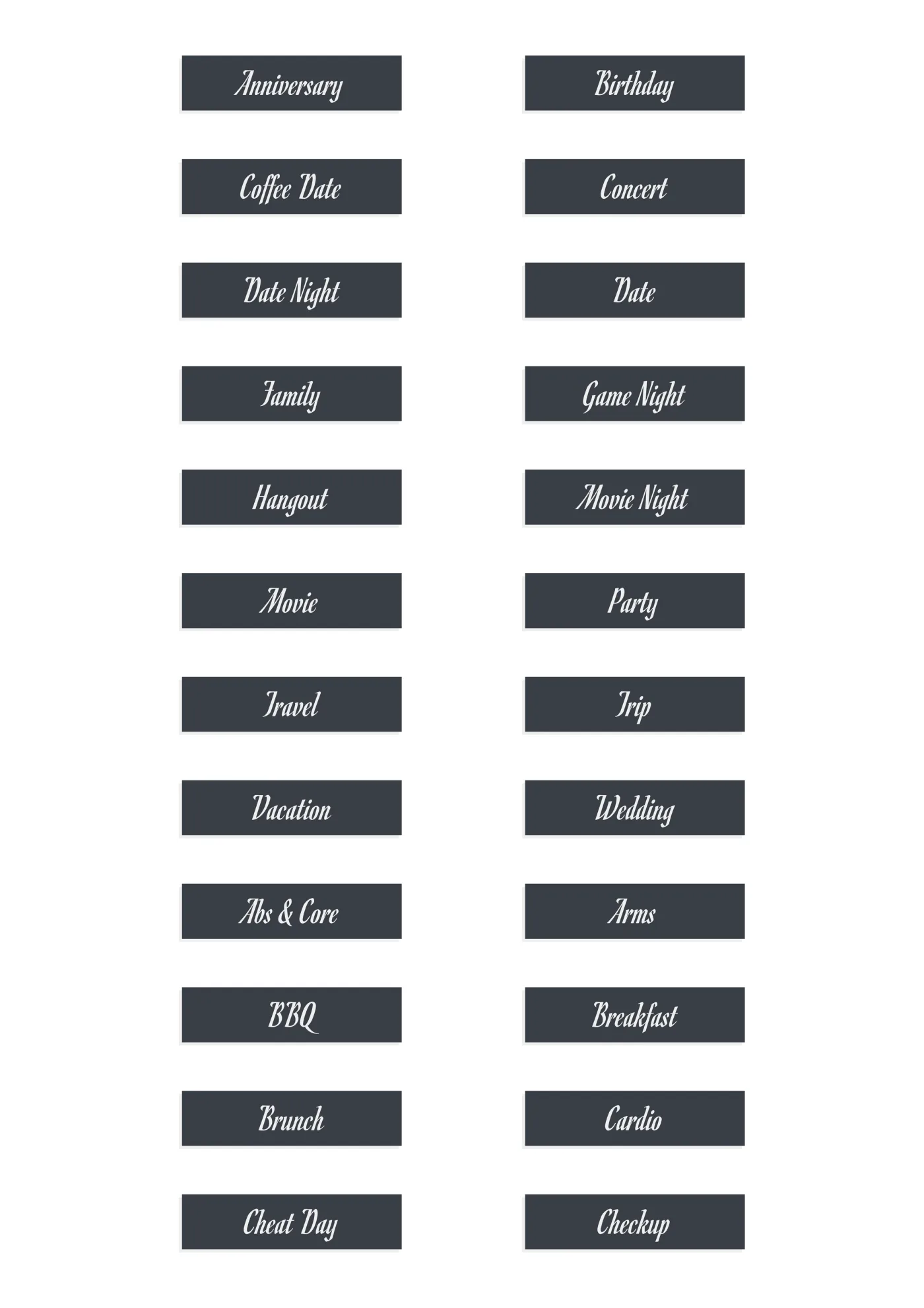
  • A sheet of the words sans sticker line in midnight, laid out in a grid so the drawing and the range are both visible.

    Words · SansMidnight

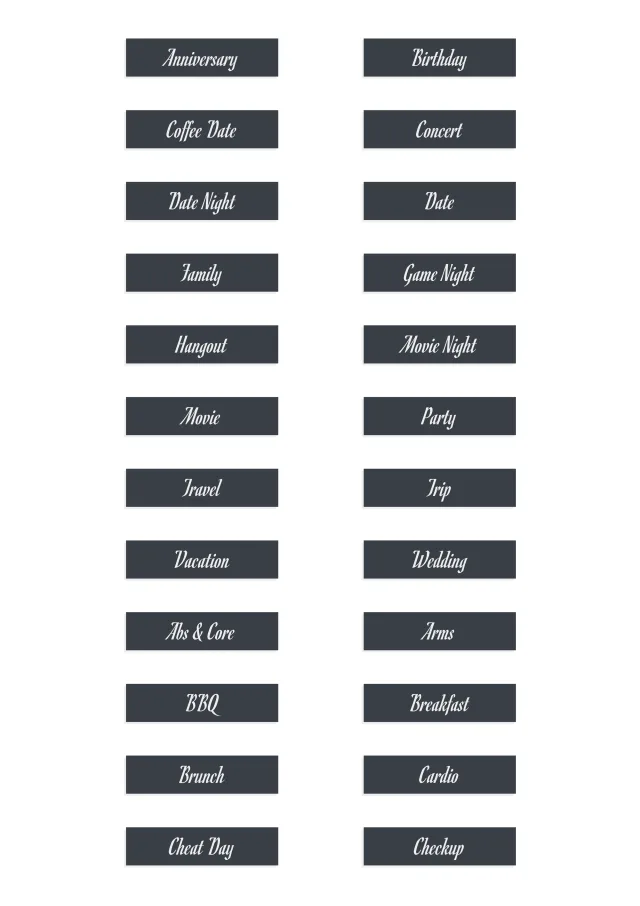
  • A sheet of the words script sticker line in grey, laid out in a grid so the drawing and the range are both visible.

    Words · ScriptGrey

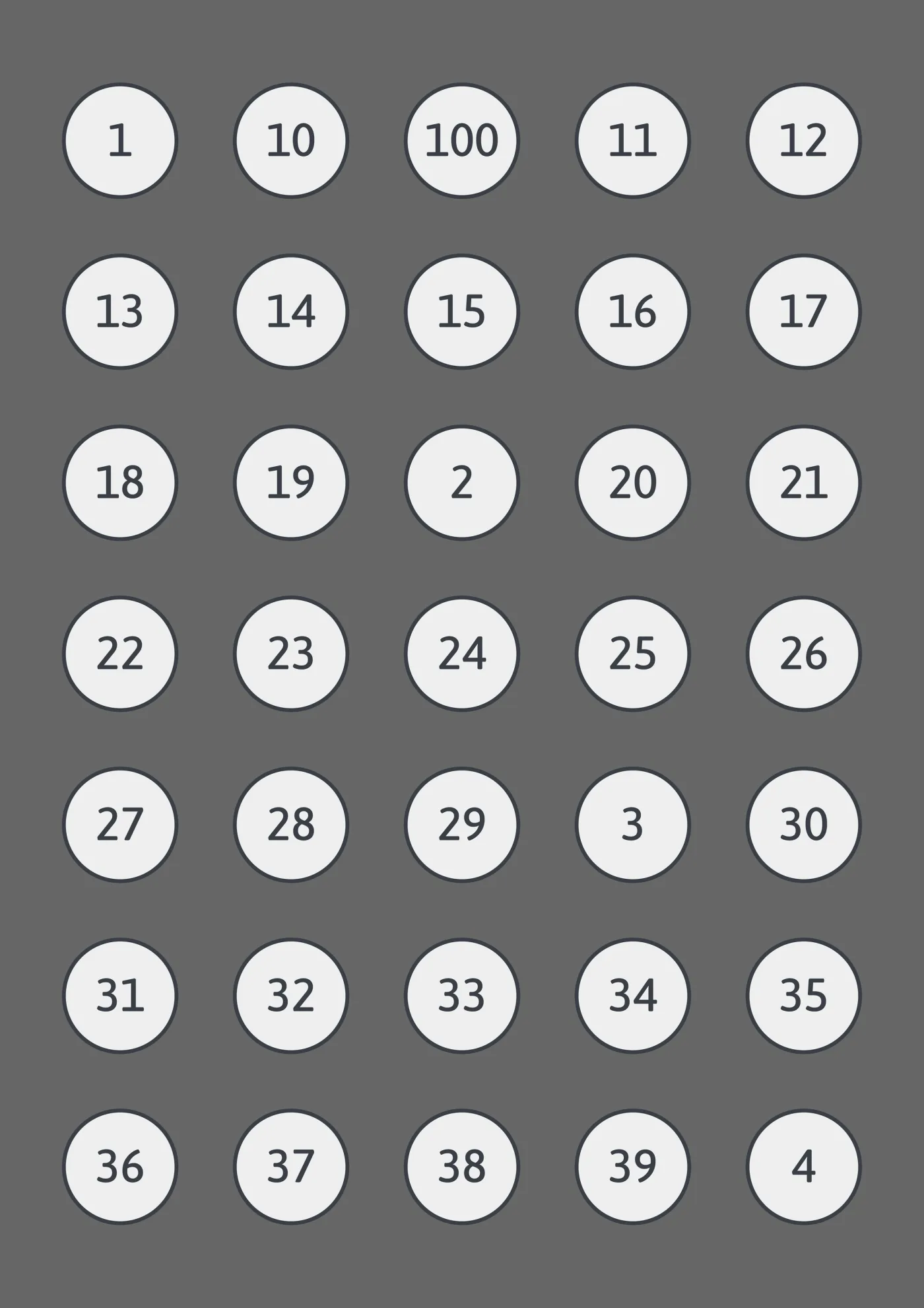
  • A sheet of the numbers sticker line in light grey, laid out in a grid so the drawing and the range are both visible.

    NumbersLight Grey

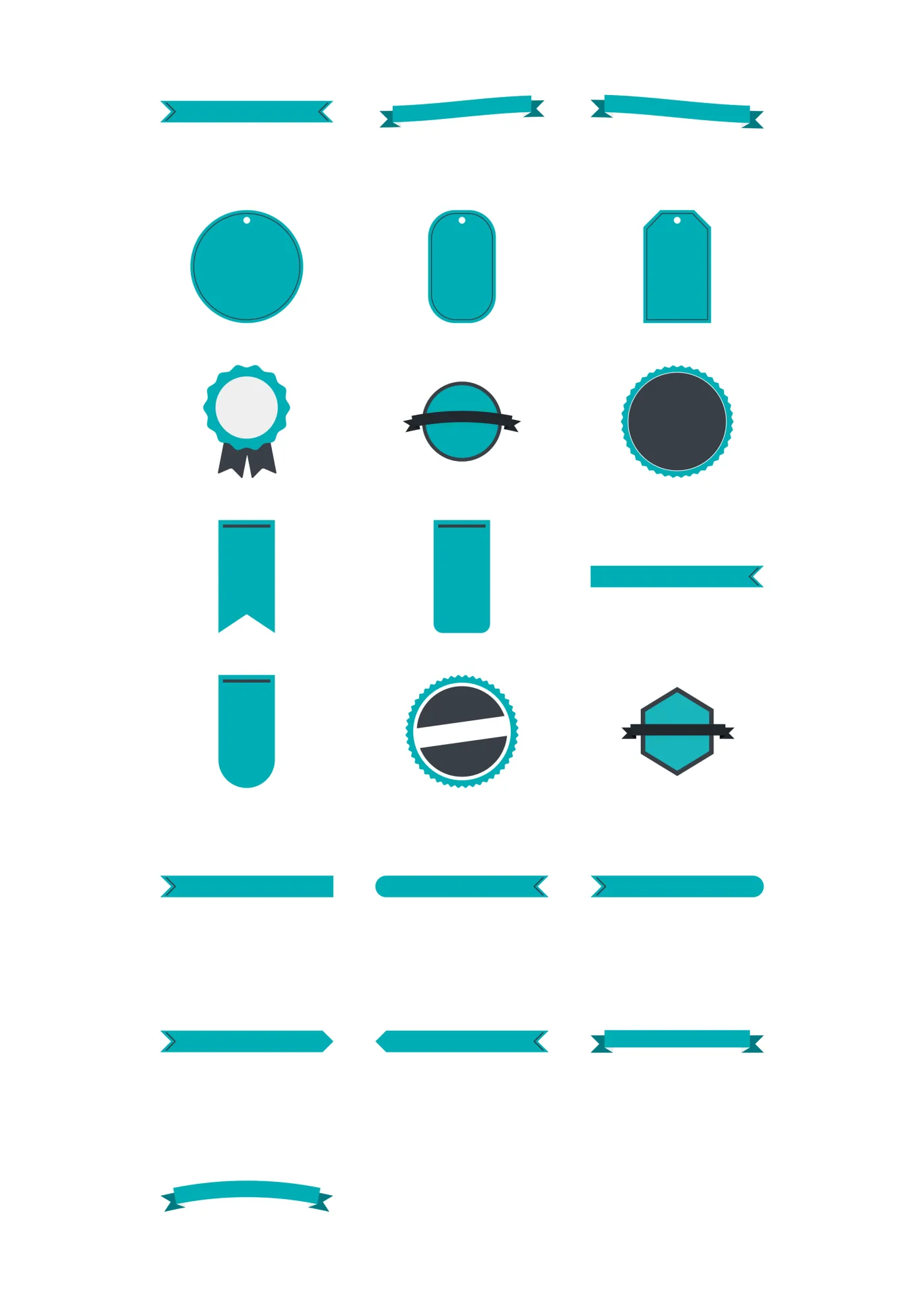
  • A sheet of the labels sticker line in its multi-color set, laid out in a grid so the drawing and the range are both visible.

    LabelsMulti

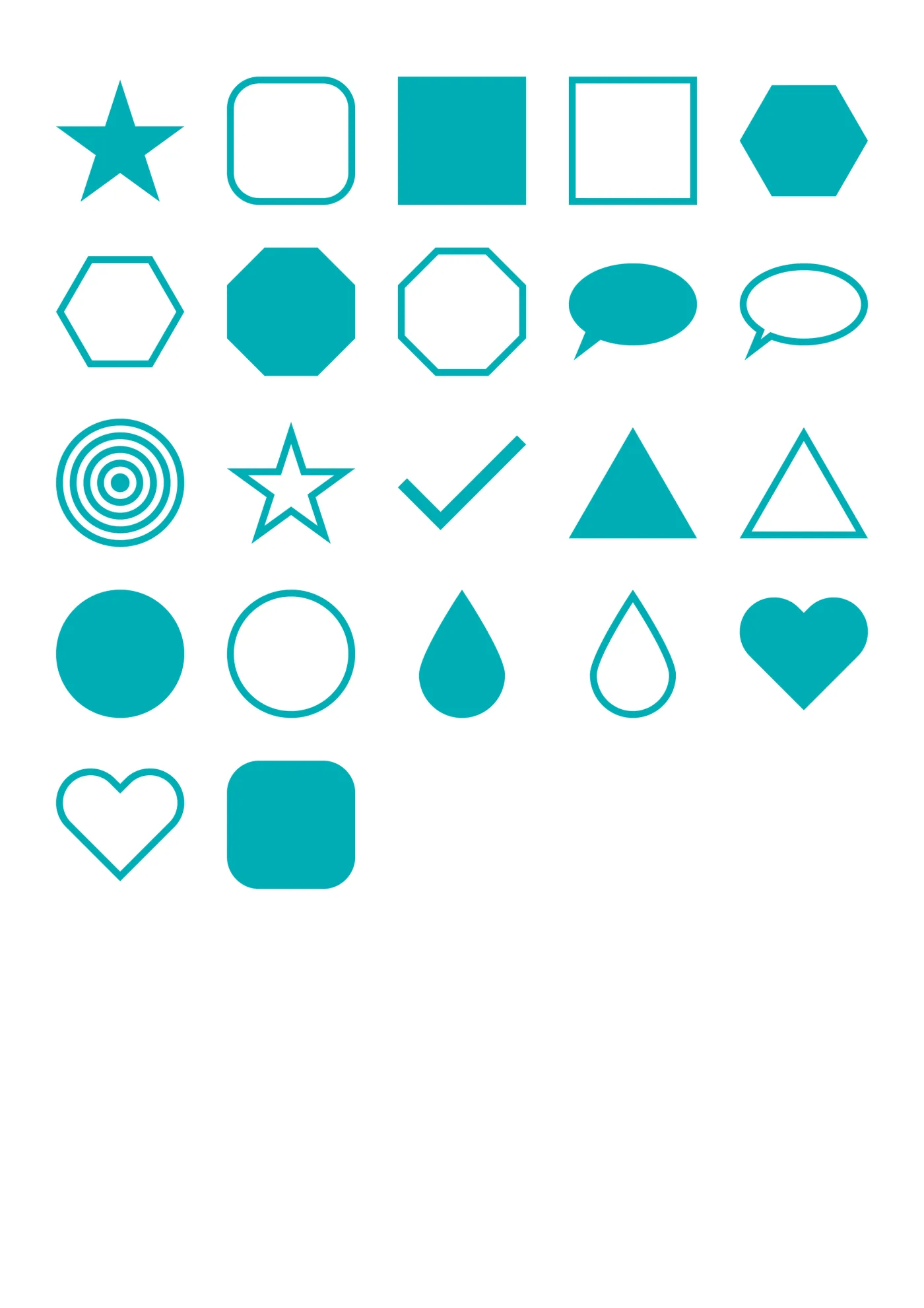
  • A sheet of the shapes sticker line in teal, laid out in a grid so the drawing and the range are both visible.

    ShapesTeal

  • A sheet of the brushes sticker line in midnight, laid out in a grid so the drawing and the range are both visible.

    BrushesMidnight

  • A sheet of the widgets sticker line in grey, laid out in a grid so the drawing and the range are both visible.

    WidgetsGrey

  • A sheet of the washi sticker line in light grey, laid out in a grid so the drawing and the range are both visible.

    WashiLight Grey

One sheet from each line, in a different color each time. Every color is in the download, not only the ones shown.

06 · Note templates

Note pages for everything that isn’t a date

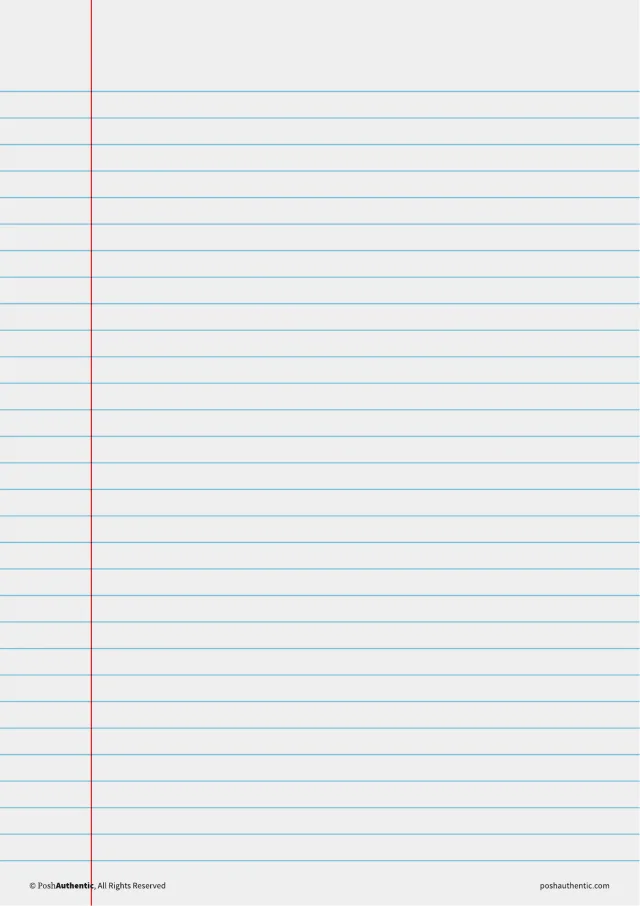
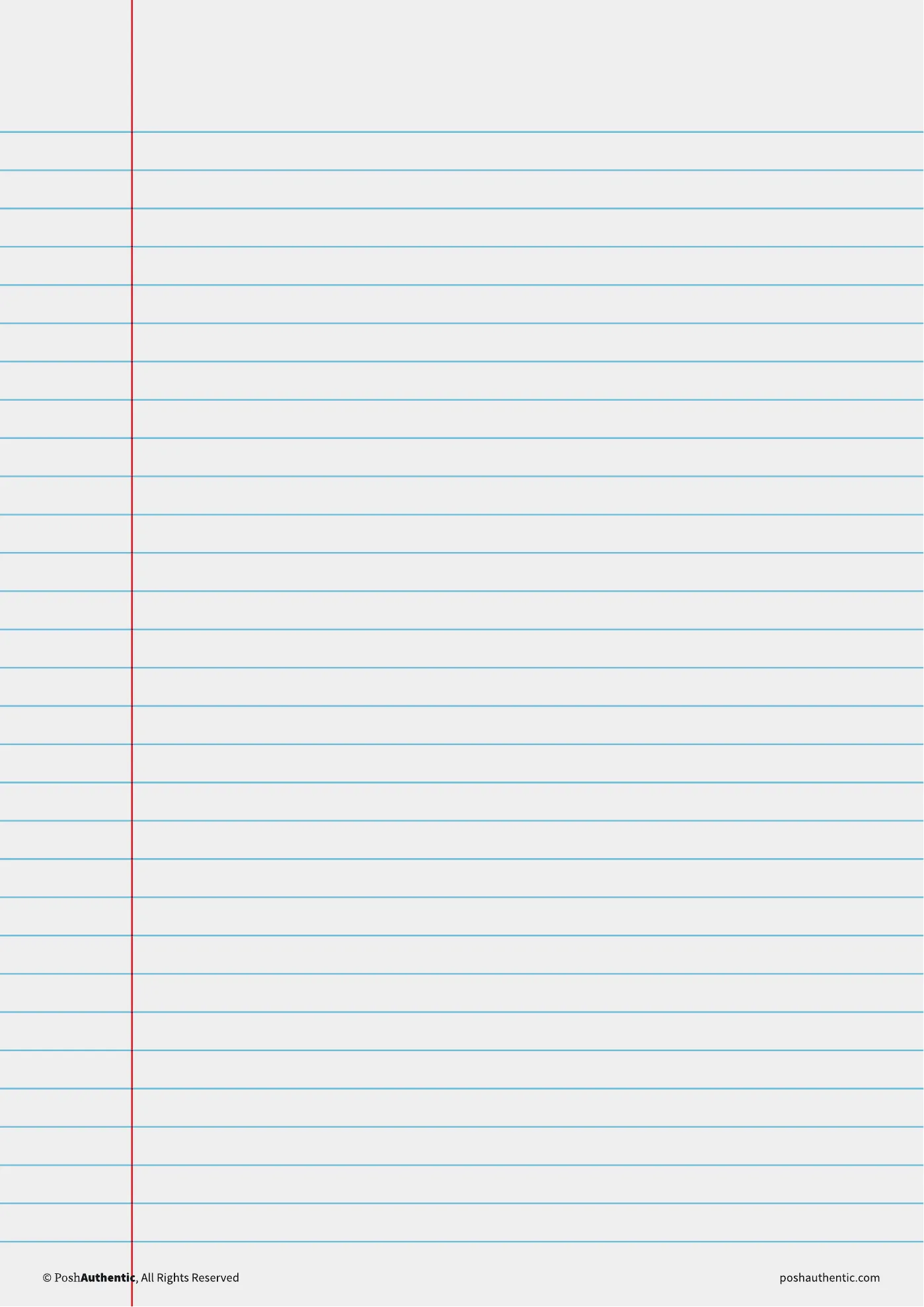
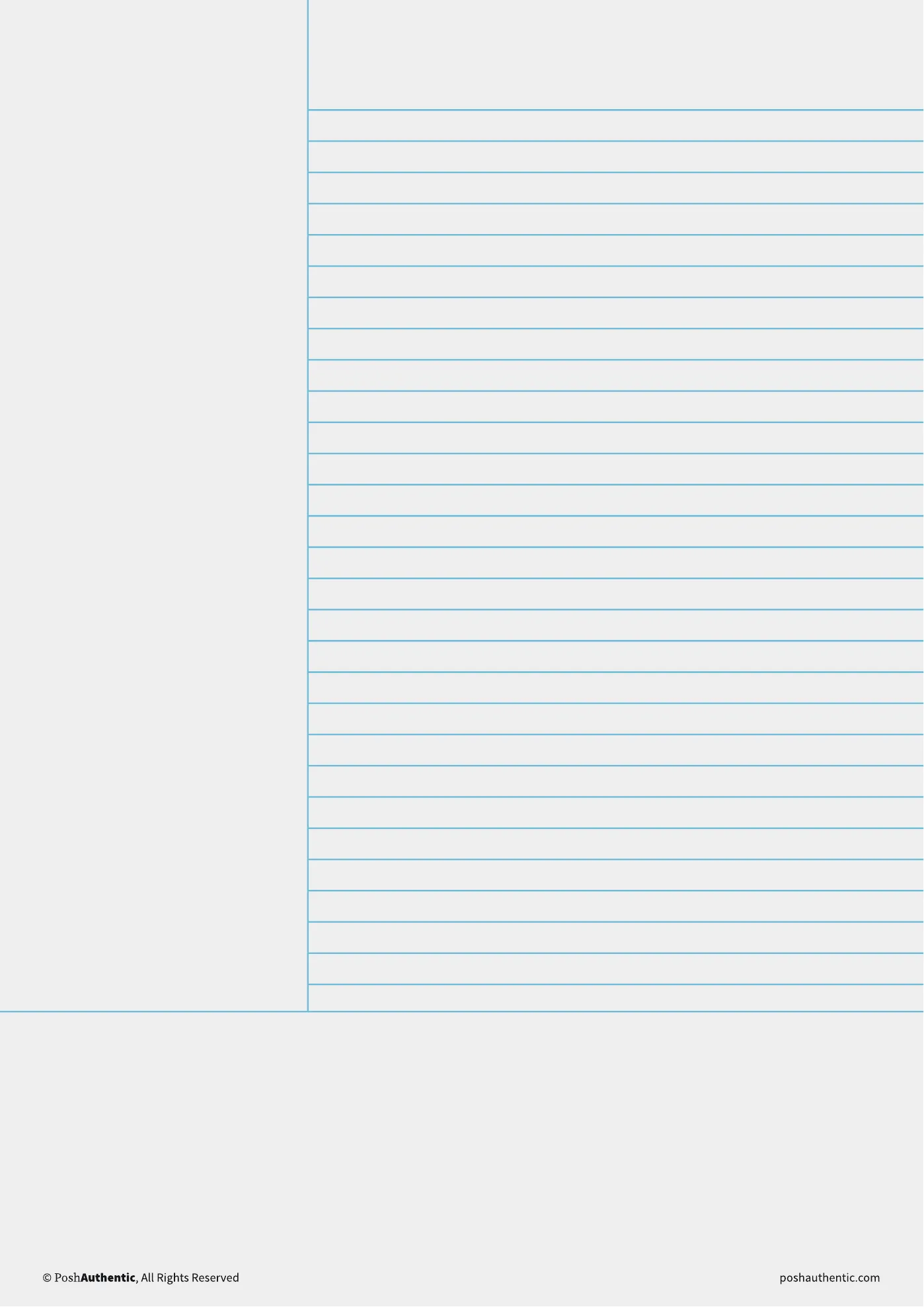
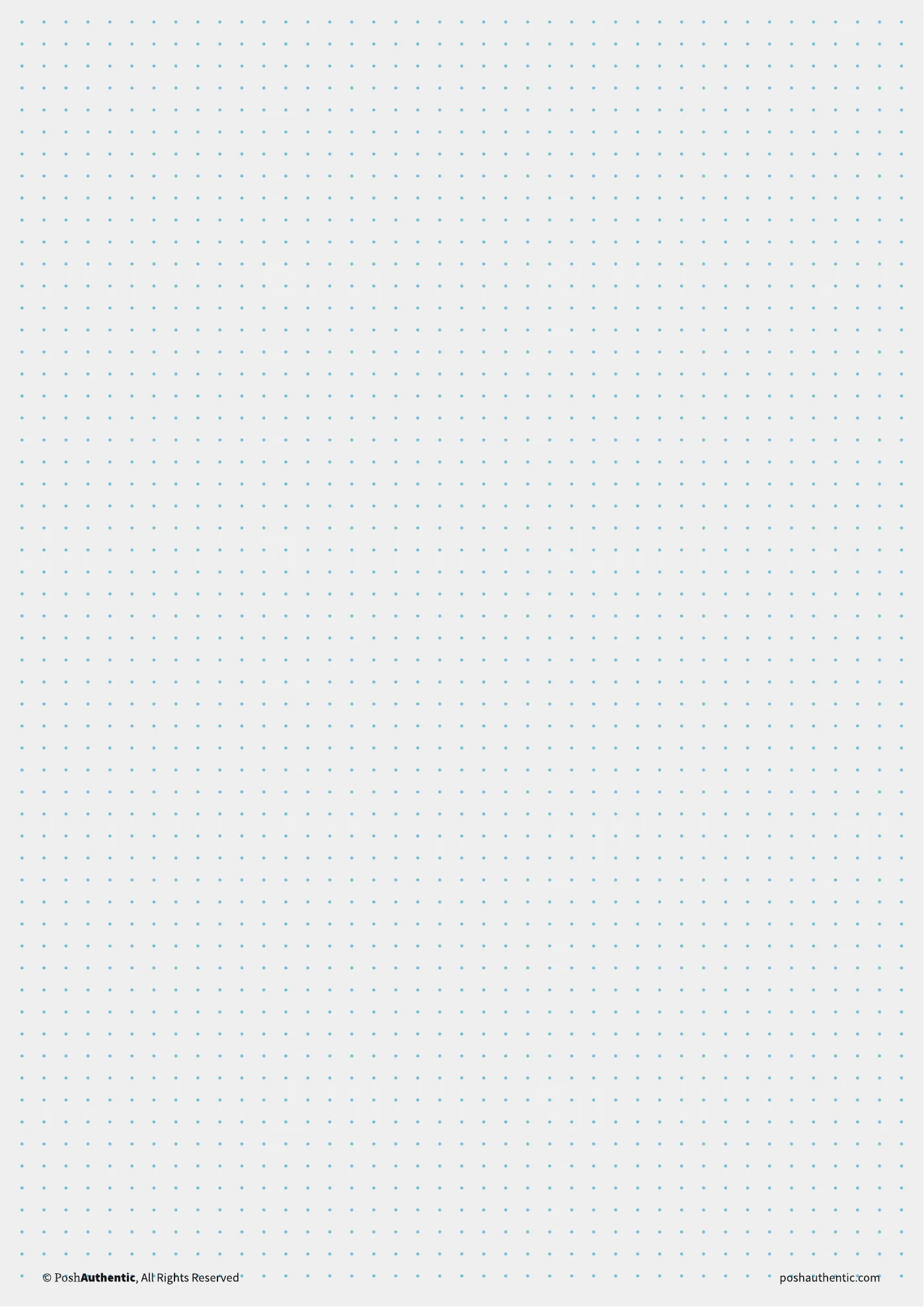
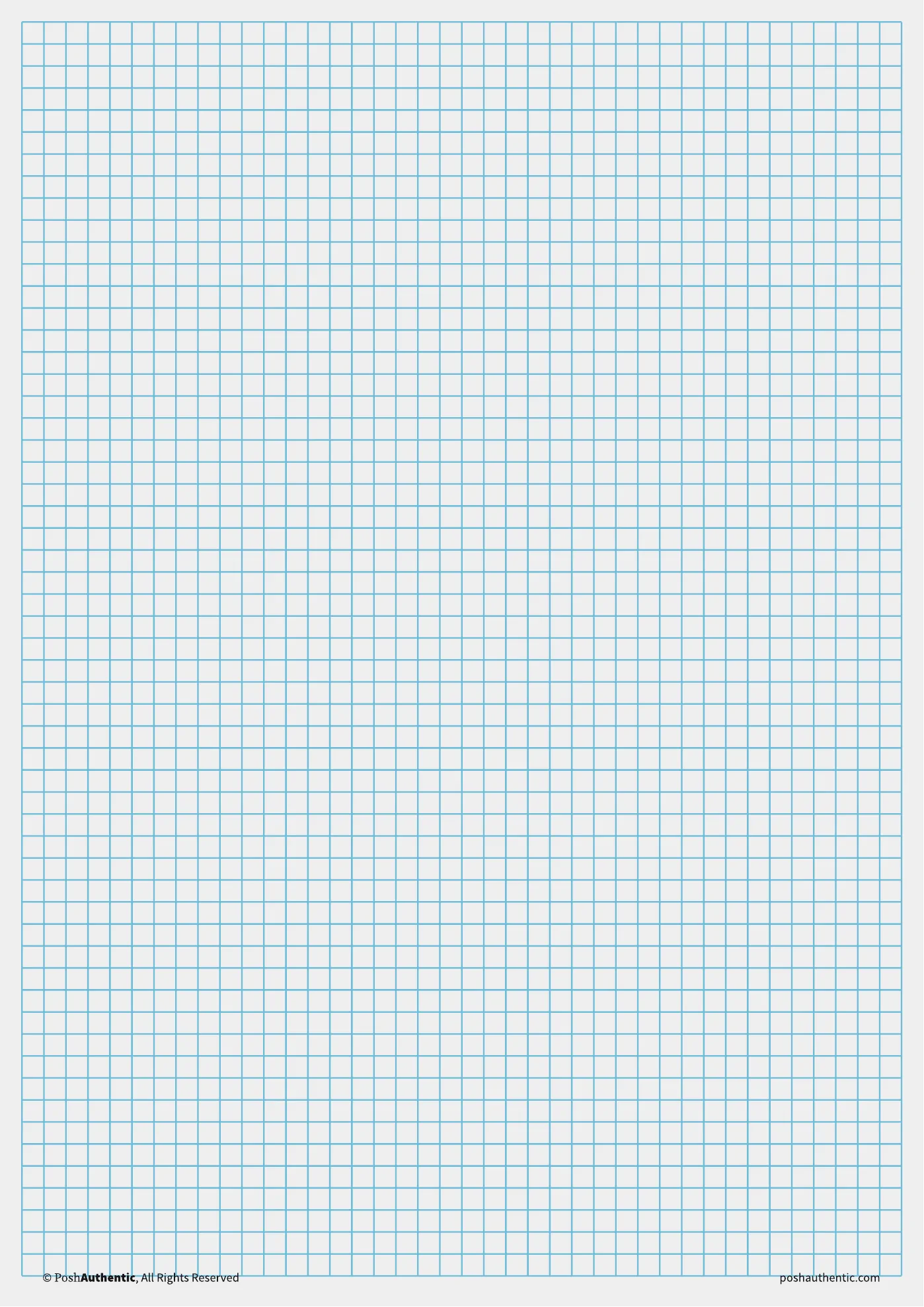
Ruled and dotted, graph and isometric, Cornell, lists and tables — 450+ sheets in all, each layout in every color the theme runs. A planner handles the dated half of the year; these are for the rest of it.
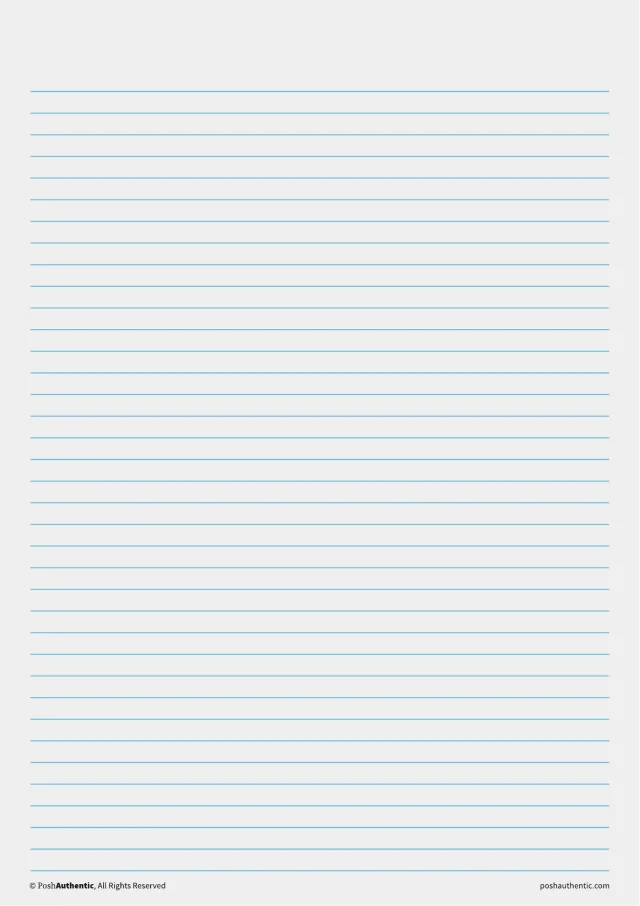
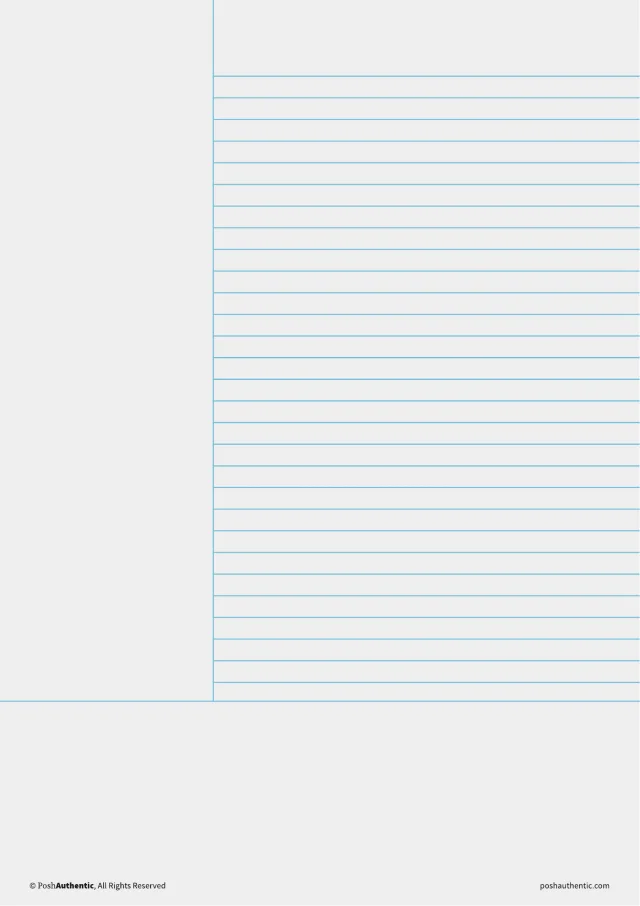
  • A ruled note template — the layout shown on a plain white sheet.

    Ruled

  • A margin ruled note template — the layout shown on a plain white sheet.

    Margin ruled

  • A cornell note template — the layout shown on a plain white sheet.

    Cornell

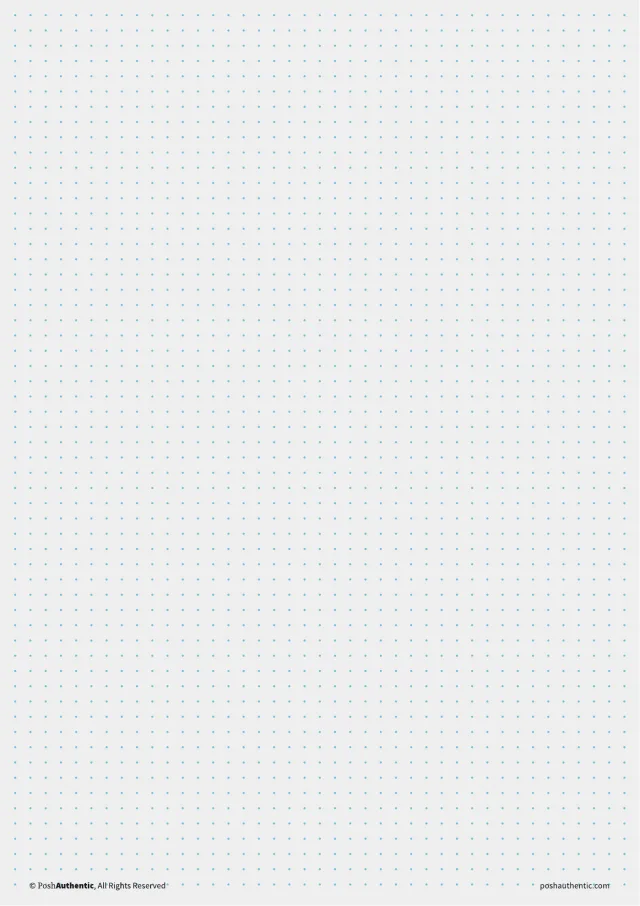
  • A dot grid note template — the layout shown on a plain white sheet.

    Dot grid

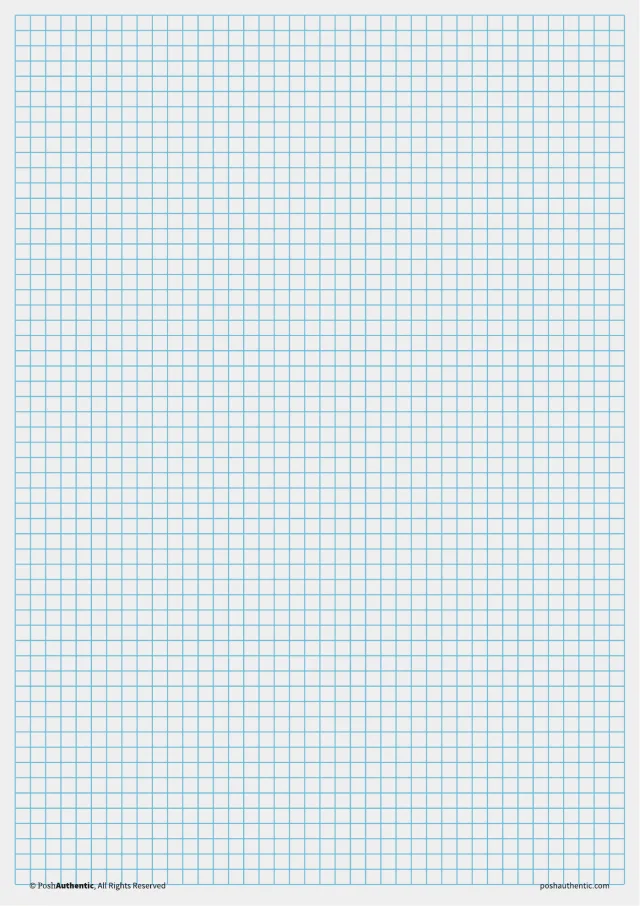
  • A graph note template — the layout shown on a plain white sheet.

    Graph

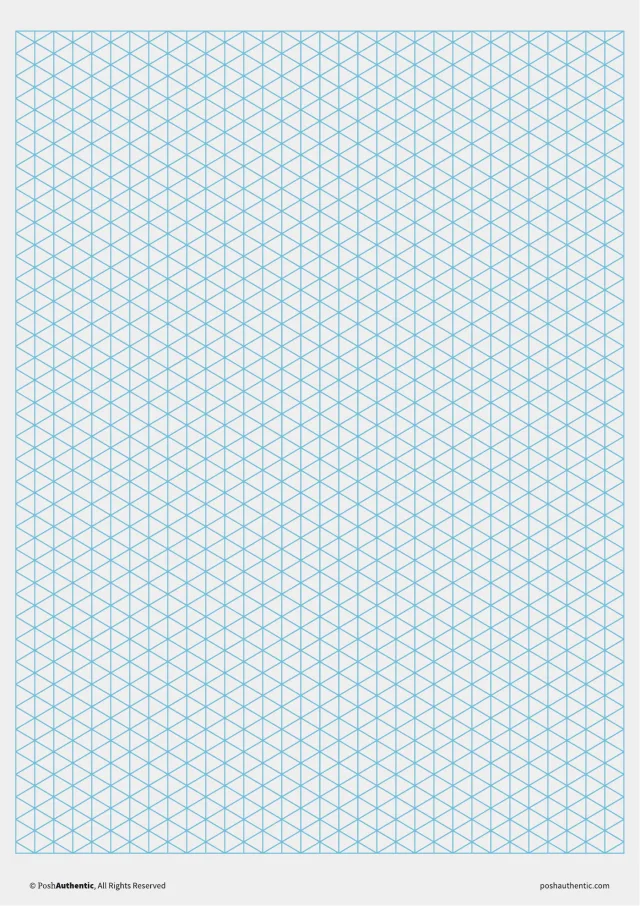
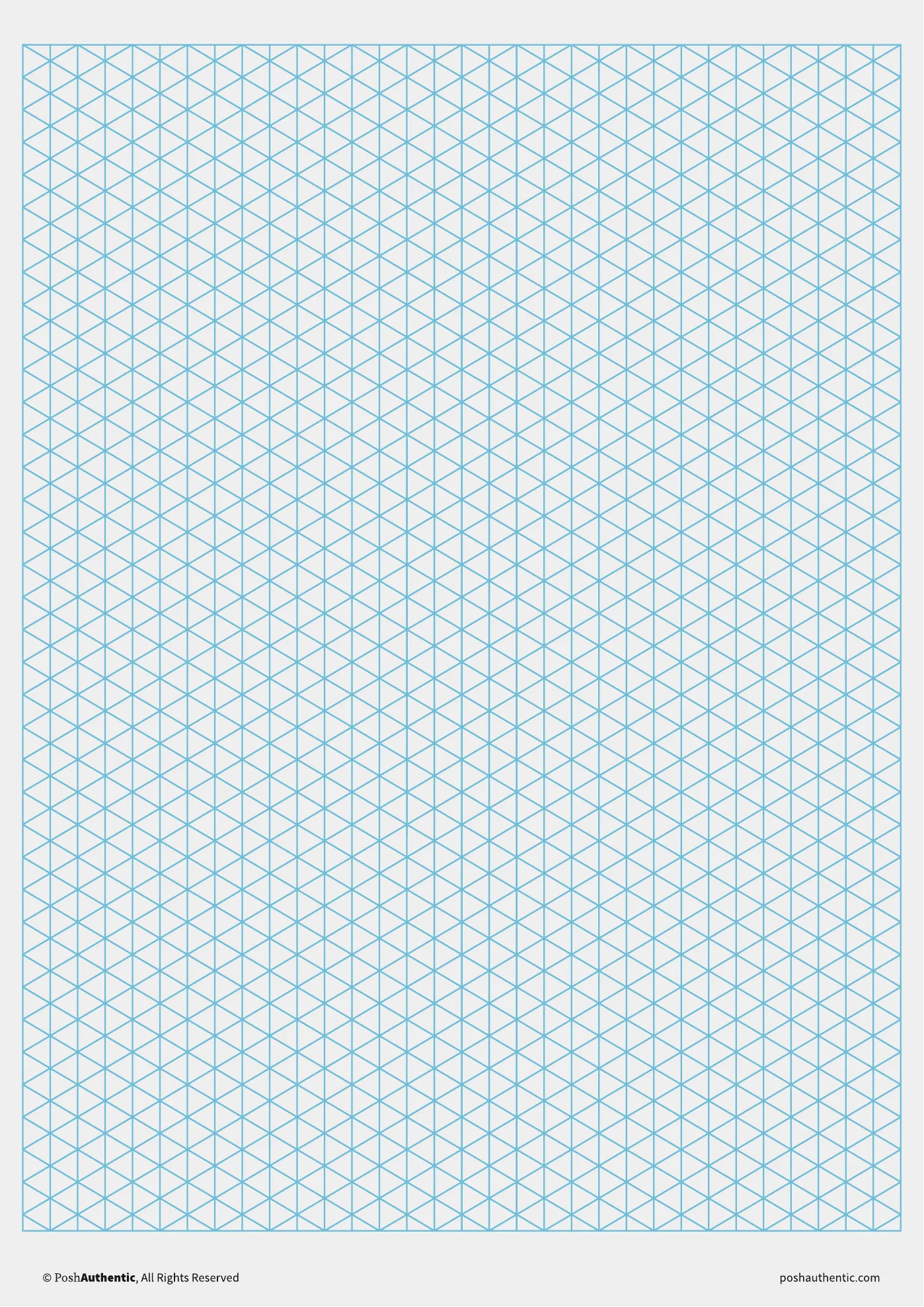
  • A isometric note template — the layout shown on a plain white sheet.

    Isometric

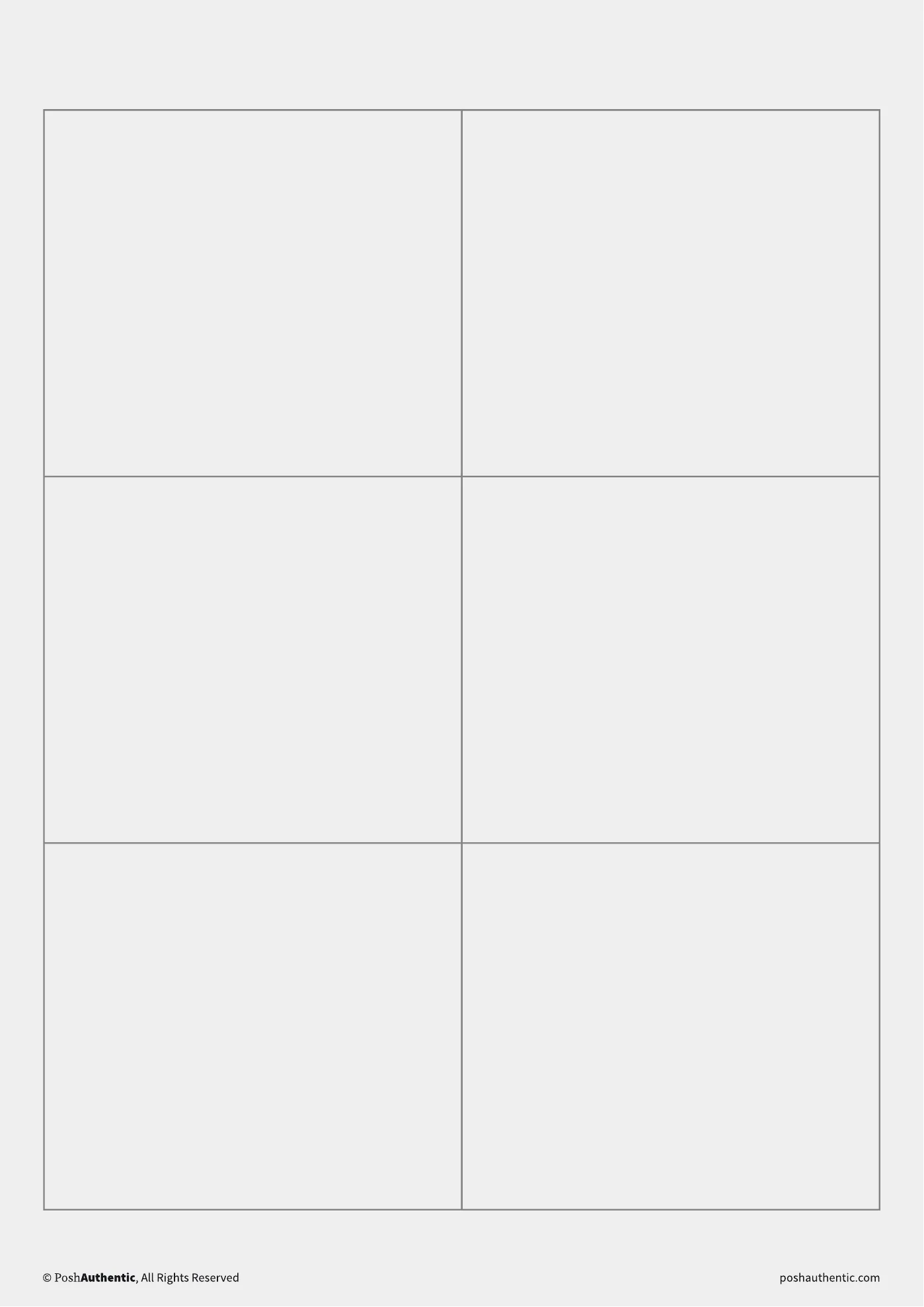
  • A grid note template — the layout shown on a plain white sheet.

    Grid

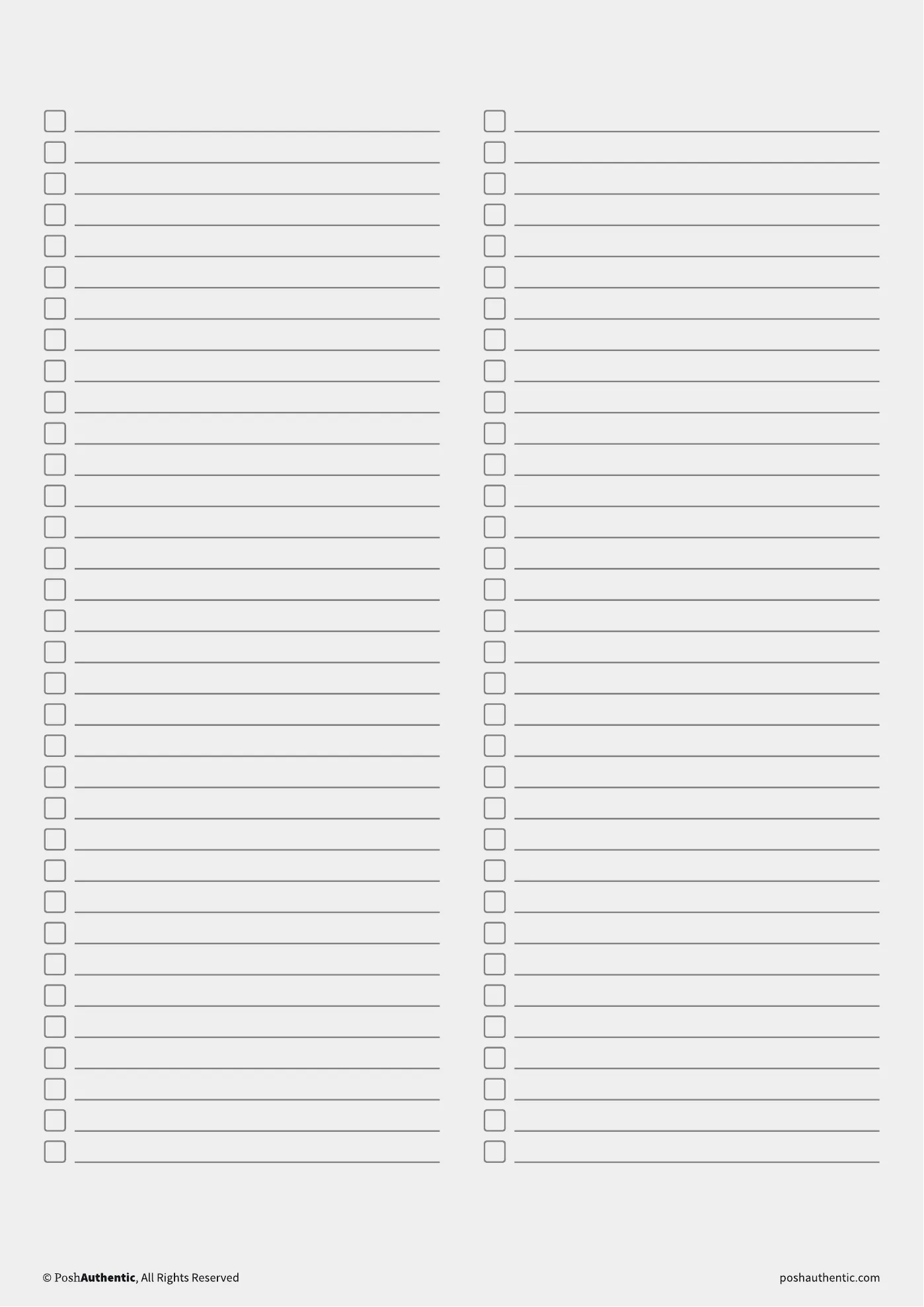
  • A lists note template — the layout shown on a plain white sheet.

    Lists

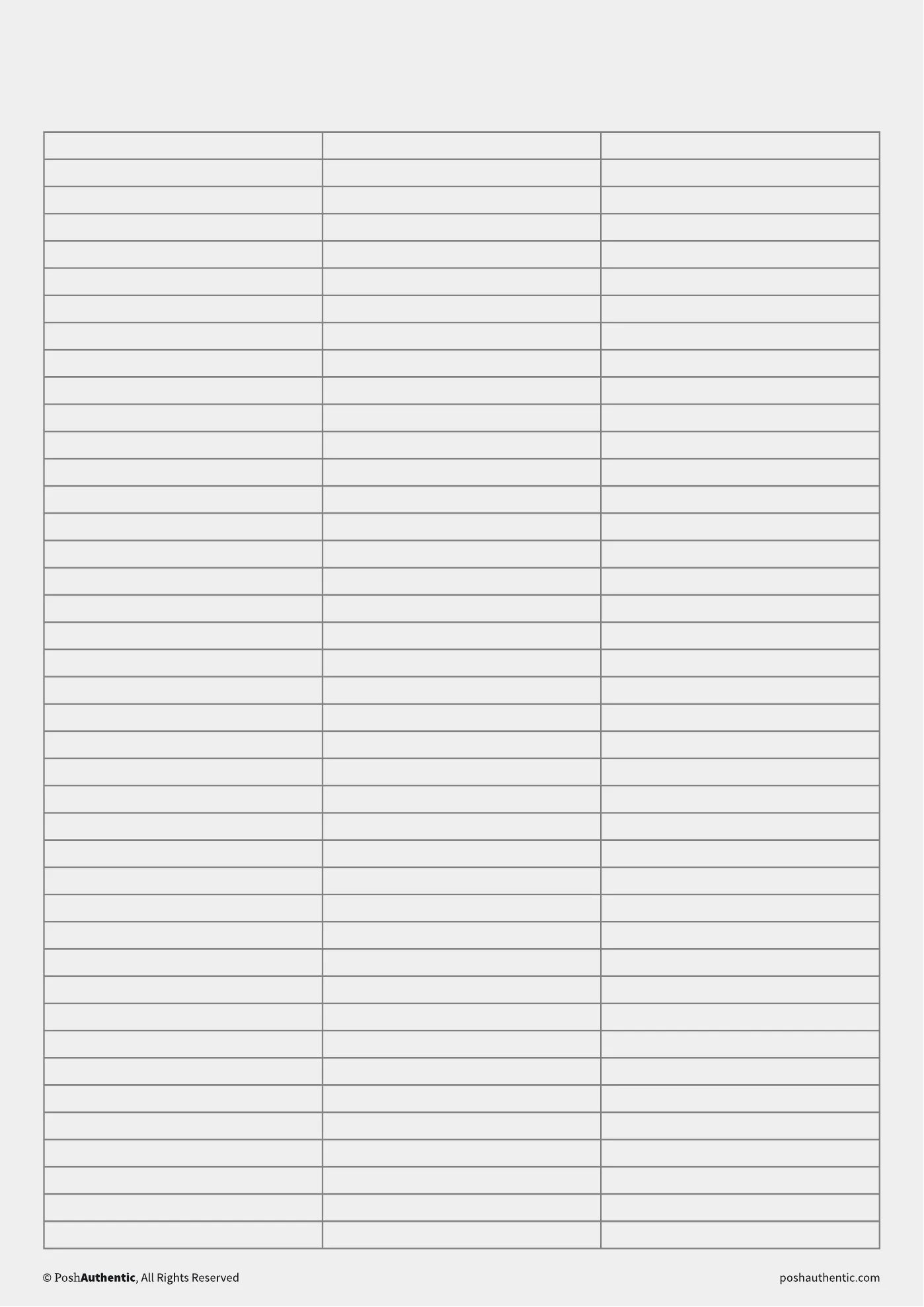
  • A table note template — the layout shown on a plain white sheet.

    Table

Nine of the layouts, shown in white so the ruling reads. Every color is in the download, not only the one shown.

07 · Before you buy

It takes about ten minutes to set up

The planner and note templates are PDFs you open in a note-taking app; the stickers are transparent PNGs you drop onto a page. All of it works in GoodNotes, Noteshelf and Noteful.

It is an instant download, so there is nothing to post and nothing to wait for.

Everything is designed and tested in-house. If something isn’t sitting right on your iPad, message us and we’ll help you sort it out.

All bundlesHow digital planners work