PoshAuthentic
Sticker Sets
Reusable digital stickers, drawn for the planner and in its colors.
01 · On this shelf
6 products
Transparent PNGs you drop onto a page in GoodNotes, Noteshelf or Noteful. Drawn at the size they’re used at, so they hold up when you resize them.
The lines cover what a planning page actually asks for — icons and words, numbers and washi, labels, shapes, brushes and widgets — and each one comes in the theme’s full color range rather than a selection of it. Nothing is neon and nothing shouts, because a sticker that fights the page it is on gets used once.
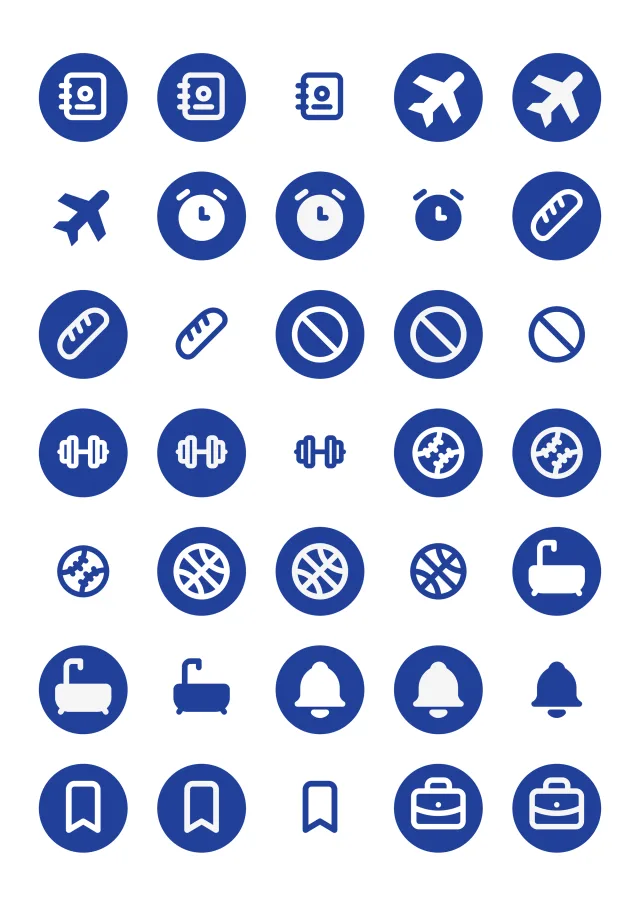
2026-2027 Mid-Year Digital StickersStandard Theme
Reusable stickers drawn for the planner, in the theme’s own colors.
One size
2026-2027 Mid-Year Deluxe Digital StickersStandard Theme
Two sticker sets in one download — the standard set, and the deluxe set as well.
One size
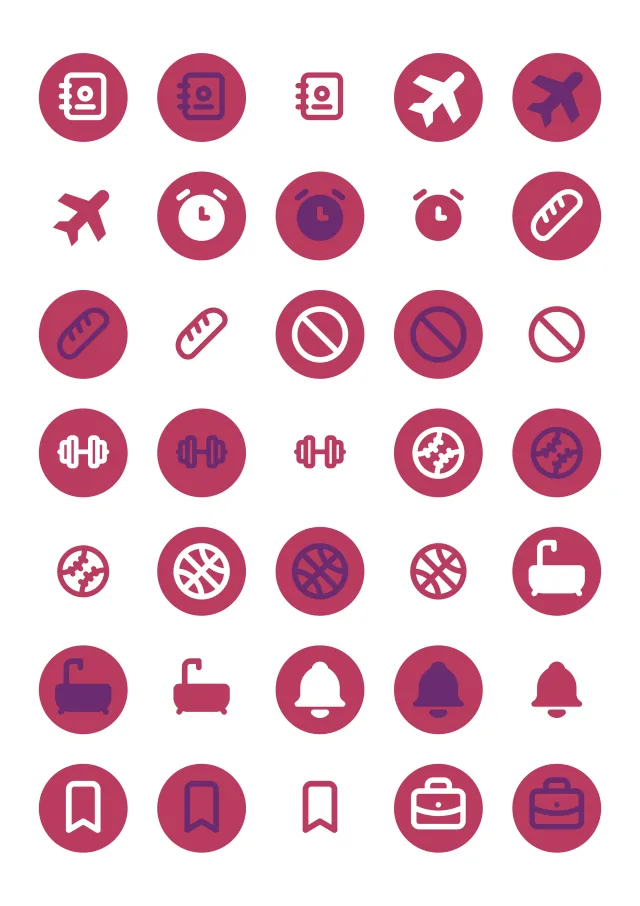
2026-2027 Mid-Year Digital StickersAbundant Brilliance Theme
Reusable stickers drawn for the planner, in the theme’s own colors.
One size
2026-2027 Mid-Year Deluxe Digital StickersAbundant Brilliance Theme
Two sticker sets in one download — the standard set, and the deluxe set as well.
One size
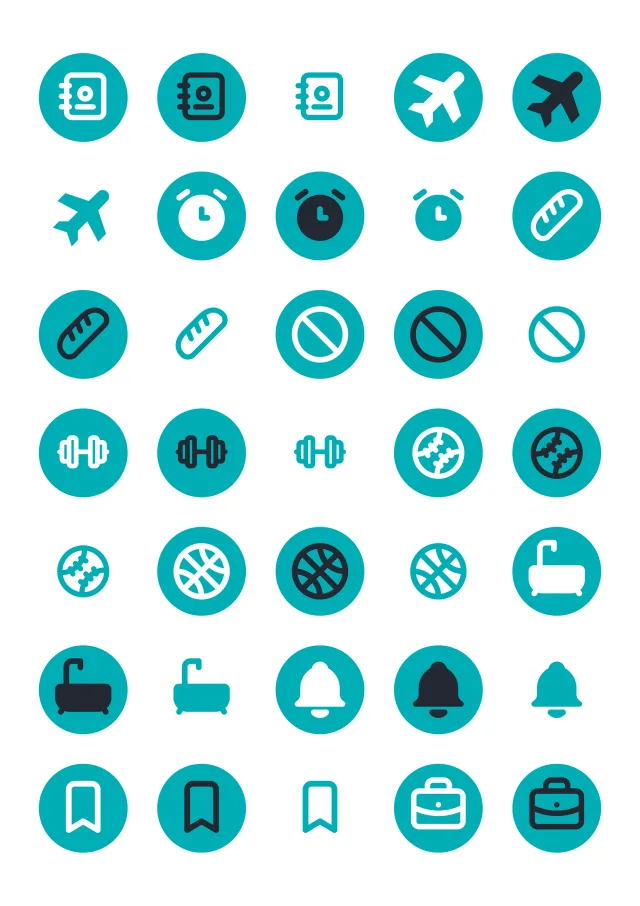
2026-2027 Mid-Year Digital StickersHeavy Wonder Theme
Reusable stickers drawn for the planner, in the theme’s own colors.
One size
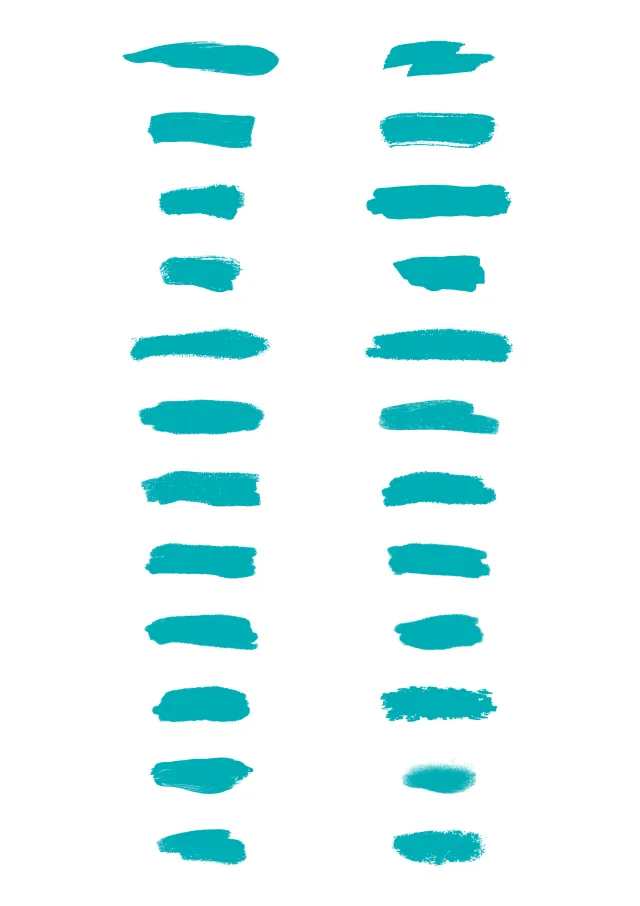
2026-2027 Mid-Year Deluxe Digital StickersHeavy Wonder Theme
Two sticker sets in one download — the standard set, and the deluxe set as well.
One size
More themes and editions arrive through the year. Each one lands here with the same cuts.
02 · Before you pick one
Questions we get asked
- How do I use a digital sticker?
- You copy it and paste it onto a page in your note app, then move and resize it like any other image. It stays where you put it, and the same file can be used as many times as you like.
- Do they blur when I make them bigger?
- They are drawn at the size they are used at rather than scaled up from something smaller, so they hold their edges through normal resizing.
- Do they work outside GoodNotes, Noteshelf and Noteful?
- Usually, yes. Stickers use no links, so any app that imports a transparent PNG can take them — Notability included, even though we do not recommend it for the planner itself.
Anything else, send us a note — we usually reply within one to two business days.
Not sure which size or orientation you want? The guides work through both, with screenshots — or message us and we’ll point you at the right one.