Digital Planners
Digital Planner2027 · Standard
A dated planner for iPad that moves like a website rather than a pad of paper.
01 · What it is
Digital Planner, in short
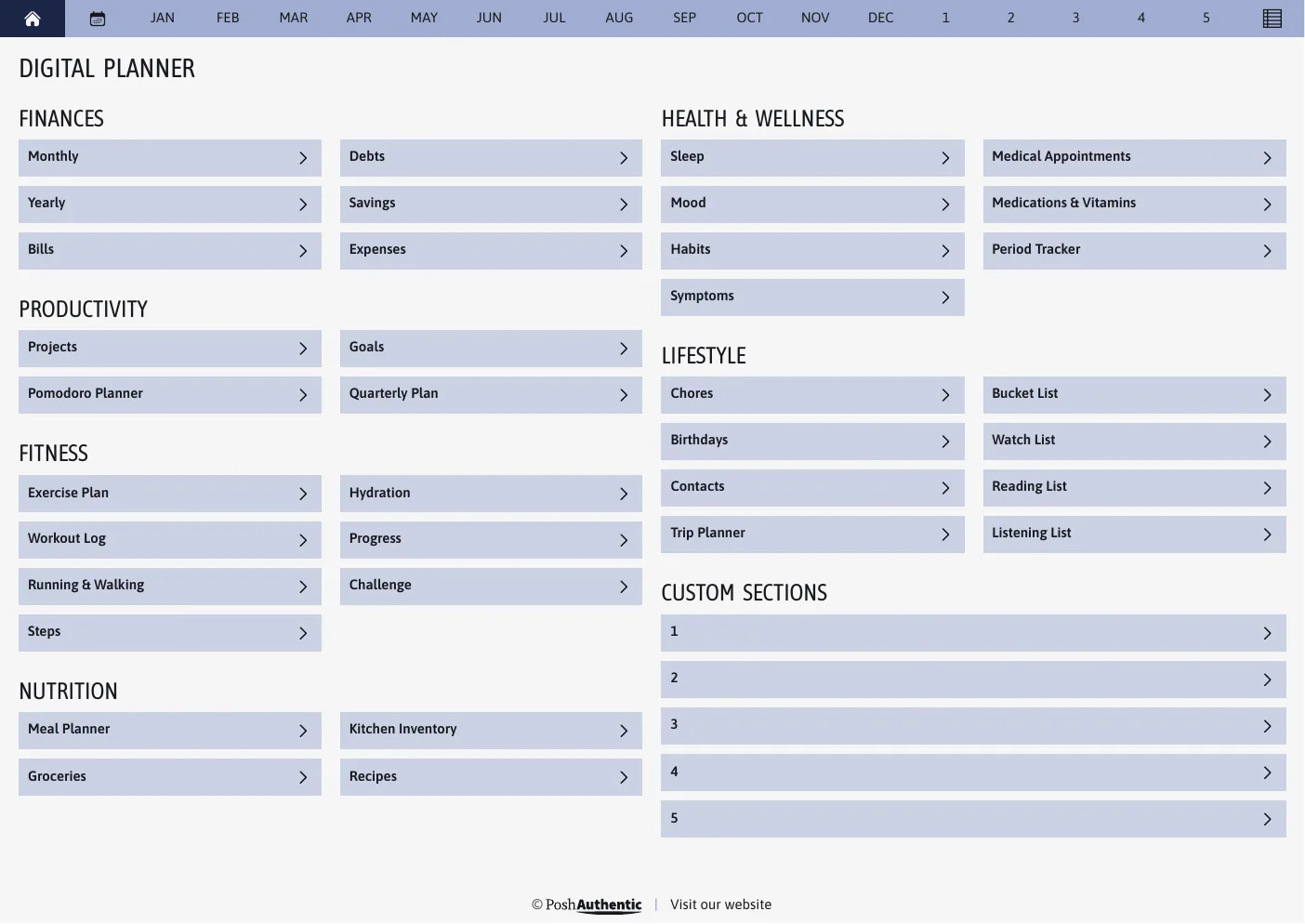
The first page is a dashboard, not a title page. A navigation bar sits on every page and shows you where you are, breadcrumbs run under each heading, and every row ends in a chevron because that is what a chevron means.
You still write on it by hand. You just don’t have to thumb through it to find February.
02 · What you get
Everything in the download
- The planner
- Both week starts — Sunday and Monday — so you don’t have to settle
- Matching covers
- Add one to the front — the whole set, in every color
- Every colorway
- The whole theme, light and dark, in one download
- Pages
- 1,300+ hyperlinked pages
- Covers
- 250+ designs
03 · Colors
Every colorway is in the download
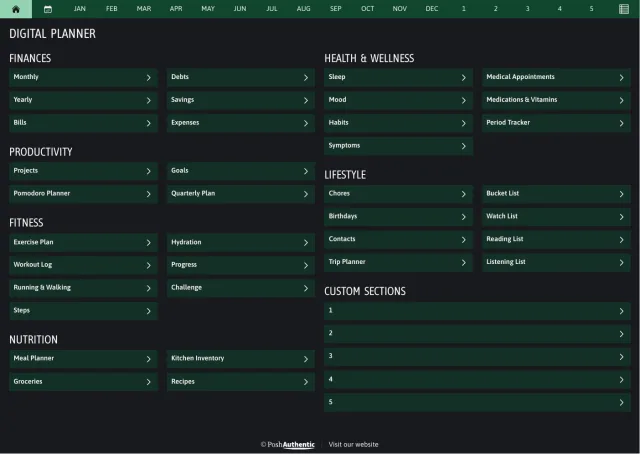
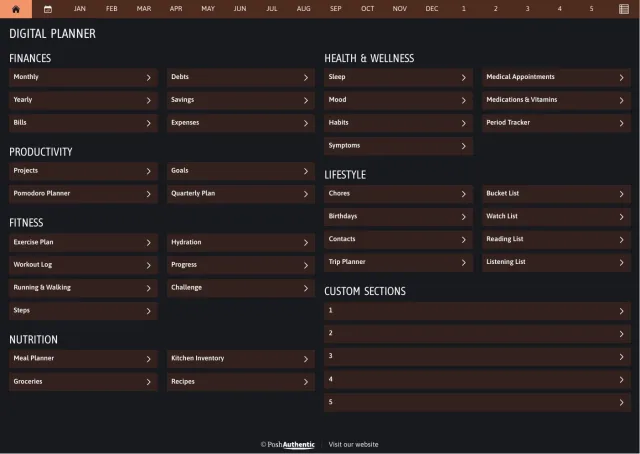
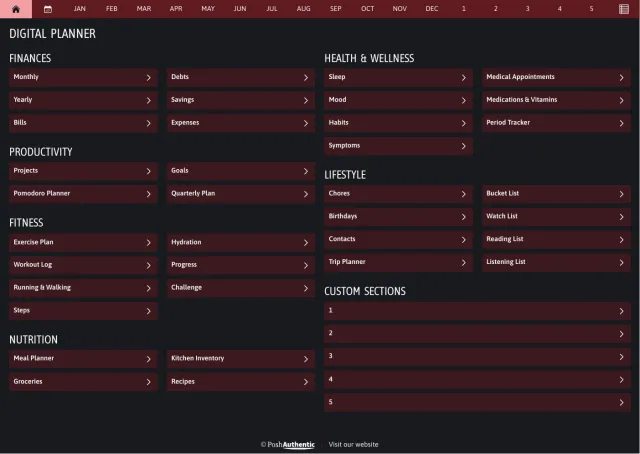
You don’t pick one. The same planner comes in 6 colorways, and 4 of them ship a dark version as well — change whenever you like, without buying again.
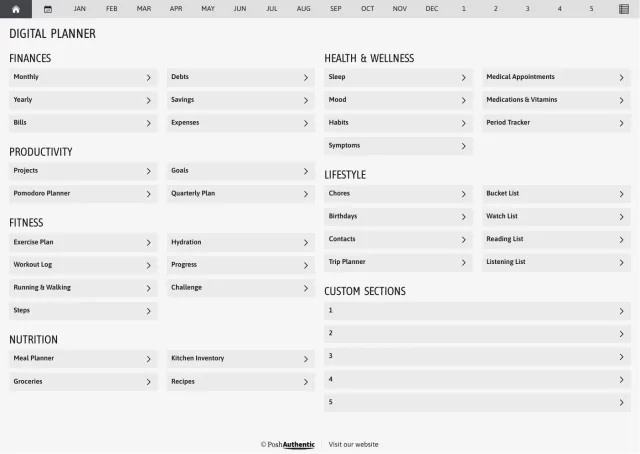
White
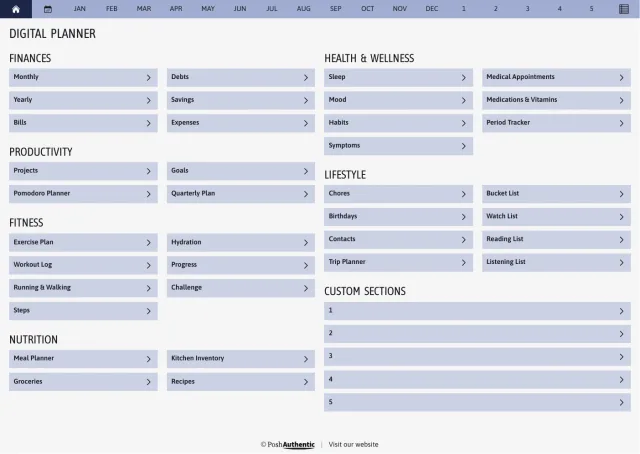
Blue
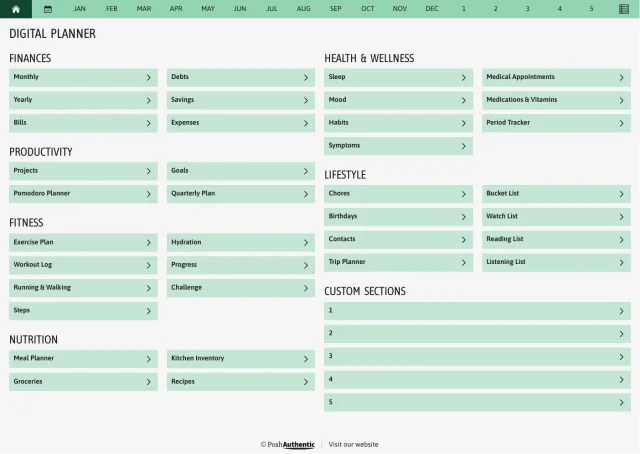
Green
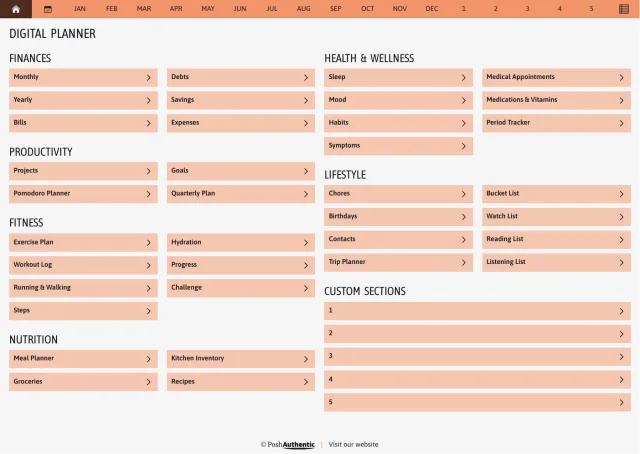
Orange
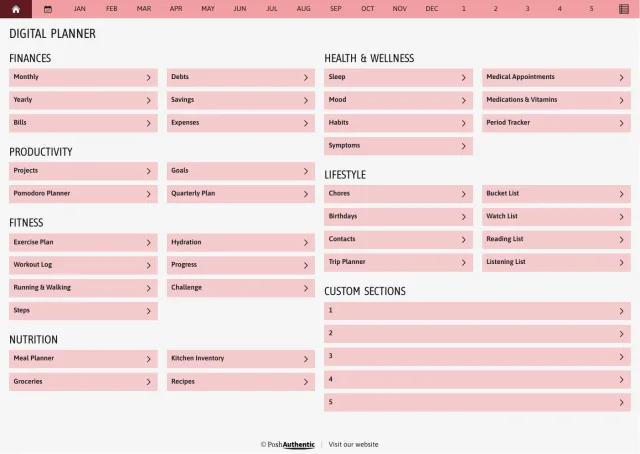
Red
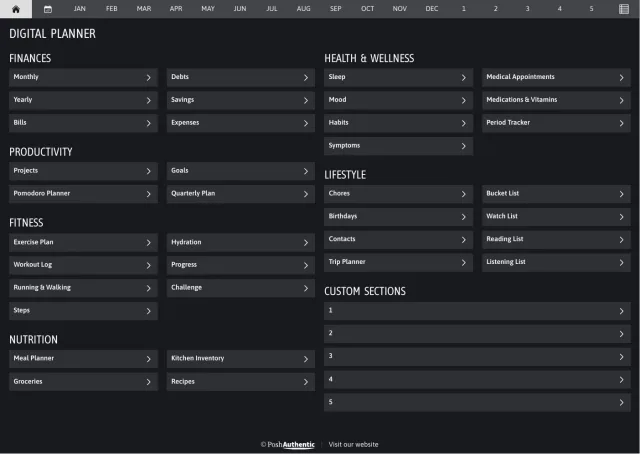
Black
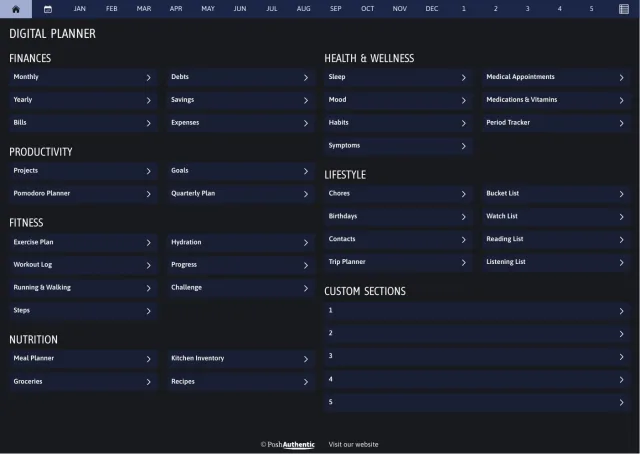
BlueDark mode
GreenDark mode
OrangeDark mode
RedDark mode
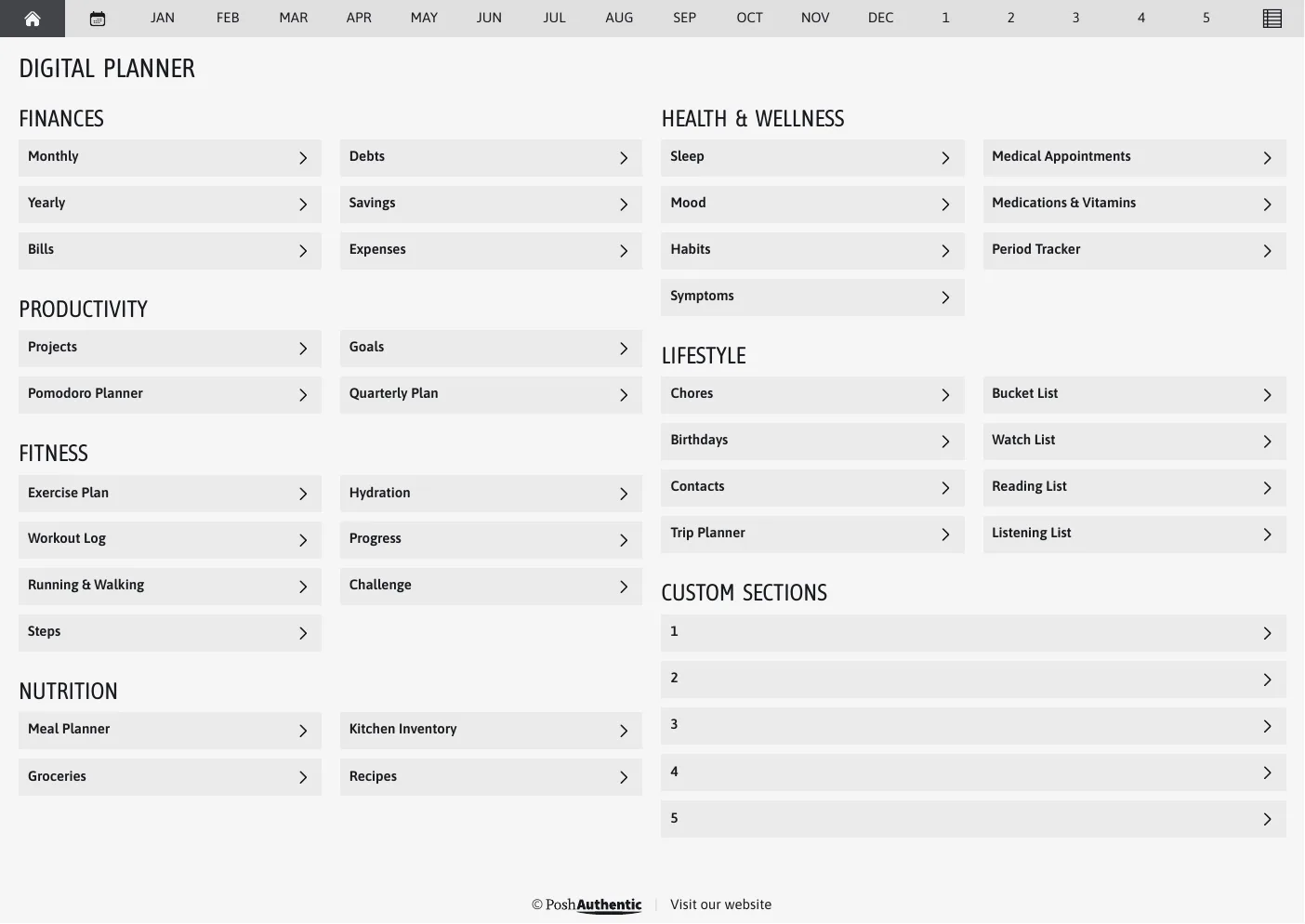
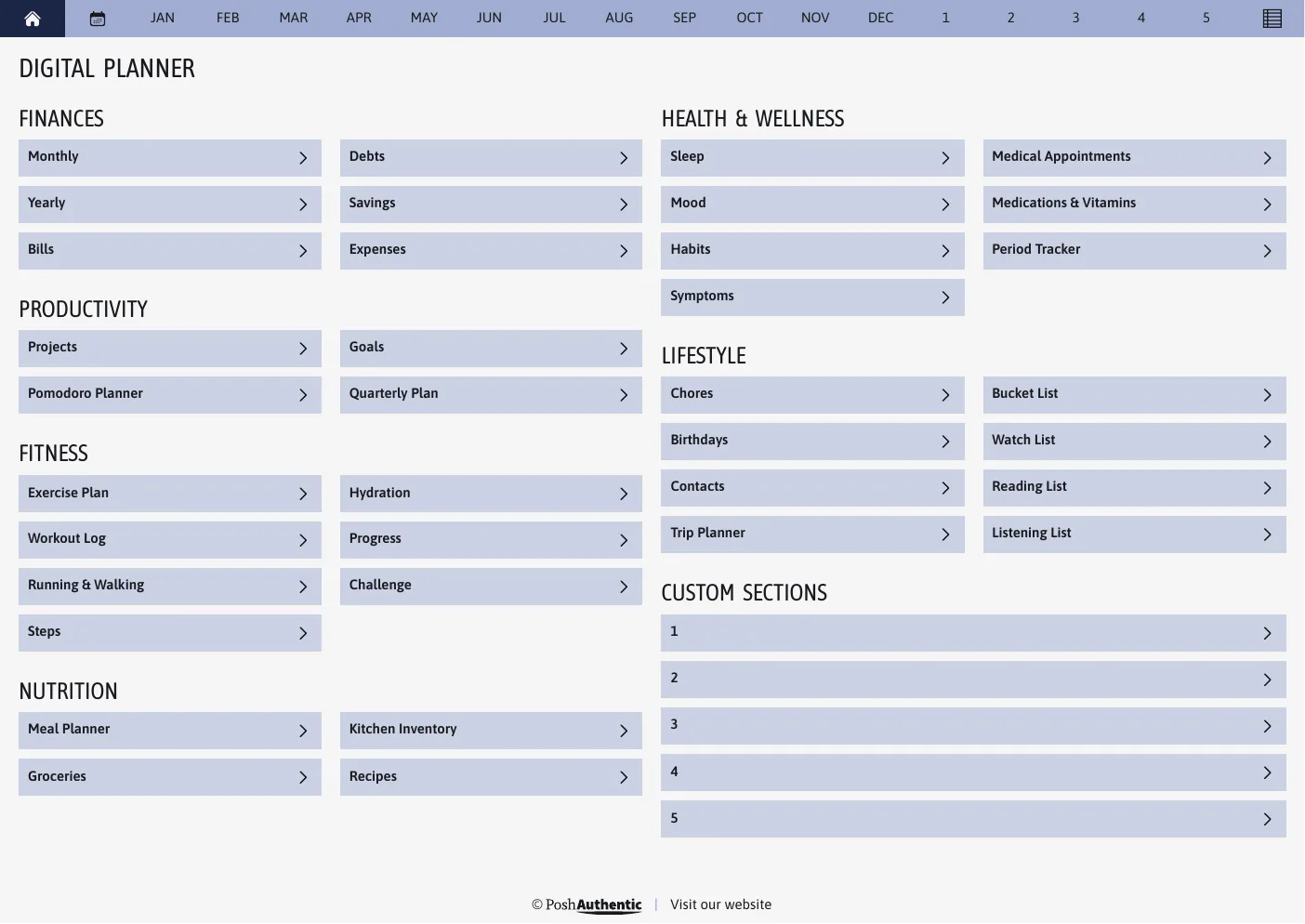
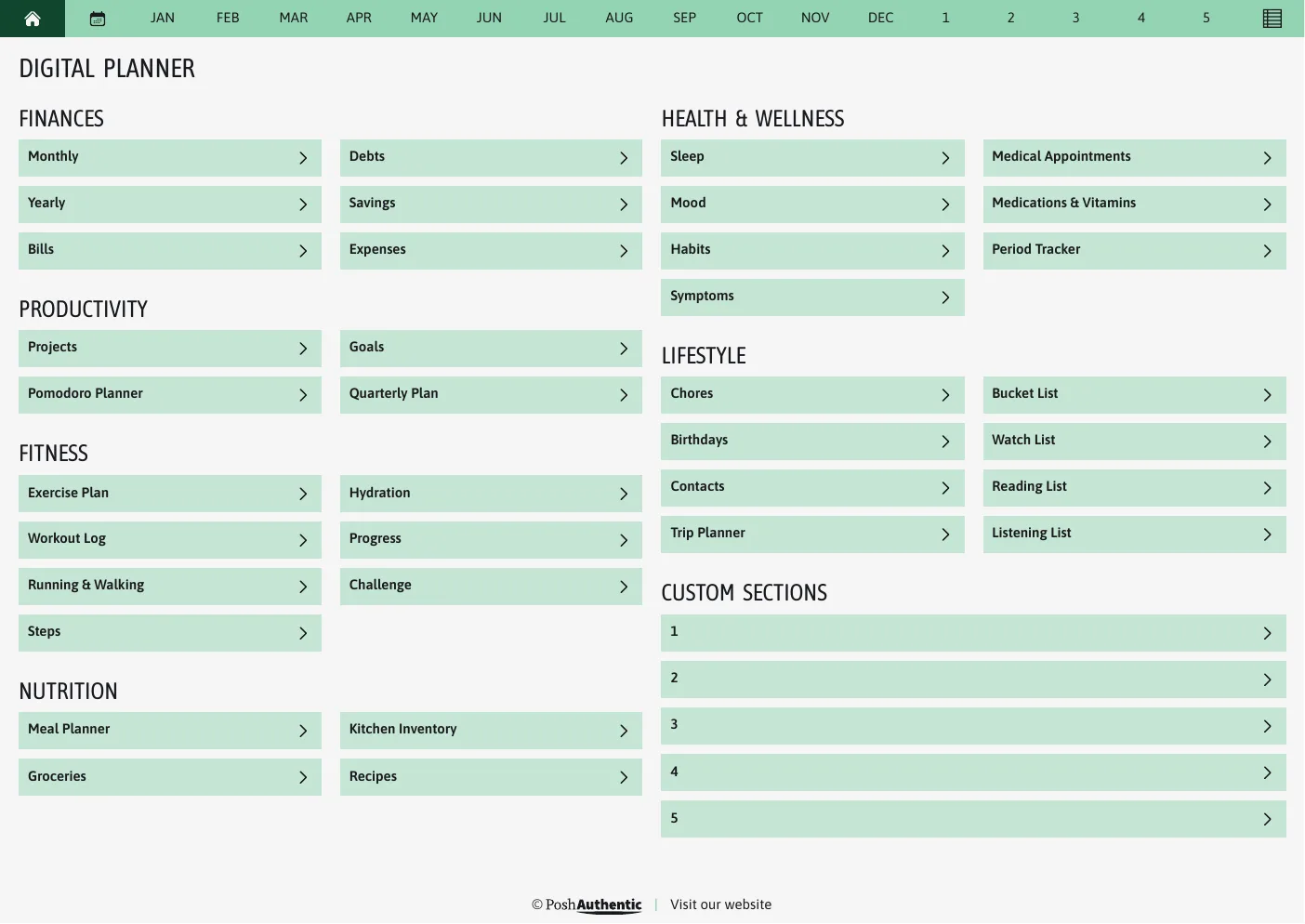
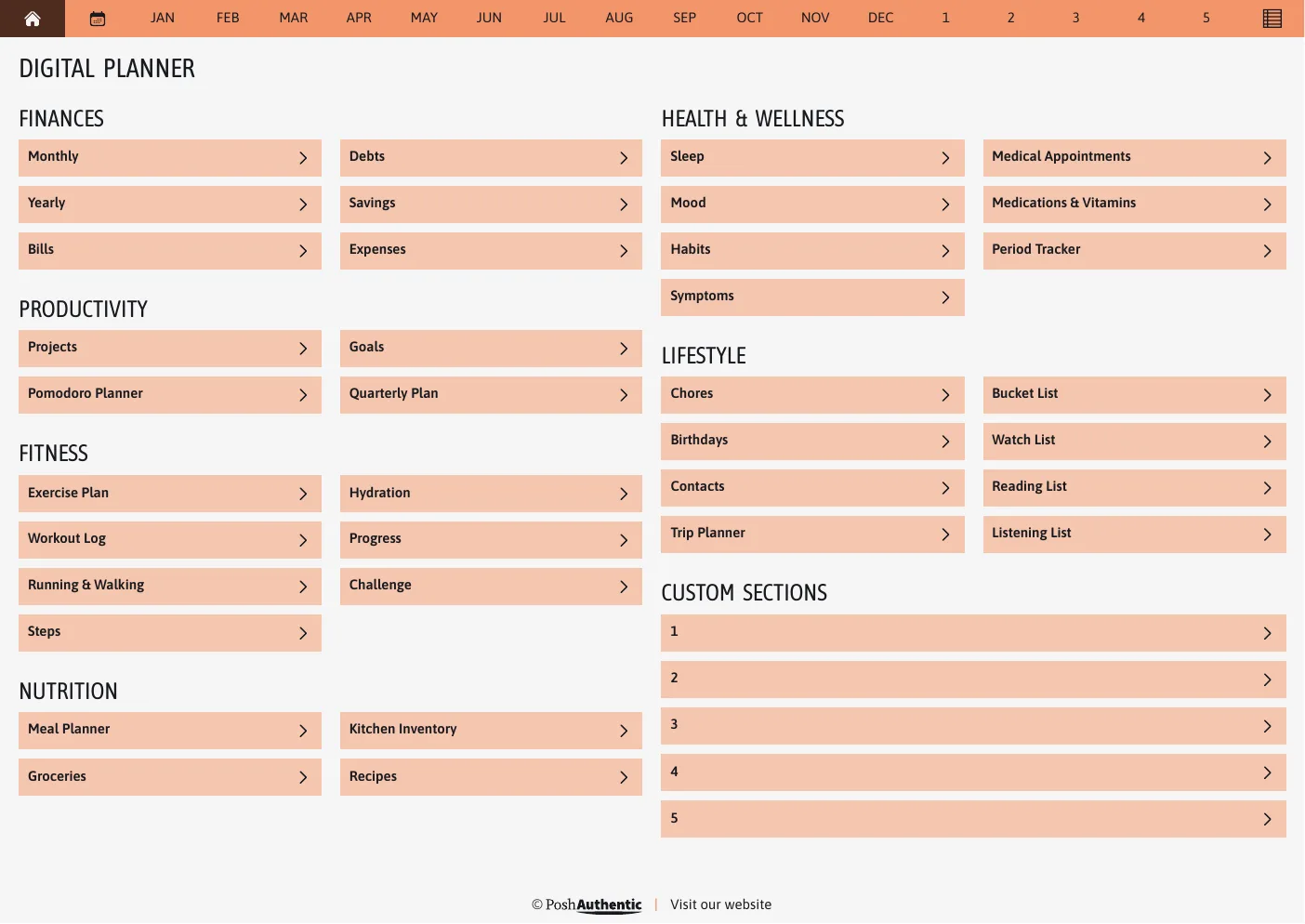
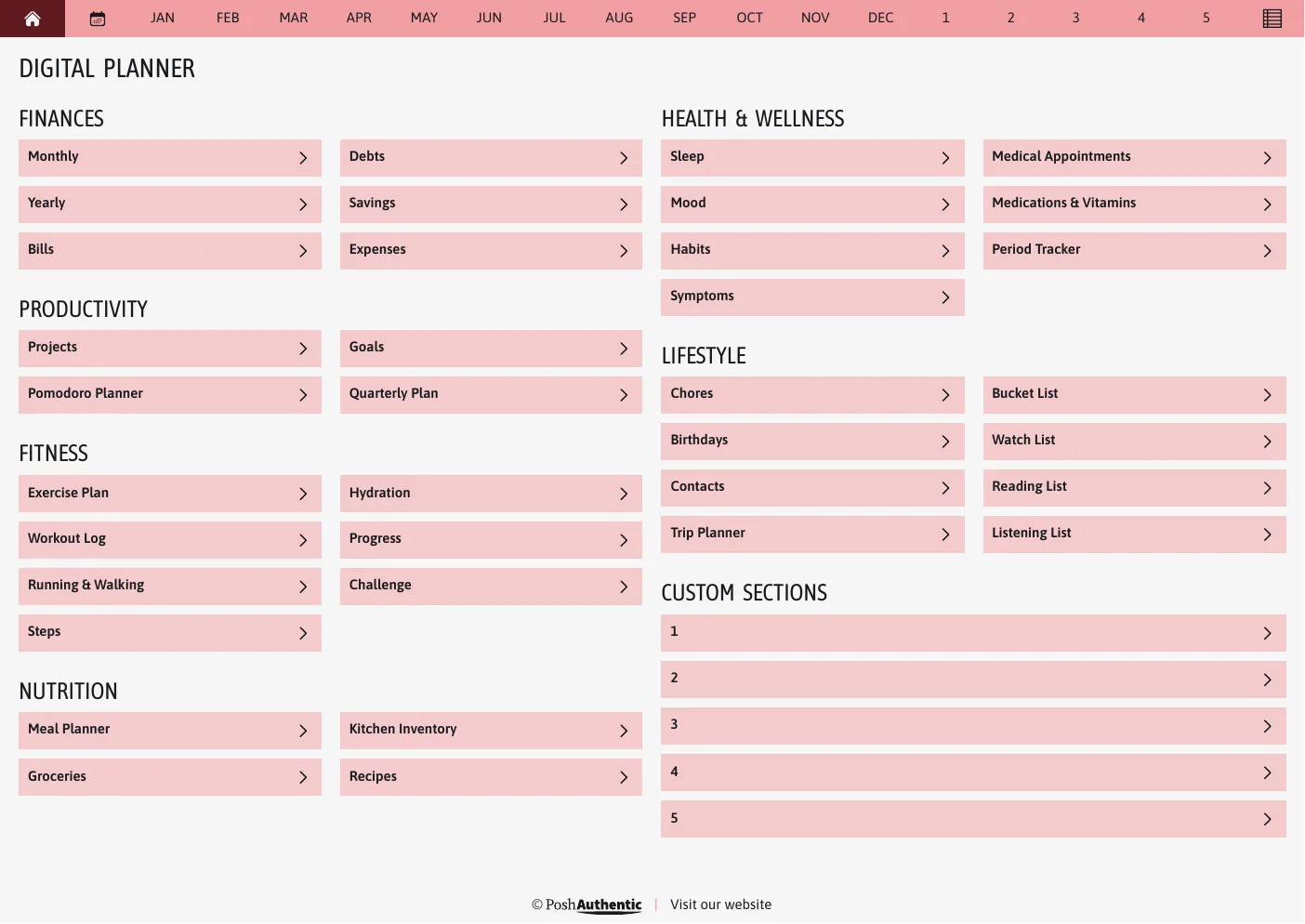
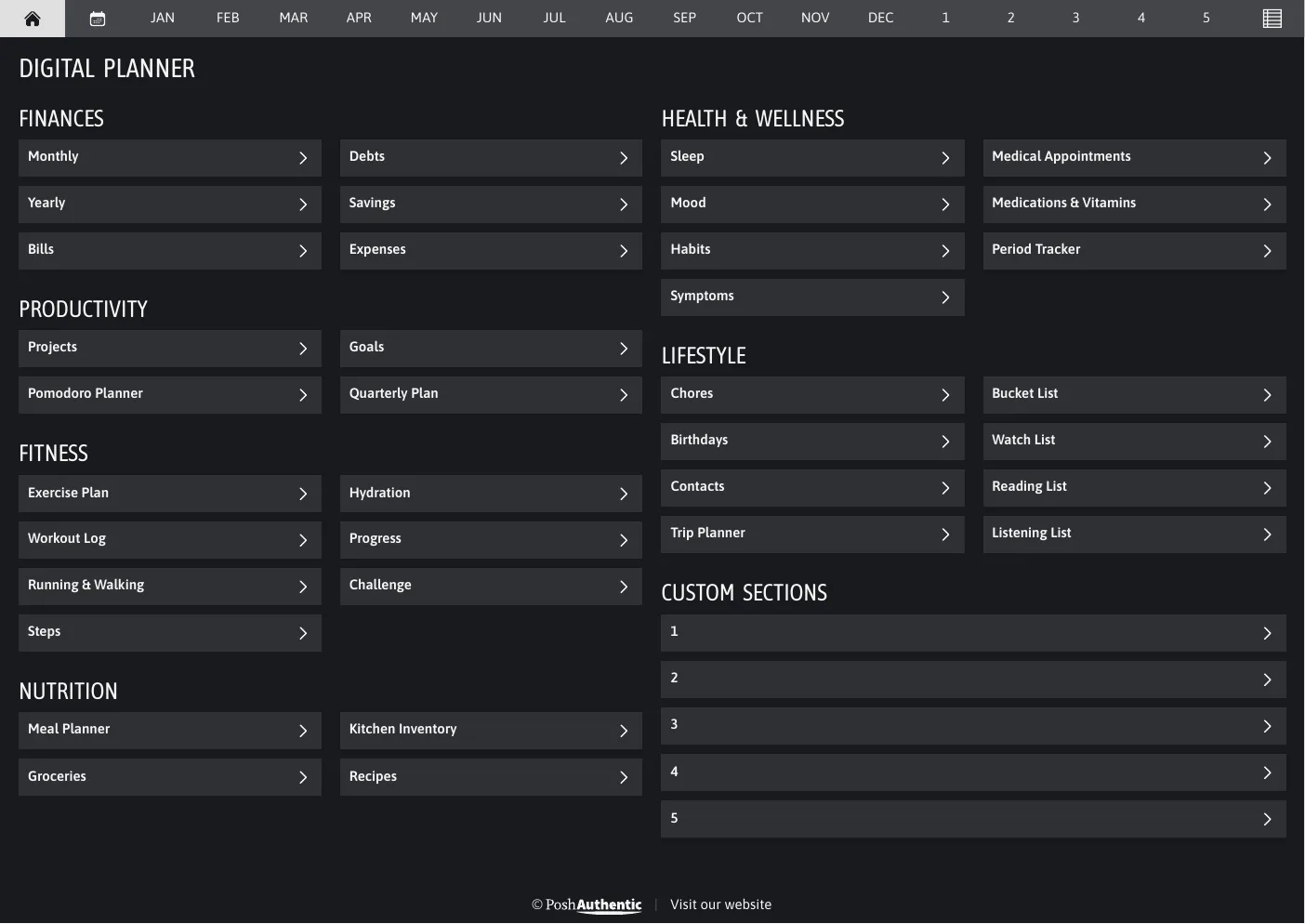
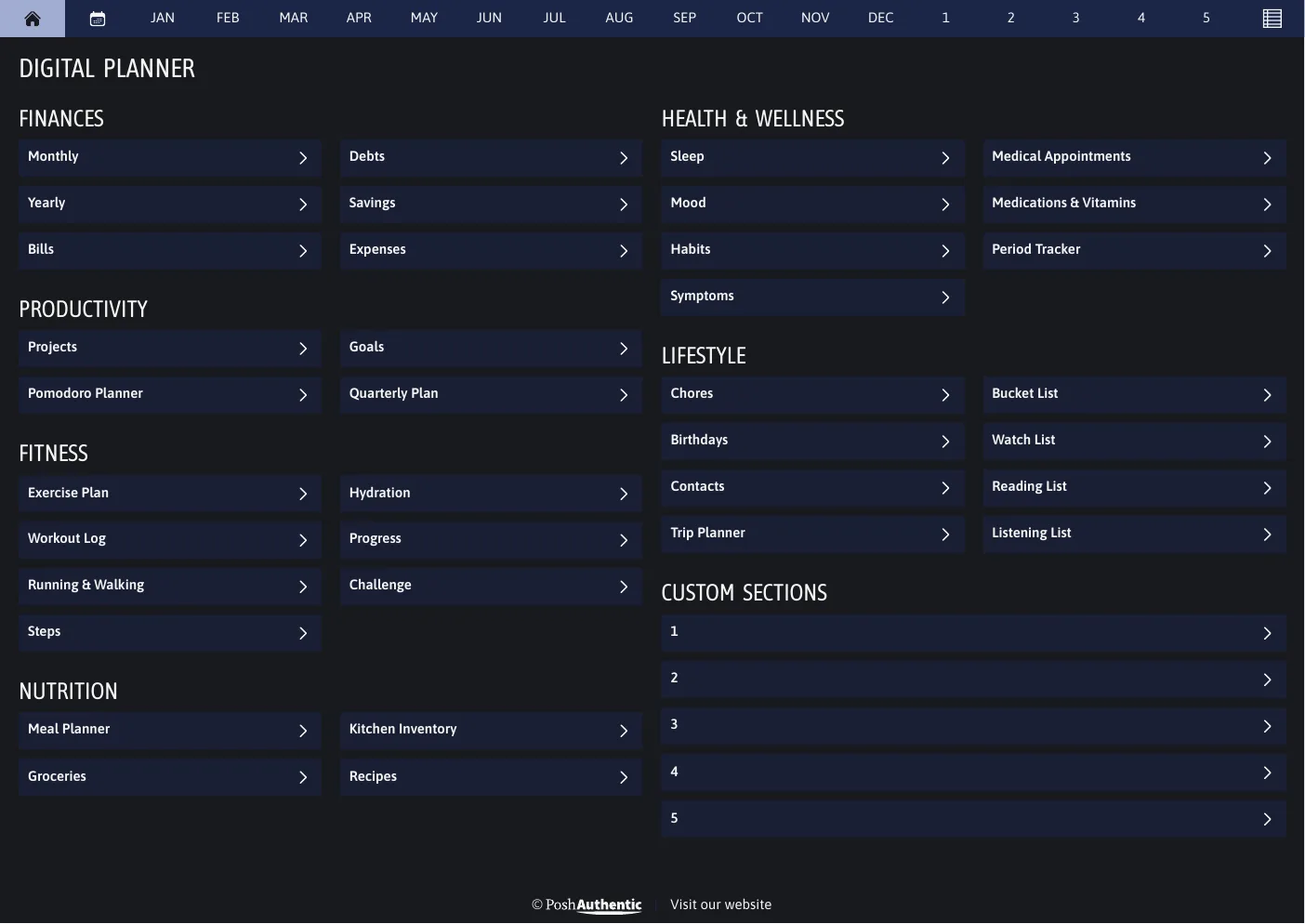
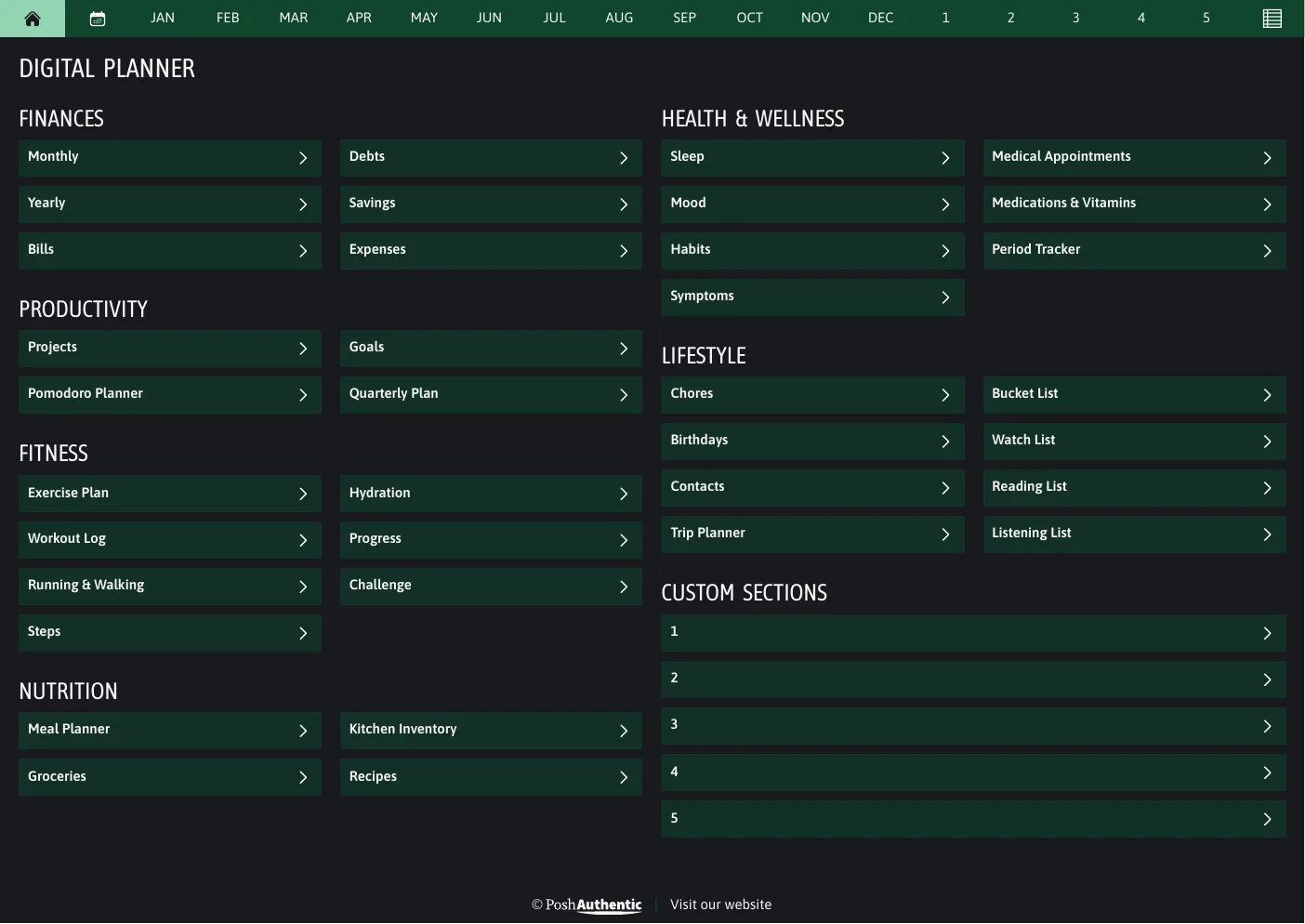
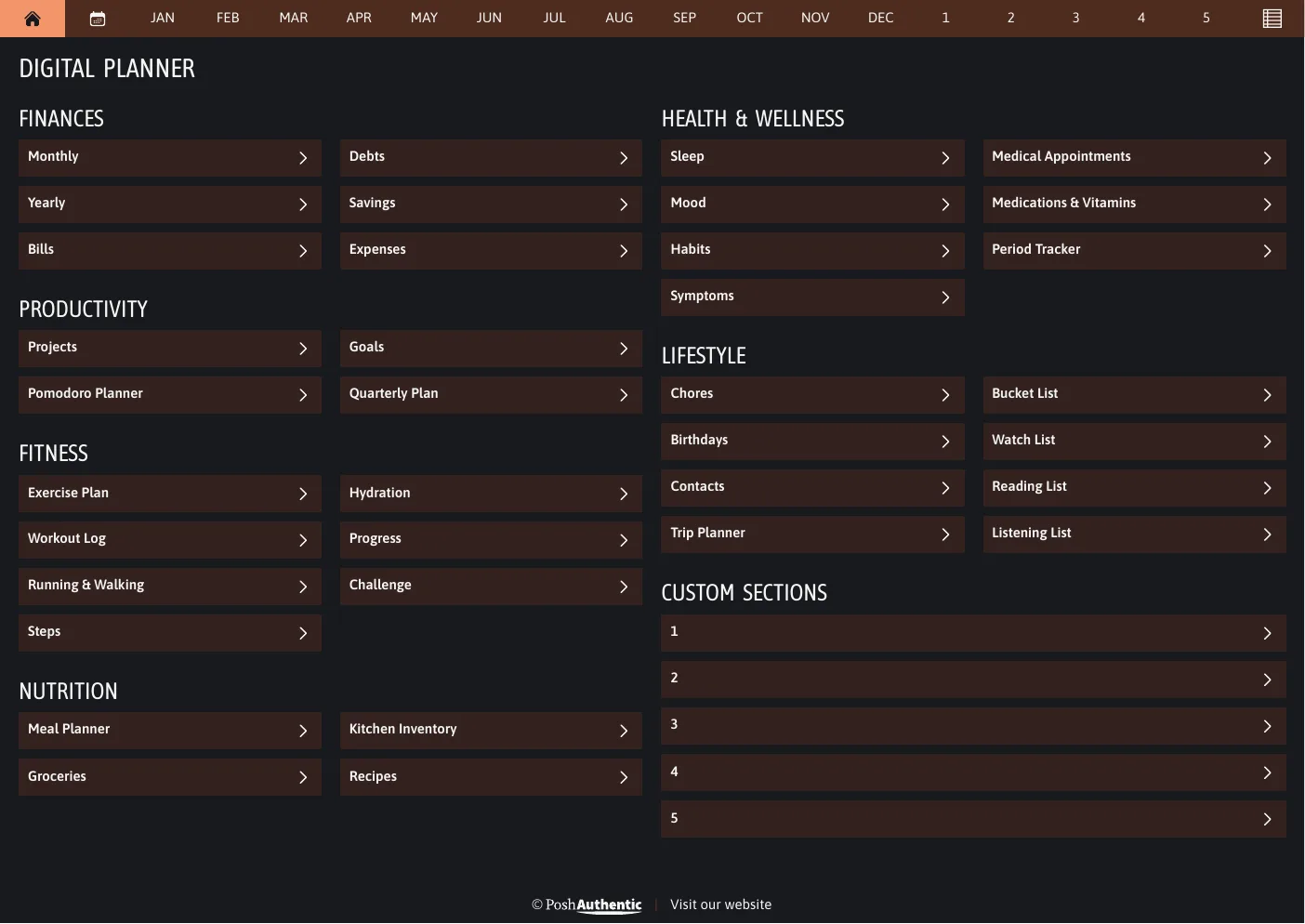
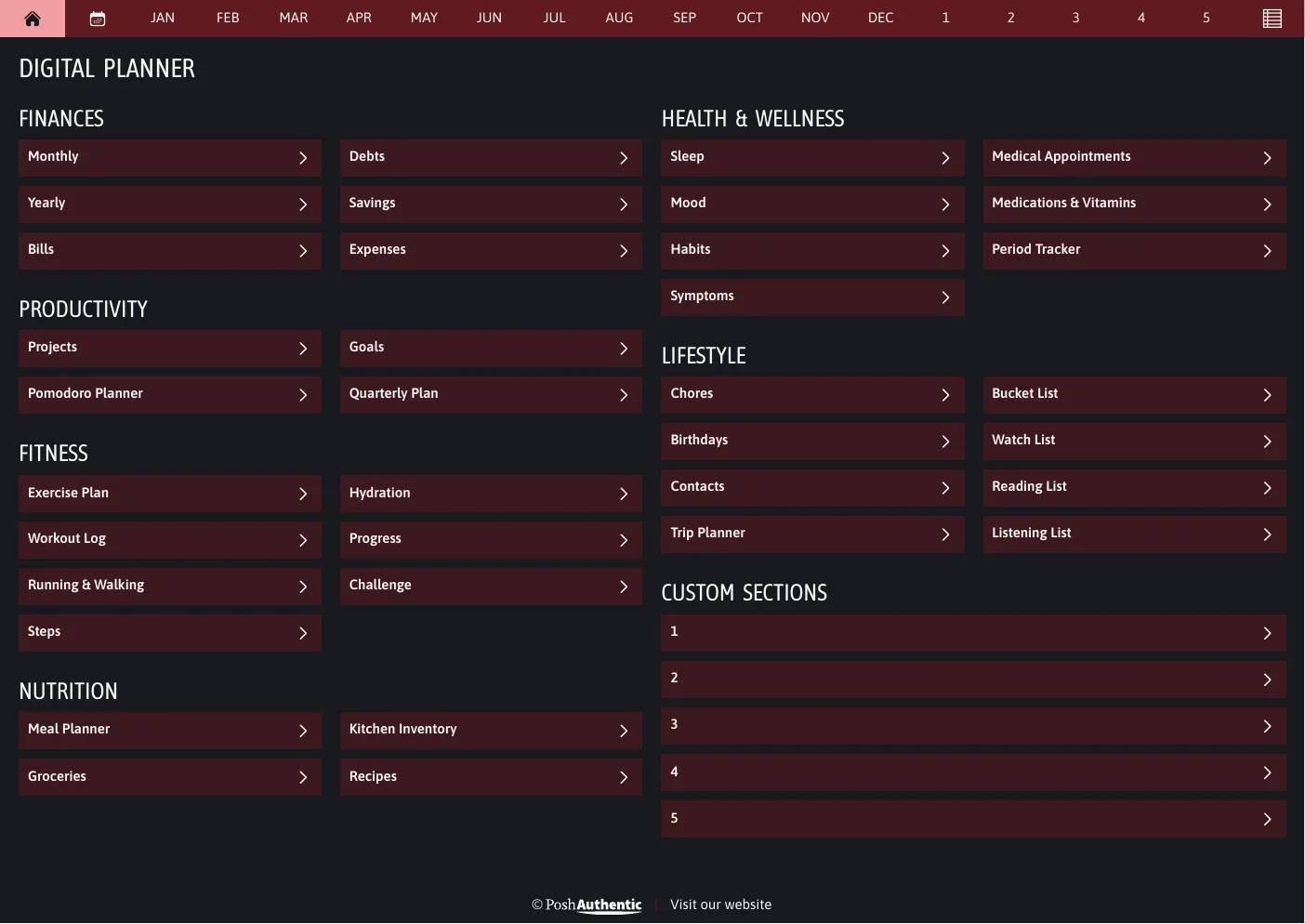
Shown landscape A4. Every cut ships the same colorways.
04 · Covers
Covers are in the download
The planner doesn’t arrive with a cover on it. You add the one you want as its first page — and there are 250+ to choose from, plain and dated through to botanical and geometric, each in every colorway.
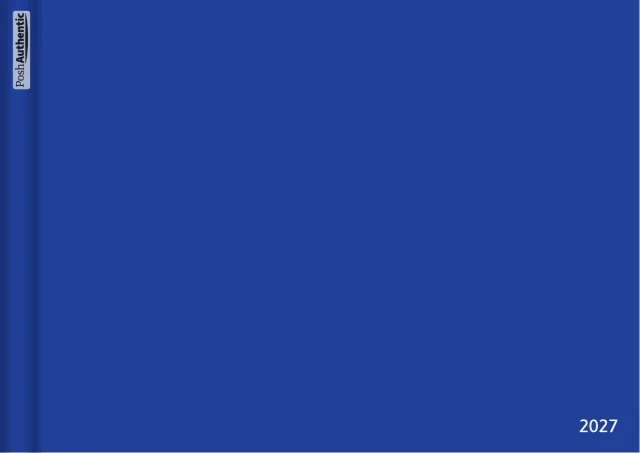
Minimalblue
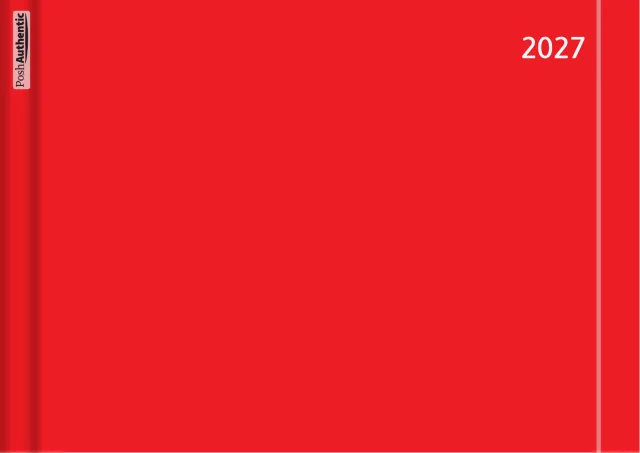
Stripered
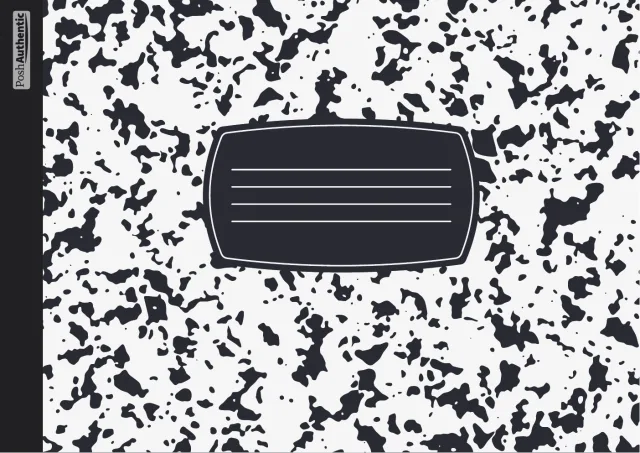
Compositionblack

Notebookwhite
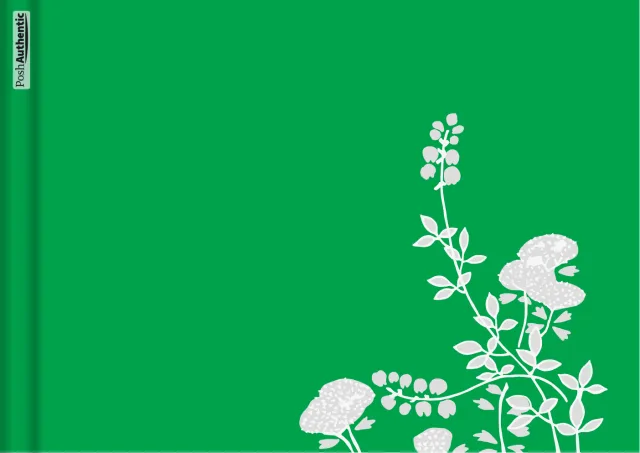
Plantsgreen
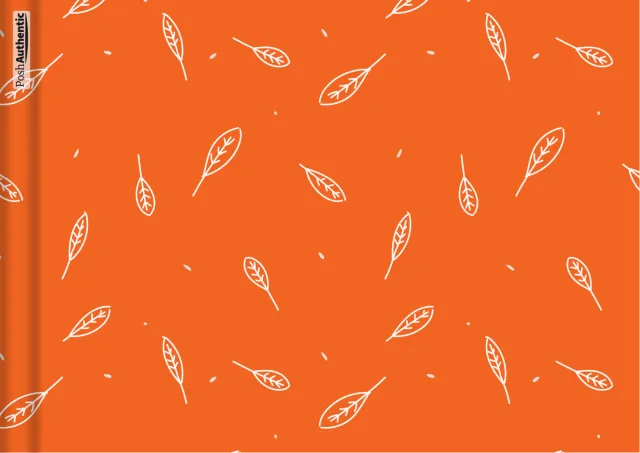
Leavesorange
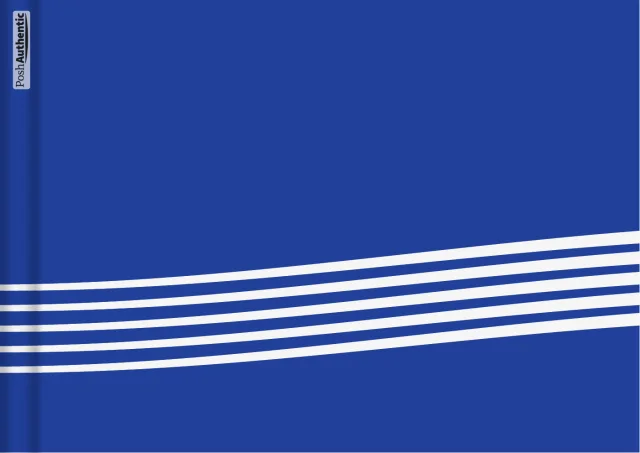
Linesblue
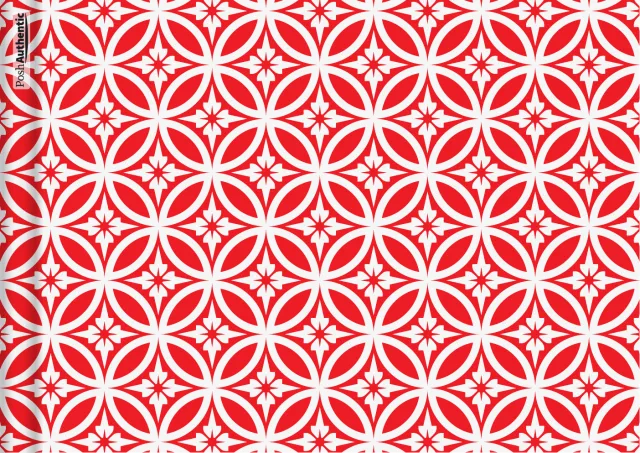
Shippored
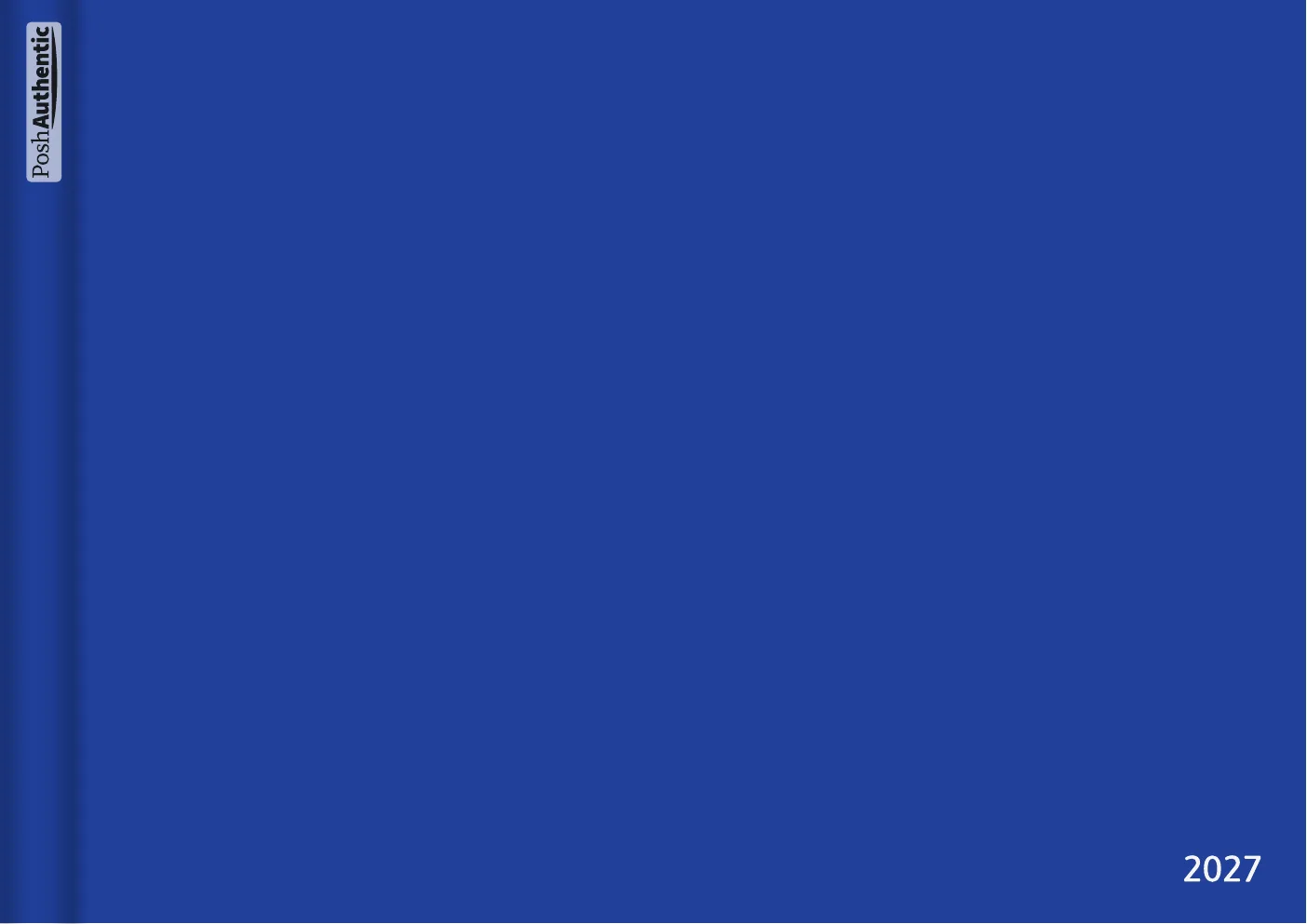
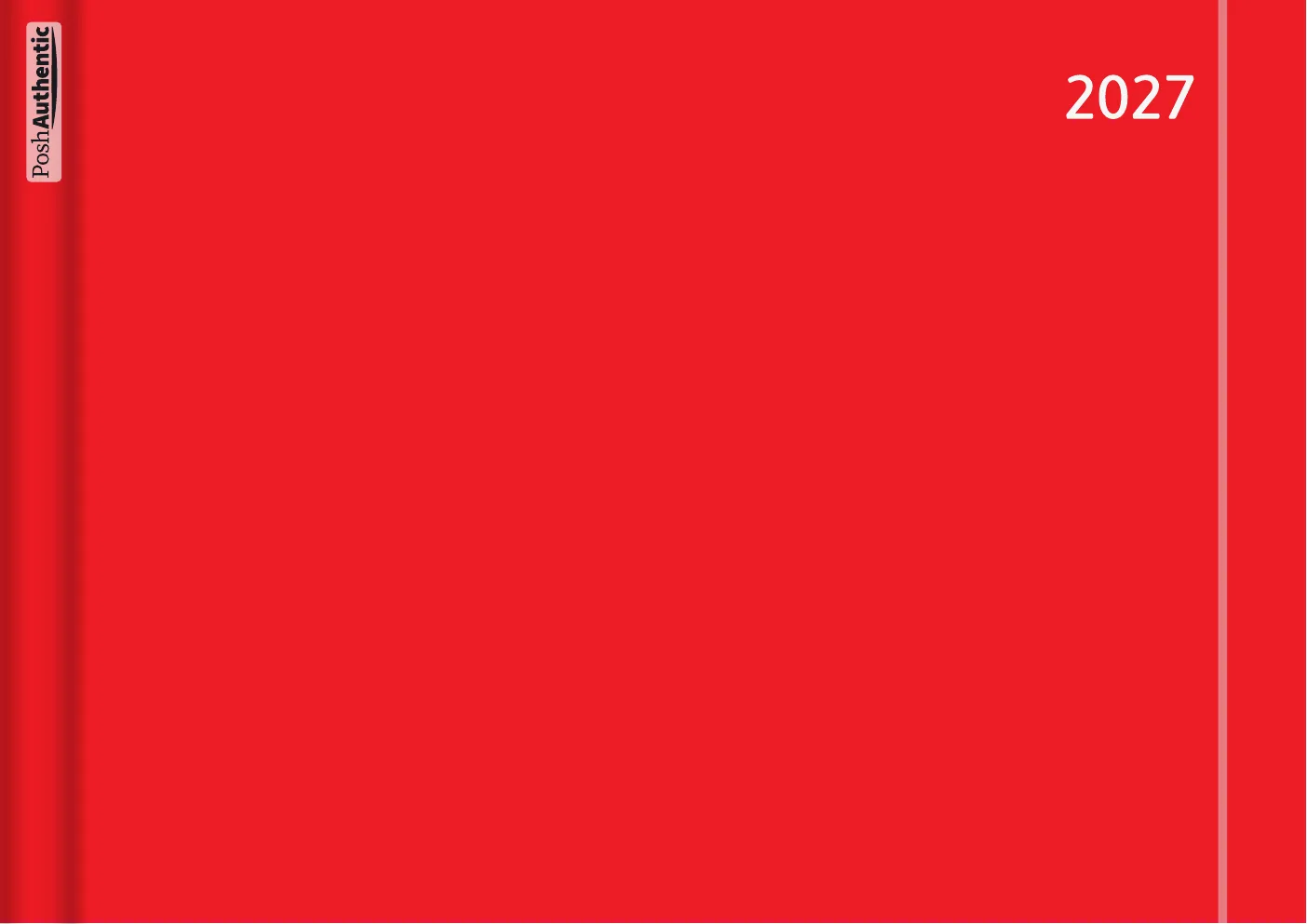
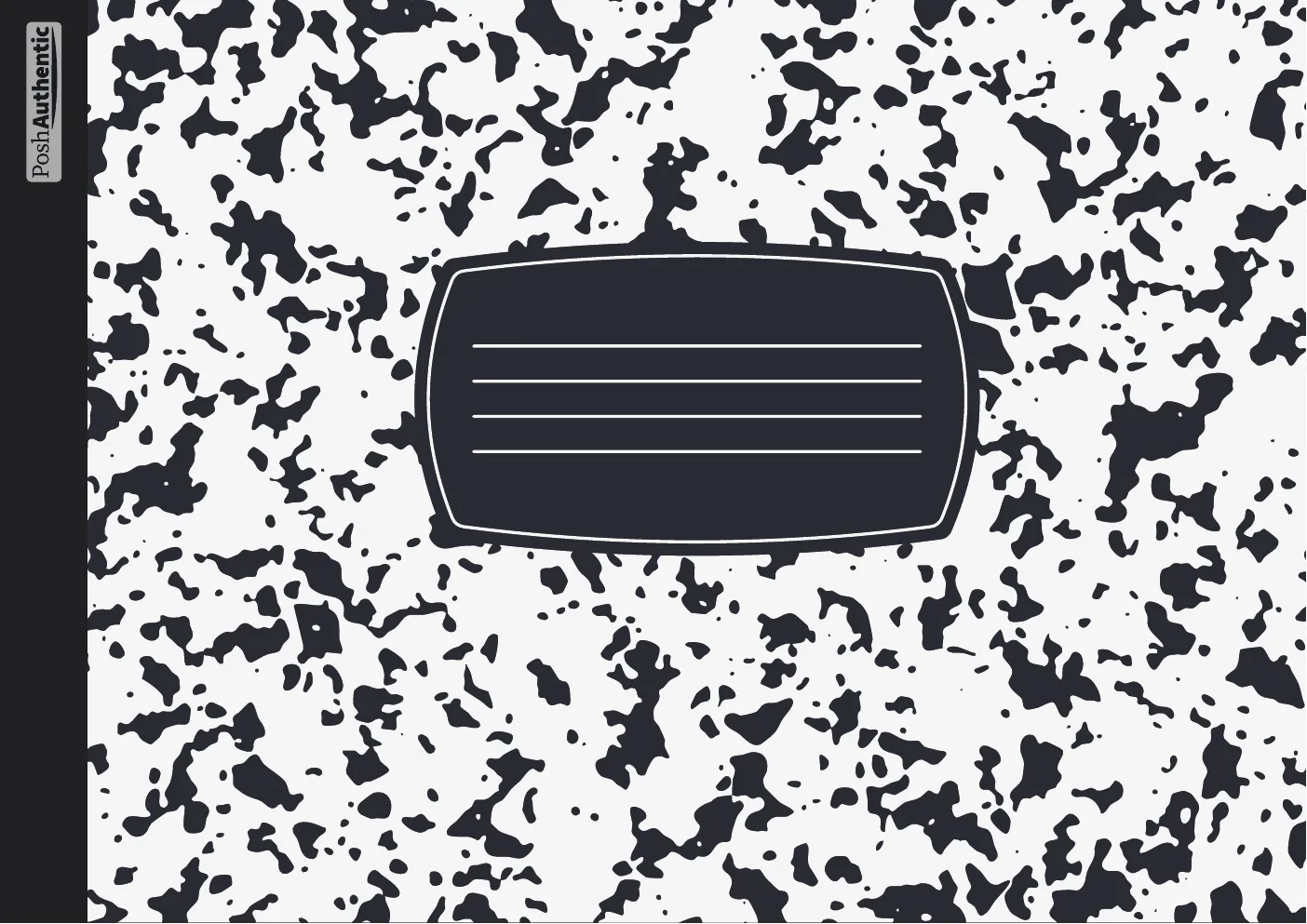

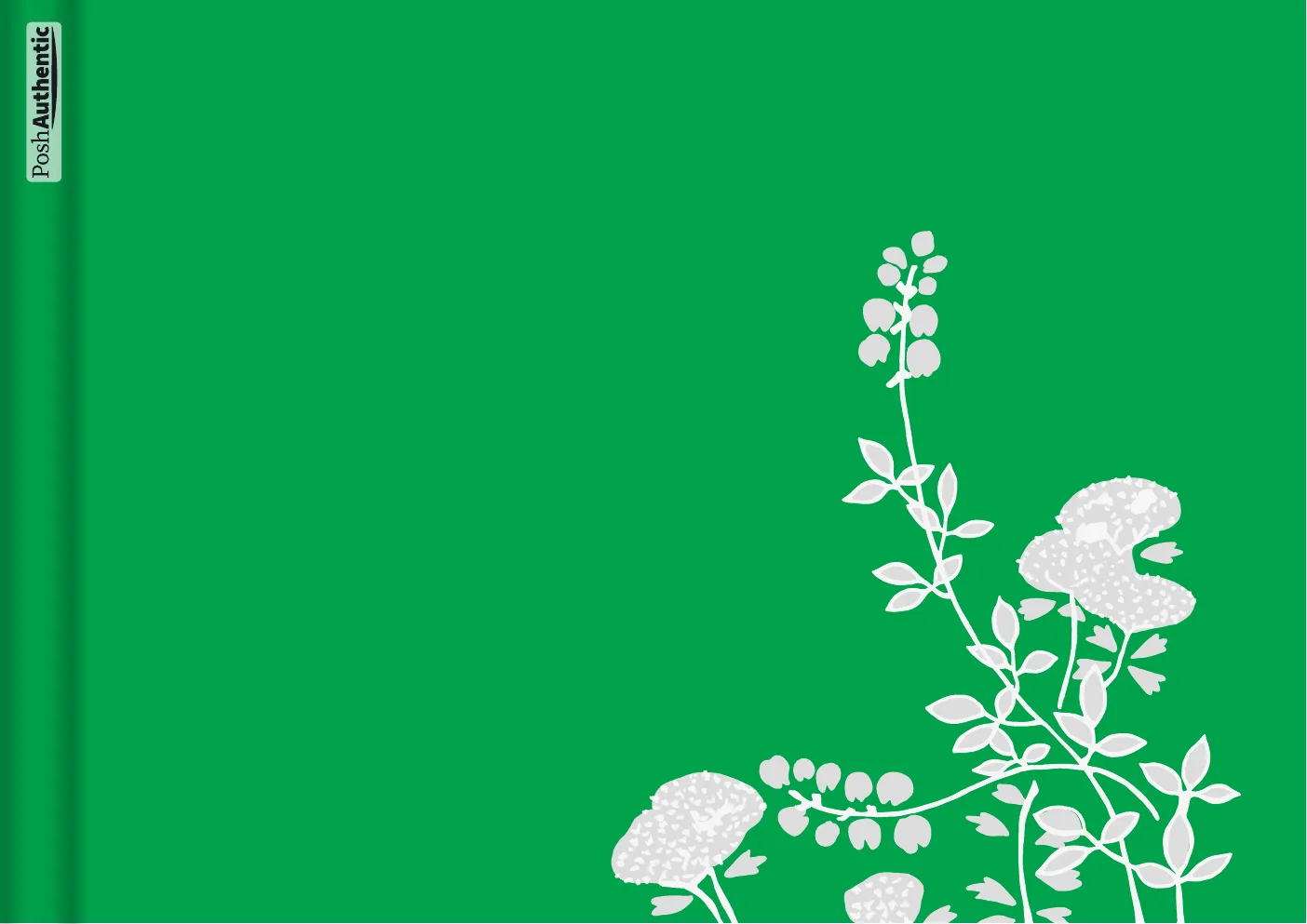
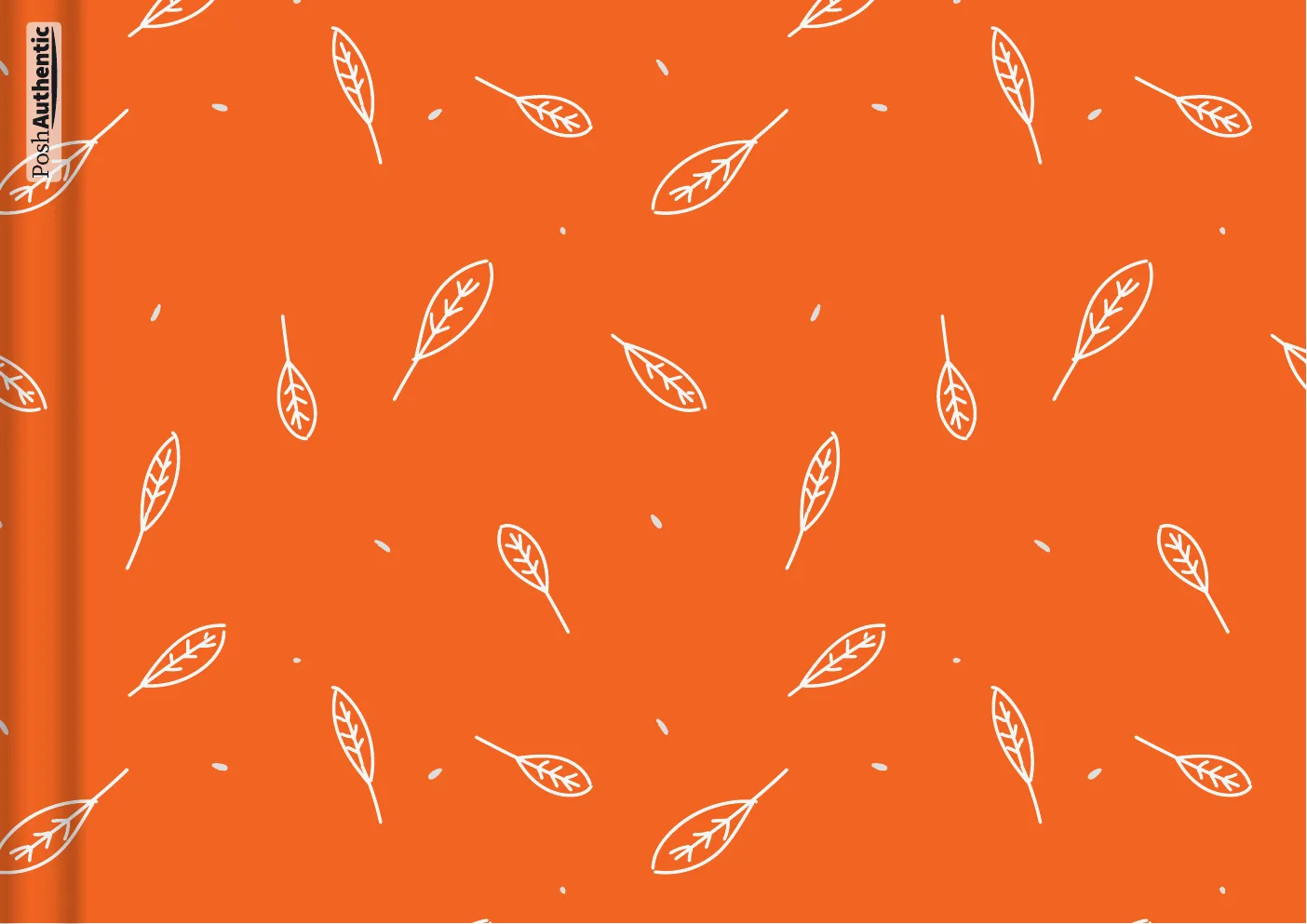
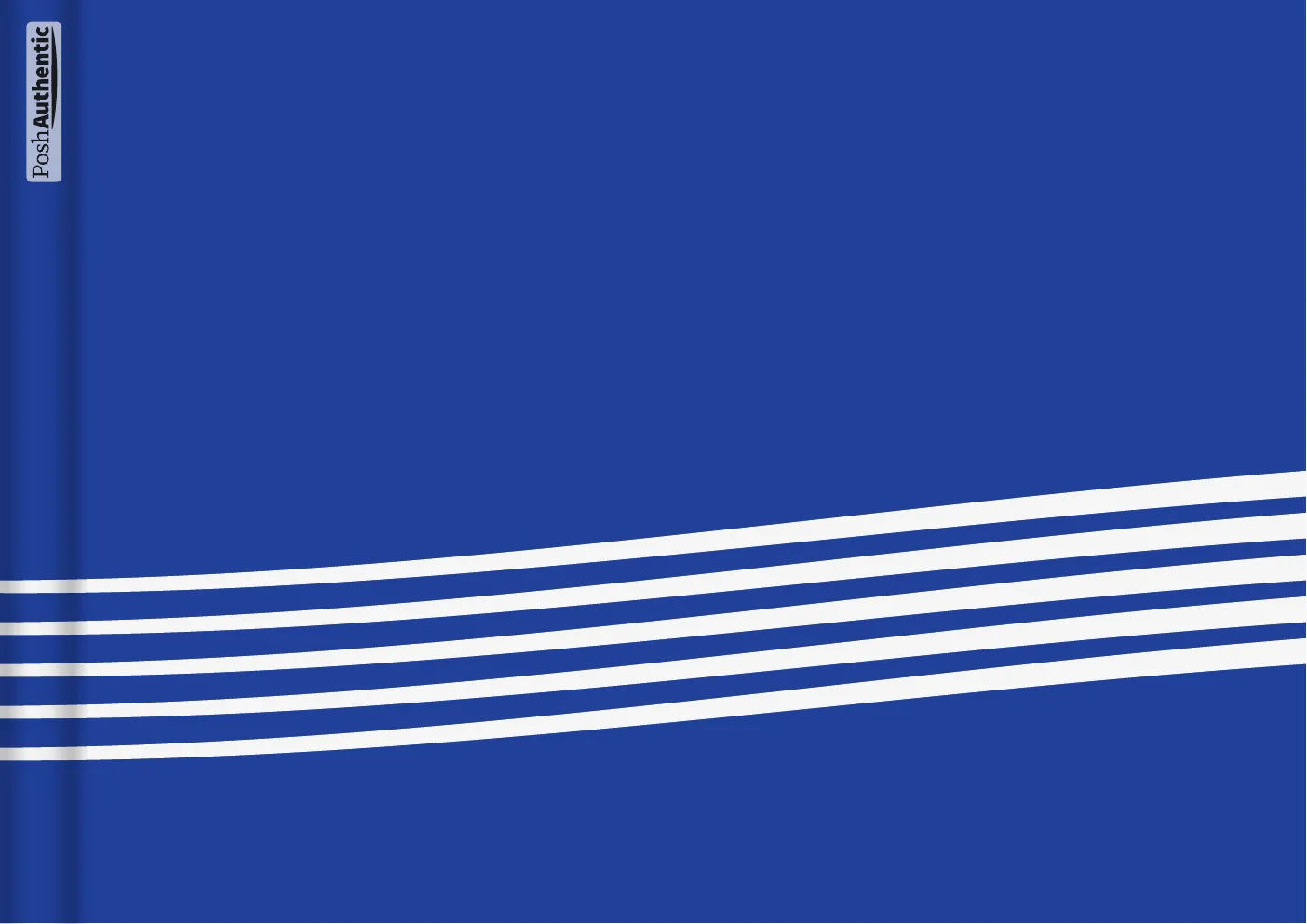
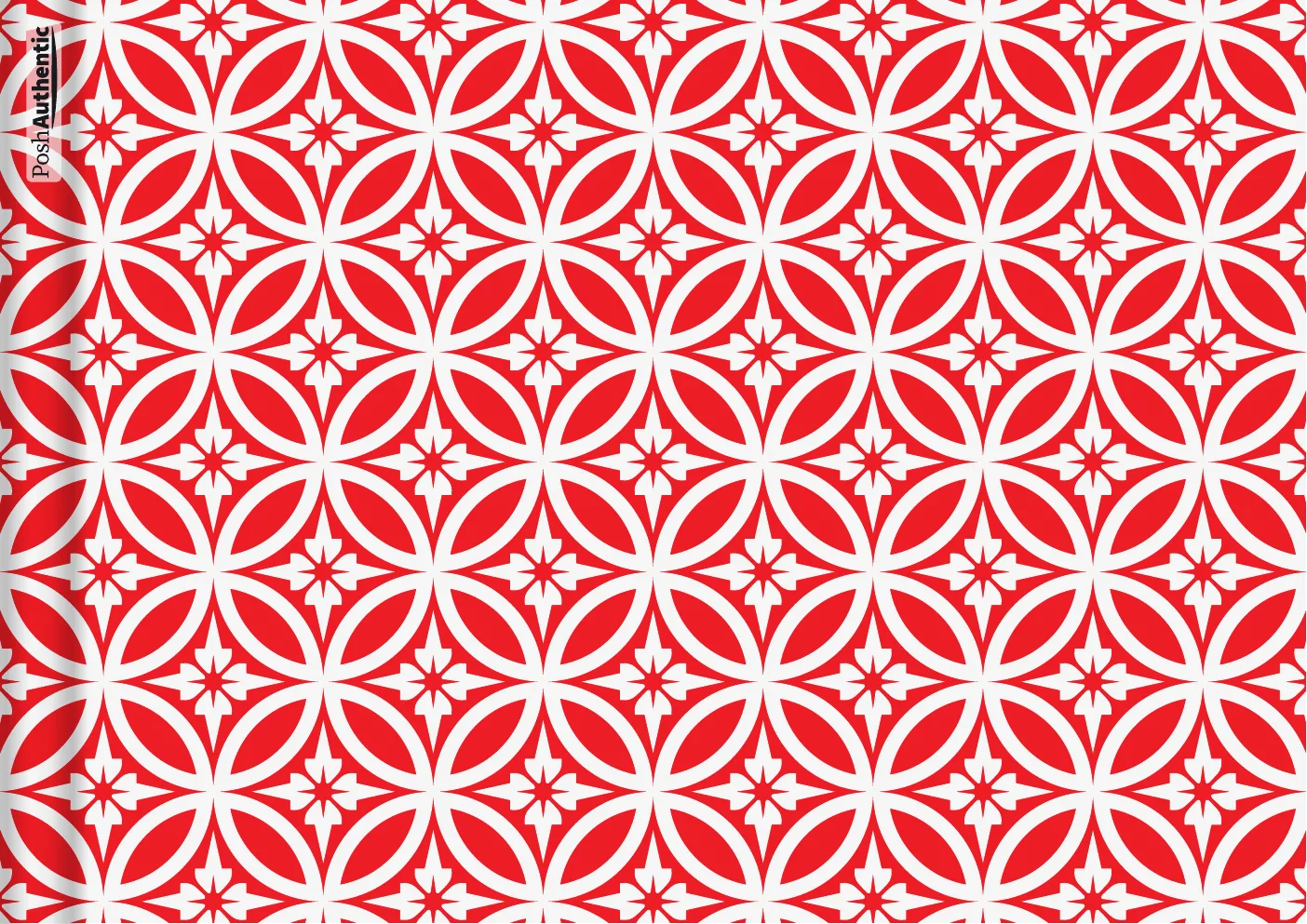
Eight of 250+, shown landscape A4 — enough to show the range, not the whole set.
05 · Before you buy
It takes about ten minutes to set up
The planner is a PDF that lives inside a note-taking app on your tablet. Its links and tabs work in GoodNotes, Noteshelf and Noteful.
It is an instant download, so there is nothing to post and nothing to wait for.
Everything is designed and tested in-house. If something isn’t sitting right on your iPad, message us and we’ll help you sort it out.